10 setups that put Hermes Agent on autopilot

文章目录
Most people use Hermes like a chat app. It can run on its own, and most of these setups never call a model at all.
You open a chat, ask, wait, close it. Everything Hermes could be doing while you sleep (checking, watching, backing up, drafting) waits until you remember to ask.
Here are 10 setups that turn Hermes from something you talk to into something that works on its own. Each one comes with what it does, why it matters, how it works, the one command that sets it up, and the catch to know about.
Before you start: you need Hermes Agent v0.22 or newer. Setups that message you need one connected chat app; these examples use Telegram (set it up once with hermes gateway setup). Every command below was checked on the current release.
How to read a schedule. Most commands start with a cron schedule in quotes. It has five parts: minute, hour, day of month, month, day of week. So "0 8 * * *" means 8:00 every day, "0 9 * * 1" means 9:00 every Monday, and "0 */6 * * *" means every 6 hours.
01 · Watch a page. Wake only on change.
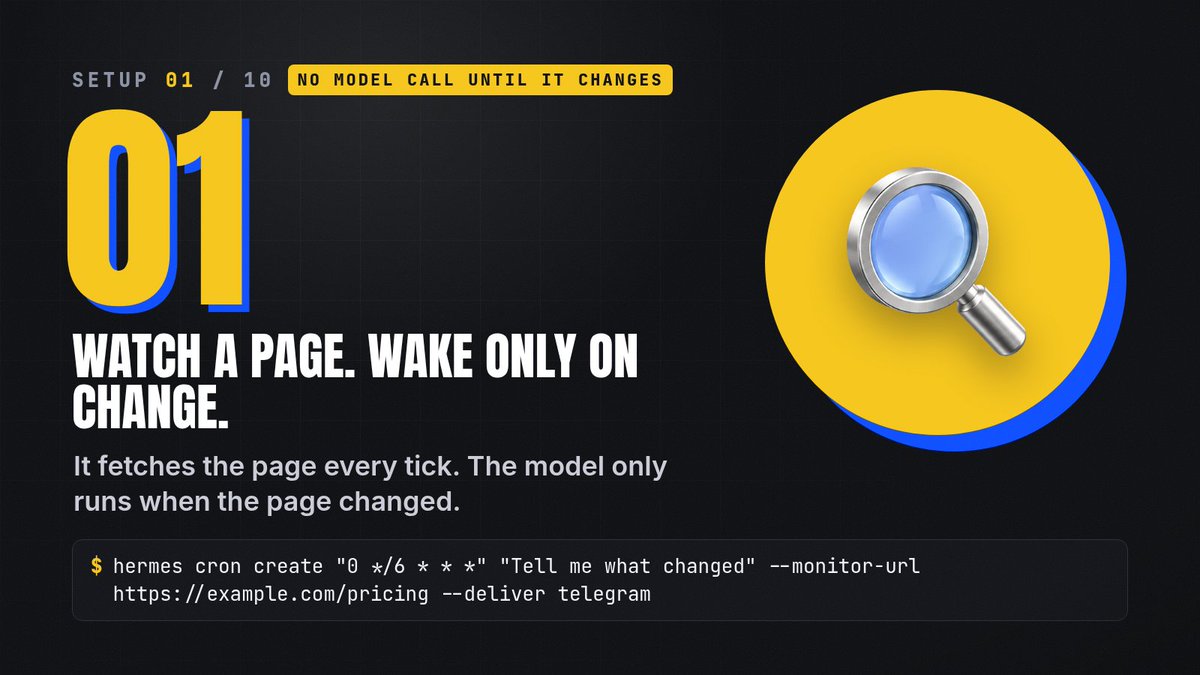
What it does. Hermes checks a web page on a schedule and only tells you when it changed: a price, a changelog, a job board, a status page.
Why it matters. A normal watcher calls the model every single run, even when nothing happened. You pay for 28 "no change" answers to get one useful one.
How it works. On every run, Hermes fetches the page first, without the model. If the page is byte-for-byte the same as last time, the run stops there and costs nothing. Only when it changed does Hermes wake the model and hand it the difference.
hermes cron create "0 */6 * * *" "Tell me what changed" --monitor-url https://example.com/pricing --deliver telegram
-
"0 */6 * * *": check every 6 hours
-
"Tell me what changed": what the model does when there is a change
-
--monitor-url: the page to watch
-
--deliver telegram: where the answer goes
Try it for: a product price, a GitHub releases page, a visa or appointment slot page, a competitor's pricing.
Watch out. Pages that change on every load (a clock, a "last updated" timestamp, rotating ads) look "changed" every time. For those, use --monitor-script with a small script that pulls out only the part you care about. Its output must not include timestamps.
Docs: Scheduled tasks
02 · A morning brief on your phone.
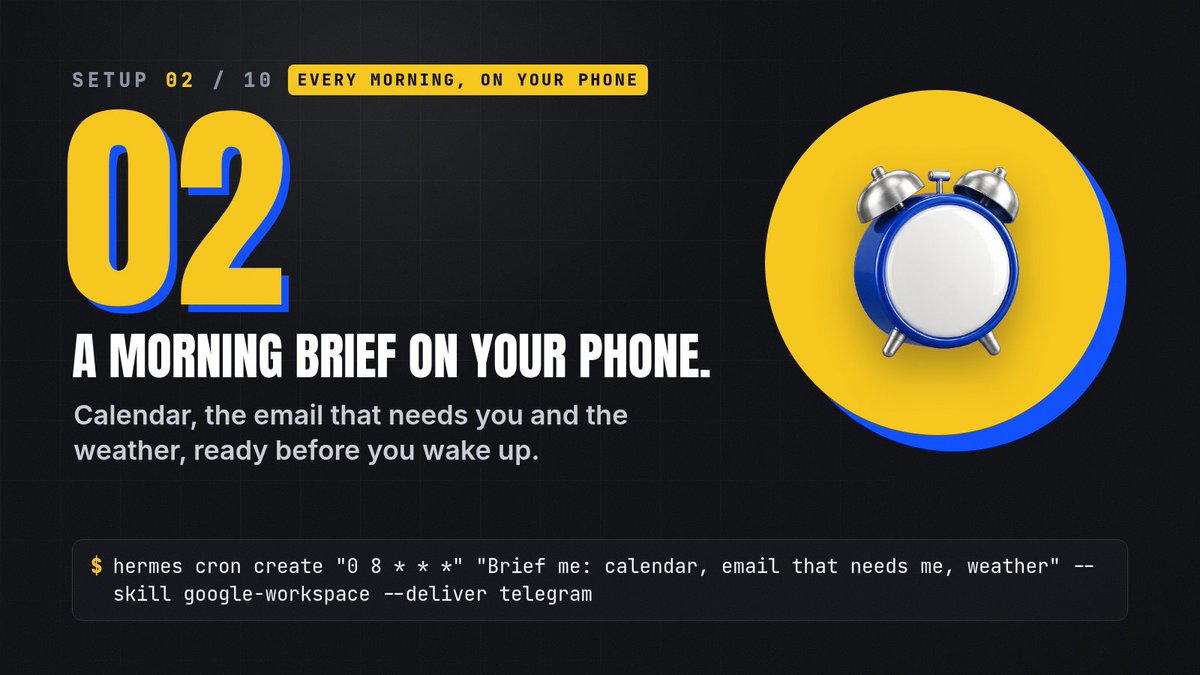
What it does. Every morning Hermes looks at your day and sends you one short message: what's on your calendar, which emails actually need you, and the weather.
Why it matters. It replaces the 15 minutes of opening four apps before coffee.
How it works. At the time you set, Hermes starts a fresh run with the skill you attach. The google-workspace skill gives it your Calendar and Gmail; the result arrives in your chat app like a normal message.
hermes cron create "0 8 * * *" "Brief me: calendar, email that needs me, weather" --skill google-workspace --deliver telegram
-
"0 8 * * *": every day at 8:00
-
--skill google-workspace: lets this job read your Calendar and Gmail (connect Google first)
-
--deliver telegram: the brief lands in Telegram
Try it for: a morning brief, an evening "what's tomorrow" check, a Friday "what did I miss this week".
Watch out. Keep the prompt short and specific ("3 bullets, under 80 words"). A vague prompt gives you an essay at 8 AM.
03 · Health checks that cost nothing.
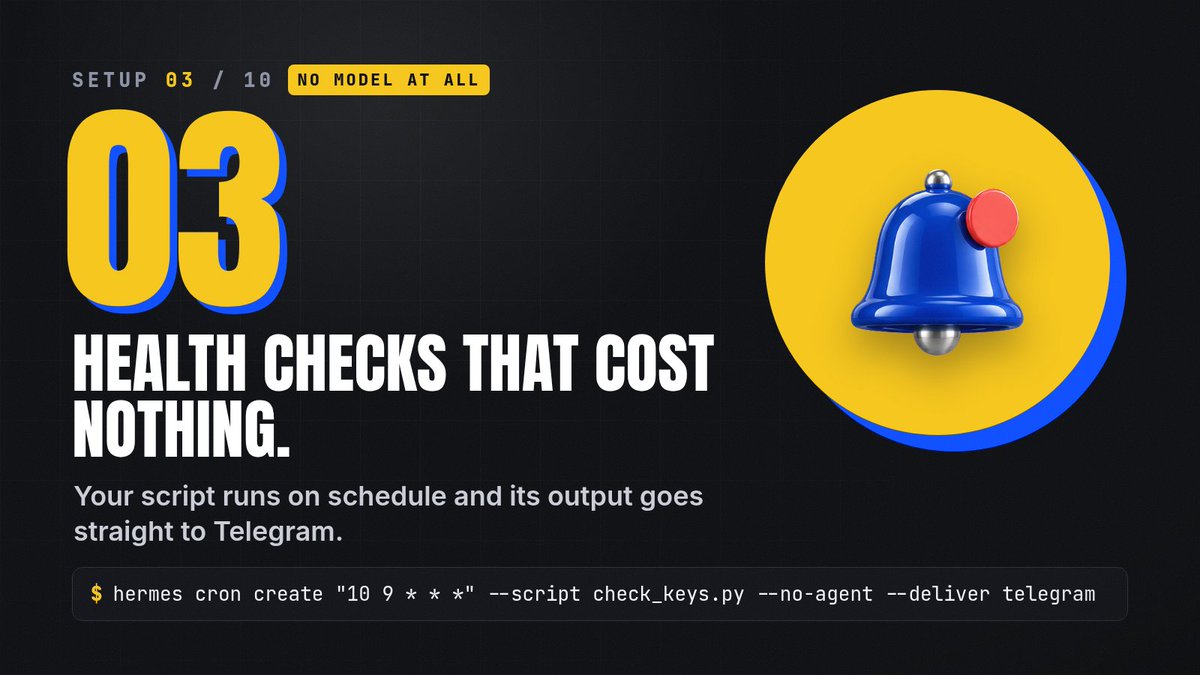
What it does. Runs your own check script on a schedule and only messages you when something is wrong.
Why it matters. Checks like "is my disk full?", "did a key expire?" or "is my site up?" don't need AI. Running a model for them every day is wasted money.
How it works. With --no-agent, the script is the whole job. Hermes runs it and sends whatever it prints straight to you, word for word. If the script prints nothing, nothing is sent. So you write the script to stay quiet when all is well and print one line when it isn't.
hermes cron create "10 9 * * *" --script check_keys.py --no-agent --deliver telegram
-
--script check_keys.py: your script, saved in ~/.hermes/scripts/ (.sh runs with bash, anything else with Python)
-
--no-agent: no model at all
-
Empty output = silent: you only hear from it when something broke
Try it for: expiring API keys, disk space, a website that should return 200, a nightly job that should have produced a file.
Watch out. Make the script print nothing on success. One stray "OK" line means a message every day.
04 · Nightly backups, no model.
What it does. Runs your backup script every night.
Why it matters. Backups are the job you forget until the day you need one. They don't need a model, only a reliable schedule.
How it works. The same no-agent mode as setup 03: Hermes is just the scheduler. Without --deliver, the result stays local and you can see every run in hermes cron list.
hermes cron create "0 3 * * *" --script backup.py --no-agent
-
"0 3 * * *": 3:00 every night, when nothing else is running
-
backup.py: copies your Hermes folder, notes or projects wherever you keep backups
Try it for: daily, weekly and monthly backups (three jobs with different schedules).
Watch out. Test the script by hand once before you trust it. A backup job that silently copies nothing is worse than none.
05 · Monday: who's waiting on you.
What it does. Every Monday, Hermes reads your recent email threads, lists the replies you owe and the ones you're waiting for, and drafts your replies.
Why it matters. The question someone asked on Tuesday gets buried under three newer emails. This finds it.
How it works. The bundled email-inbox-triage skill reads the whole thread, not just the newest message, separates "I owe" from "I'm waiting", and quotes the message behind each finding so you can check it. Drafts stay in the chat. It never sends anything.
hermes cron create "0 9 * * 1" "Who's still waiting on me? Drafts only." --skill email-inbox-triage --deliver telegram
-
"0 9 * * 1": Mondays at 9:00
-
--skill email-inbox-triage: the bundled skill that does the reading and drafting
-
"Drafts only.": a reminder in the prompt that you do the sending
Try it for: client follow-ups, unanswered questions from your team, invoices you're waiting on.
Watch out. Needs an email connection (Himalaya or Google Workspace), and your email text goes to your model provider. Read each draft before you send it.
Docs: email-inbox-triage
06 · Jobs that remember last time.
What it does. Gives a scheduled job its own memory of the previous run.
Why it matters. Without it, every run starts from zero and repeats itself: the same "new" items, the same summary, every day.
How it works. With --continuity, each run gets the job's own previous output added to its prompt. The job can skip what it already reported and continue where it left off. The first run works as normal.
hermes cron create "0 18 * * *" "Update my project log from today" --continuity
-
"0 18 * * *": every evening at 6:00
-
--continuity: today's run sees yesterday's output
Try it for: a running project log, a "new since last time" digest, a scout that shouldn't report the same link twice.
Watch out. It remembers only this job's last output, not your whole history. For long-term facts, use Hermes memory or a file the job writes to.
07 · A cheap model on every routine job.
What it does. Pins a specific (cheaper) model to one scheduled job.
Why it matters. By default a job uses your main model at the moment it runs. If your main model is a premium one, every routine summary is billed at premium prices.
How it works. --model locks that one job to the model you name (add --provider if needed). Your normal chats keep your main model. --pin does something different: it locks today's main model onto the job, so changing your main model later never changes this job.
hermes cron create "0 * * * *" "Summarize new issues" --model your-cheap-model
-
"0 * * * *": every hour
-
--model: the model this job always uses
-
--provider: optional, the provider for that model (for example openrouter or nous)
Try it for: hourly summaries, digests, watchers, anything that runs often and isn't hard.
Watch out. Very small models can miss things on hard jobs. Keep the premium model for the work that needs it.
08 · A backup model when one fails.
What it does. Gives Hermes an ordered list of other providers and models to switch to when the main one fails.
Why it matters. A job that runs at 3 AM has nobody to retry it. One rate limit or outage and the run is gone.
How it works. When the main model fails with a rate limit, overload or connection error, Hermes tries the next entry in your fallback chain, in order. hermes fallback add opens the same picker as hermes model, so you choose a provider and model.
hermes fallback add
-
hermes fallback list: see your chain
-
hermes fallback remove or clear: change it later
Try it for: any job that runs while you're away.
Watch out. A fallback is a different provider, so answers can differ a little. Put a model you trust second, not just the cheapest one.
Docs: Fallback providers
09 · More keys, fewer limit stops.
What it does. Lets you add more than one API key for the same provider.
Why it matters. One key hitting its rate limit or quota stops the job, even though your provider is fine.
How it works. Keys for the same provider form a pool. When one hits a rate limit or usage cap, Hermes rotates to the next healthy key and keeps going. Pools are tried first; only when every key in the pool is out does the fallback chain from setup 08 take over.
hermes auth add openrouter
-
Run it again for each extra key
-
hermes auth list: see the keys in each pool
Try it for: API-key providers like OpenRouter or Anthropic. If you use Nous Portal, one sign-in covers 300+ models, so most people don't need a pool there.
Watch out. Prompt caches belong to a key. When the pool switches keys mid-conversation, the next request re-reads the whole history at full price. Rotation keeps you running; it isn't free.
Docs: Credential pools
10 · Stop approving the same command.
What it does. Finds the commands you approve over and over and offers to stop asking about them.
Why it matters. Autopilot breaks when every run waits for your "yes" on a command you have approved 20 times before.
How it works. It scans your session history (the last 90 days by default), ranks the risky-classed commands you approved at least twice, and prints a numbered list. Nothing changes until you pick numbers with --apply. Destructive kinds (recursive delete, sudo, disk writes, credential edits) are never proposed.
hermes approvals suggest
-
Read the list, then: hermes approvals suggest --apply 1,3
-
--days 30: look at a shorter window
Try it for: the build, test and git commands your jobs run every day.
Watch out. Only apply the ones you'd approve with your eyes closed. Everything else keeps asking, which is the point.
Start with these 3
-
01 Watch a page: the cheapest way to let Hermes work for you.
-
03 Health checks: no model at all, and it only speaks when something broke.
-
08 A backup model: so everything else keeps running.
Check on all of it any time with hermes cron list, and run hermes cron doctor once a week to catch jobs with problems.
Set up one tonight.
Pick the setup that saves you the most time, run its one command, and let Hermes do the rest.