Blender Add-ons
文章目录
I'll be honest: I probably would not have switched to Blender if it weren't for the add-ons. There's something...unique and titillating about this ecosystem, where something new comes up every other month. That may scare some people who prefer rigidity - it probably sounds unstable.
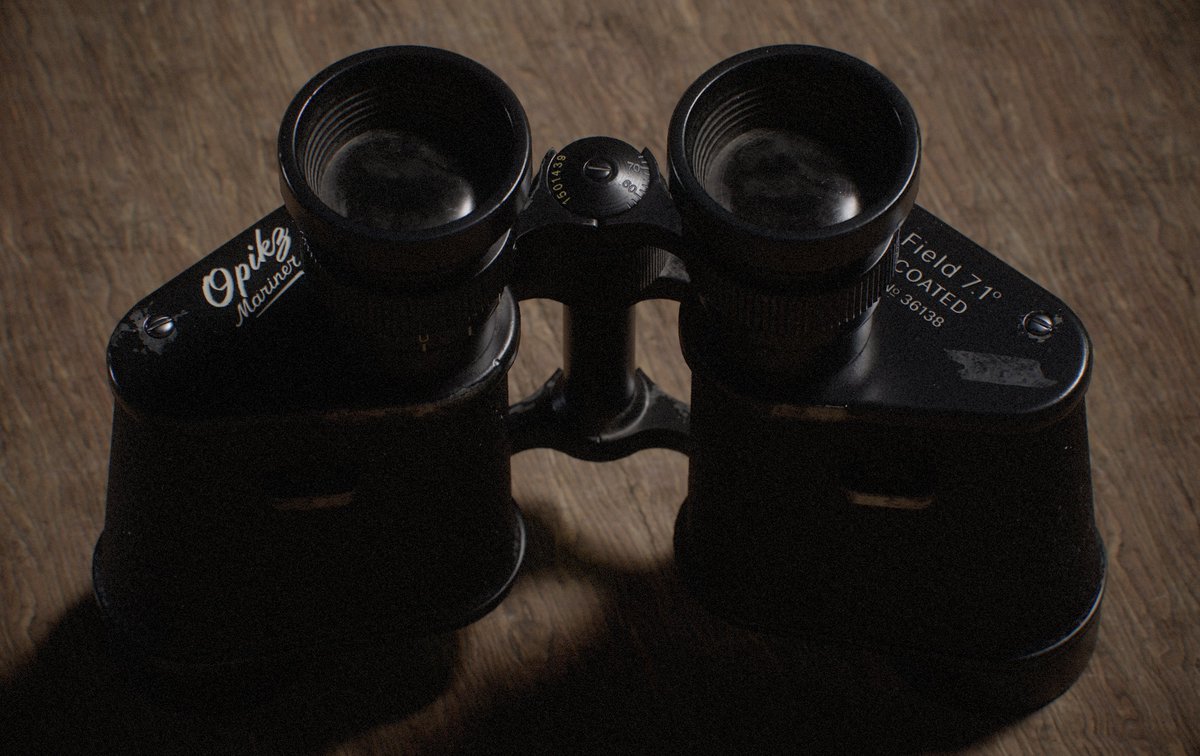
Coming over from 3ds Max, the base tools were already solid. But I got bored of modelling after over 10 years of using Max. The add-on ecosystem that made modelling fun again by removing a lot of friction i got used to. I get asked "what add-ons are you using?" a lot, so here's the full list in one place.
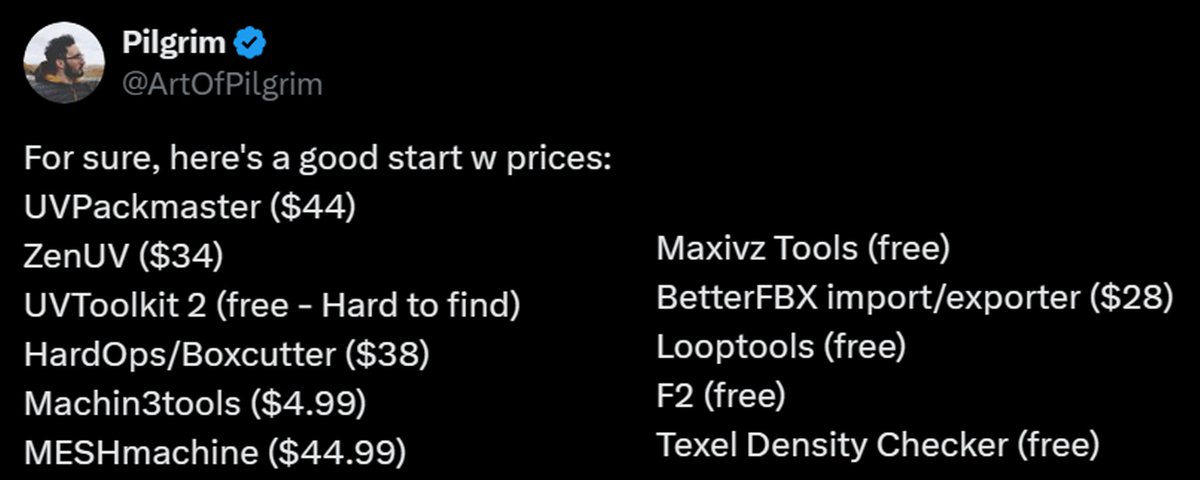
Quick reality check before we start. People love to say Blender needs "10k of paid plugins" to be usable. It doesn't. When I added up my paid essentials in 2025 it came to about $107 total. One-off. Most of the rest are free and just need enabling in the Extensions preferences.
Modelling
HardOps / Boxcutter
The big one. Boxcutter is a cutter: you draw a shape in the viewport and it cuts. HardOps is the toolkit around it (booleans, mirroring, modifiers, viewport helpers and loads more). Sold as a bundle, built to work together.
Boxcutter has done more for my love of modelling than anything else, and my productivity went up massively. Drawing a cut with real-time feedback is just incredibly intuitive.
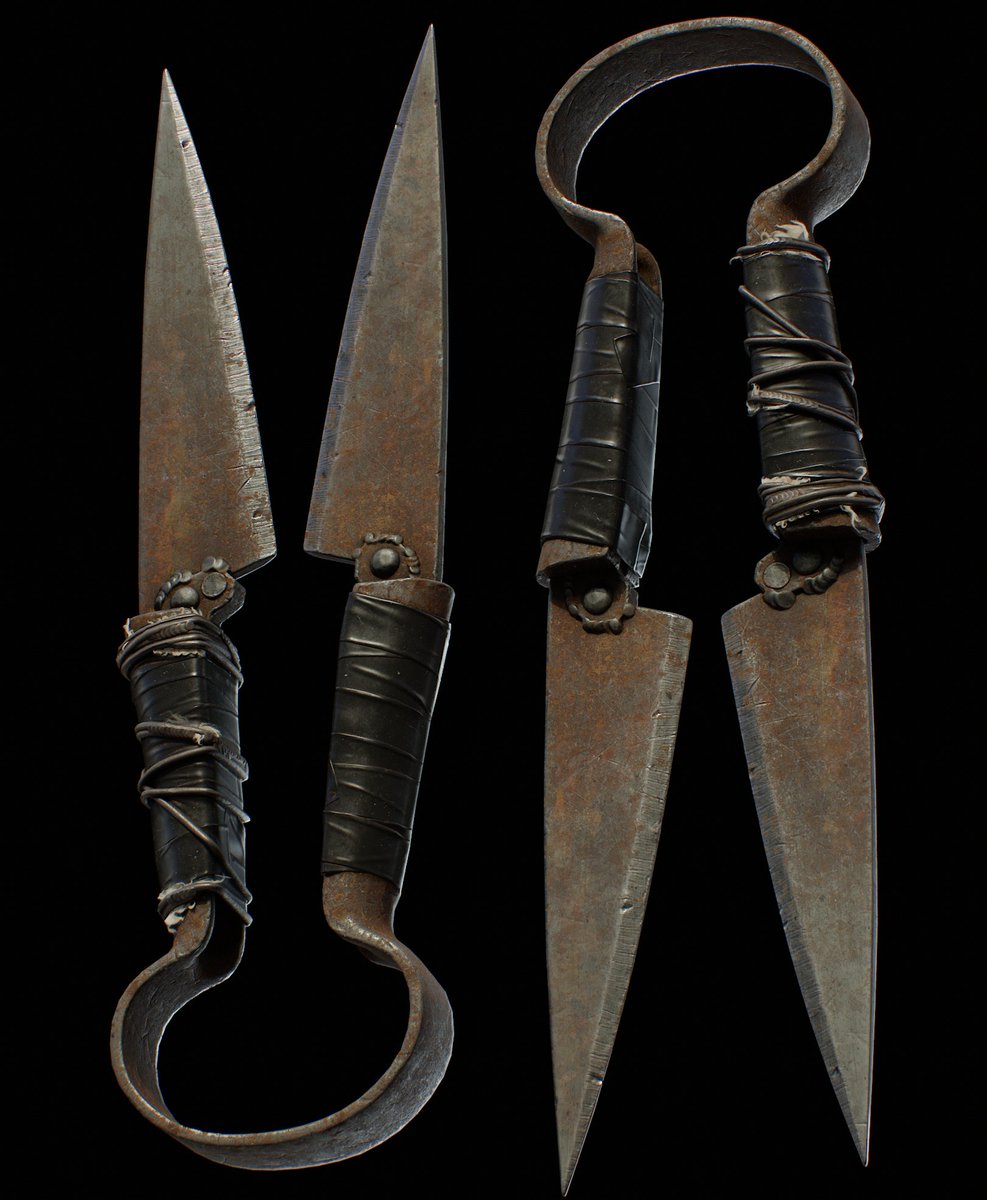
My main workflow for weaponry is booleans with Boxcutter/HardOps for the blockout and complex shapes, then adding support loops for SubD. I make a high poly for everything and bake it down to a low poly. If you take one thing from this: learn Boxcutter alongside a normal SubD workflow, not instead of it. That combo is SUPER fast and you keep control of your topology.
Small tip: HardOps' HQ viewport mode looks great, but turn shadows off on heavy scenes and performance improves quite dramatically.
🔗 https://superhivemarket.com/products/hard-ops--boxcutter-ultimate-bundle
MESHmachine
From MACHIN3. It's a mesh-modelling toolkit focused on hard surface without SubD: turning chamfers into fillets and back, editing existing bevels, cleaning up boolean intersections, plugs, stashes and normal transfers. It's been on every "most used" list I've posted.
🔗 https://machin3.io/MESHmachine/
MACHIN3tools
Think of it as a UI/UX layer on top of Blender: a big collection of tools and pie menus. You switch on only the bits you want in the preferences. I keep finding so many awesome aspects to this toolset.
My favourite thing in it is the Thread tool. Select a cylinder's faces, add a thread, done. Modelling screw threads used to be a nightmare, and this makes it trivial. MACHIN3tools is seriously awesome and completely worth paying for. Honestly crazy it was free for so long, so go support @machin3io.
🔗 https://machin3.io/MACHIN3tools/docs/
LoopTools + F2 (free)
Both used to ship with Blender and are now one click away on the Extensions platform. LoopTools gives you Circle, Relax, Space and more. I find the Space tool extremely useful, and Relax gets plenty of use too. F2 extends Make Edge/Face (the F key) so filling geometry is quicker.
🔗 https://extensions.blender.org/add-ons/looptools/ 🔗 https://extensions.blender.org/add-ons/f2/
Maxivz Interactive Tools (free)
Context-sensitive modelling tools built for a hotkey-driven workflow. It's free, and it's been on my foundational list since 2022.
🔗 https://github.com/maxivz/interactivetoolsblender
UVs
People still say Blender's UV tools are bad. I don't get it. Natively they're pretty excellent, and with a couple of add-ons UV'ing gets genuinely satisfying.
UVPackmaster 3
A GPU-accelerated UV packer. For years it was my only UV add-on, and it's still my go-to for packing. Watching it do its thing is one of the most satisfying parts of UV'ing.
External apps are very good, but leaving Blender takes me out of the rhythm. UVPackmaster runs right inside Blender, so that's one less step and one less app to open. I let it pack, then do some manual tweaking as always. It's a lifetime licence too. Updates within a version have been free for me, and big jumps like 2 to 3 came with a decent upgrade discount.
Zen UV
The one I've come round to the most. It rolls a lot of UV tools into one toolset, plus some unique ones. Reshape Island, World Orient and the Relax tool are the standouts for me. If you're coming from Max and missing Relax, this is the answer. It's also the one I recommend for straightening UVs because it gives you several ways to do it. And it plays nicely with UVPackmaster, so you can use that as the packing engine.
🔗 https://zenmastersteam.github.io/Zen-UV/latest/
UVToolkit 2 (free)
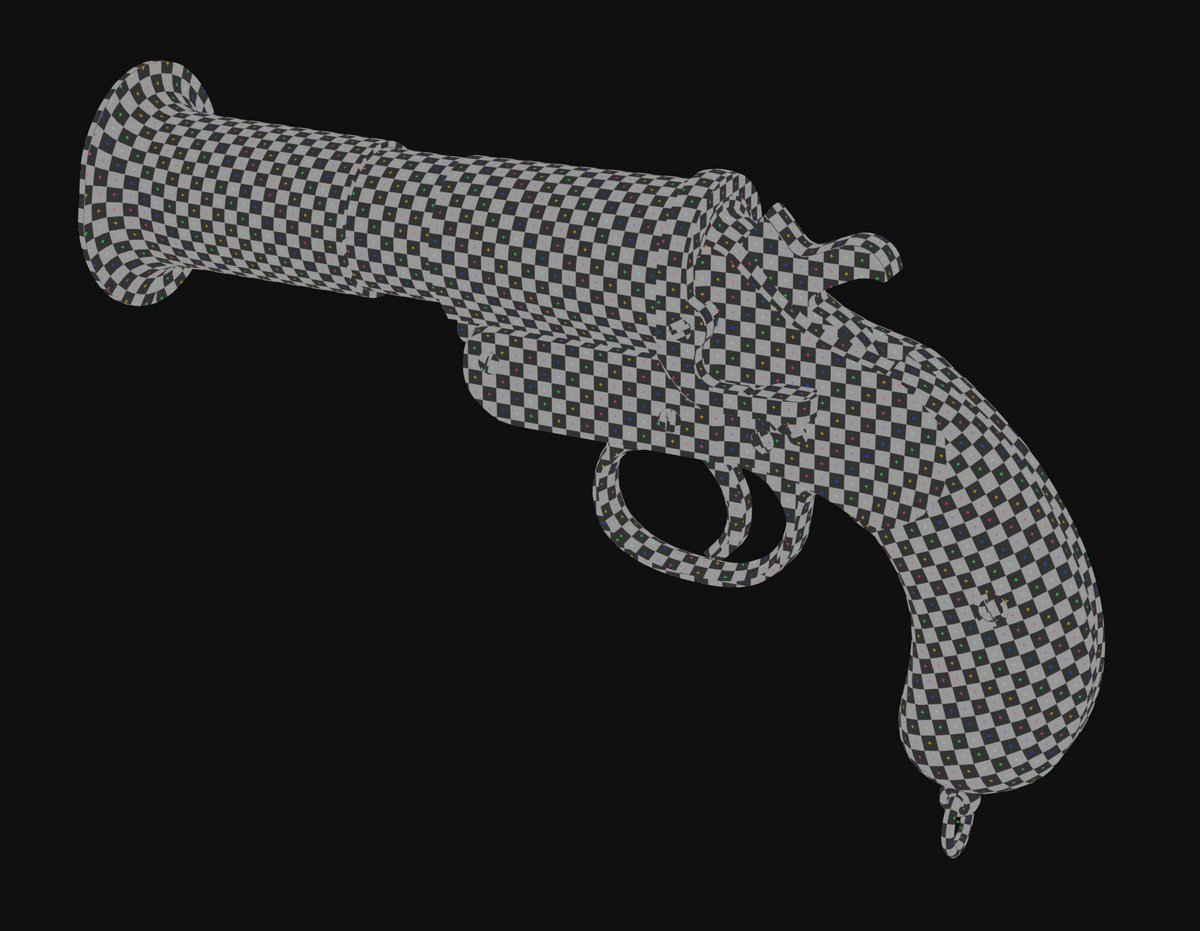
I only use a handful of its tools, mostly shortcuts for straightening UVs, but they speed things up. The original went unavailable for a while but there's now a community-maintained version on the Extensions platform.
🔗 https://extensions.blender.org/add-ons/uv-toolkit/
Texel Density Checker (free)
Checks, sets and visualises texel density. If you're making game assets, consistent texel density matters. I keep it even on interactive props that can be seen from every angle, and I'll split things onto their own UVs if that's what it takes to keep resolution consistent. This helps a bunch!
🔗 https://extensions.blender.org/add-ons/texel-density-checker/
Workflow & pipeline
Pie Menu Editor
Blender's Quick Favourites is great but limited on customisation. Pie Menu Editor lets you build your own pie menus, regular menus, panels and more, including custom icons. My before and after was night and day. It feels way nicer and more organised. It's paid but affordable. Honestly, would not want to go back to default favourites menu ever again when i can just make my own the way i like!
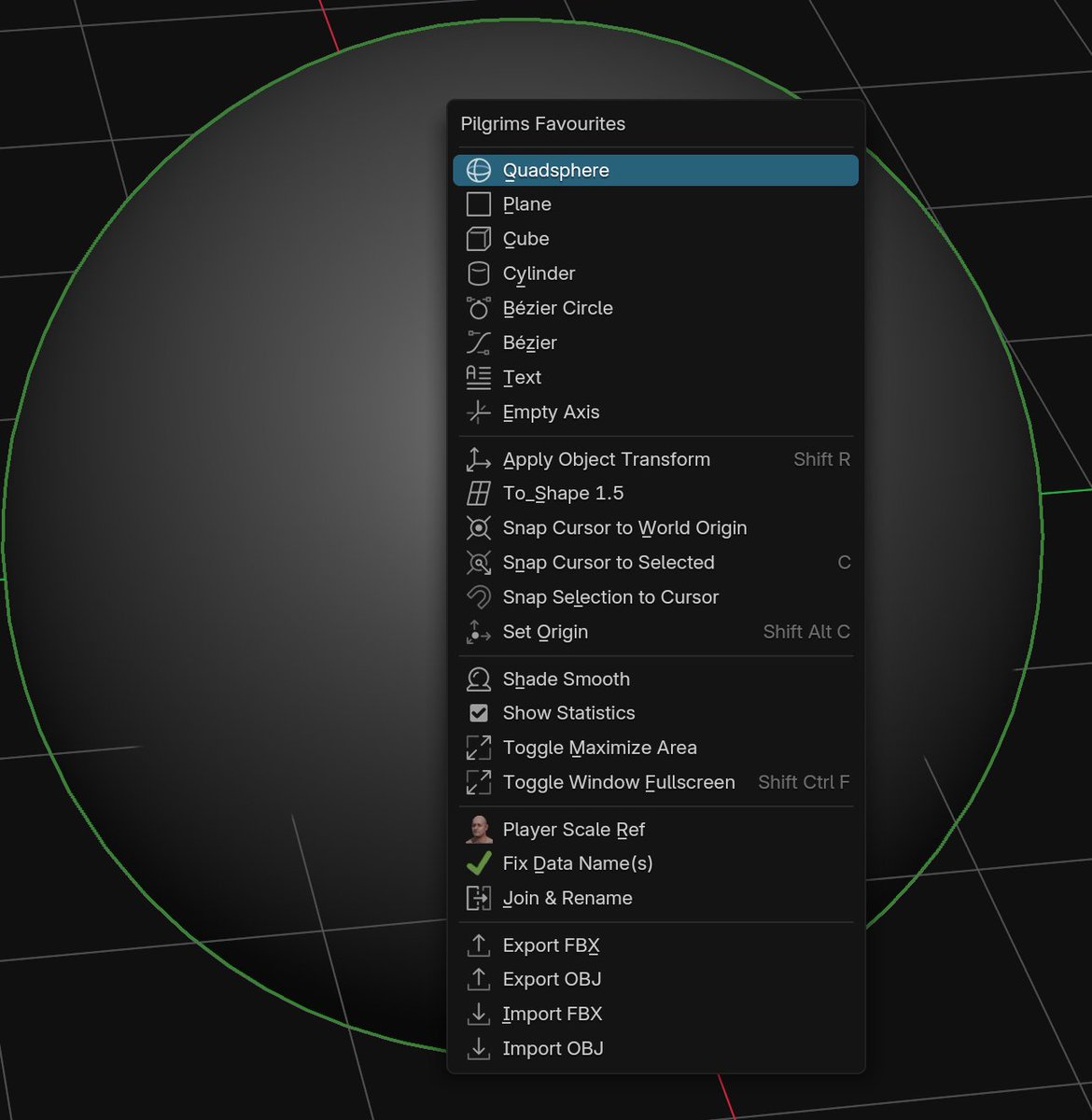
(Free starting point: search "Pie Menus" in the add-on preferences and enable Blender's built-in one.)
🔗 https://superhivemarket.com/products/pie-menu-editor
fSpy + its Blender importer
fSpy is a free camera-matching app, and its Blender add-on imports the matched camera straight into your scene. It makes blockouts really easy: line up a photo ref, import, and start modelling in the right perspective. It works with concept art too, as long as the perspective is easy to read.
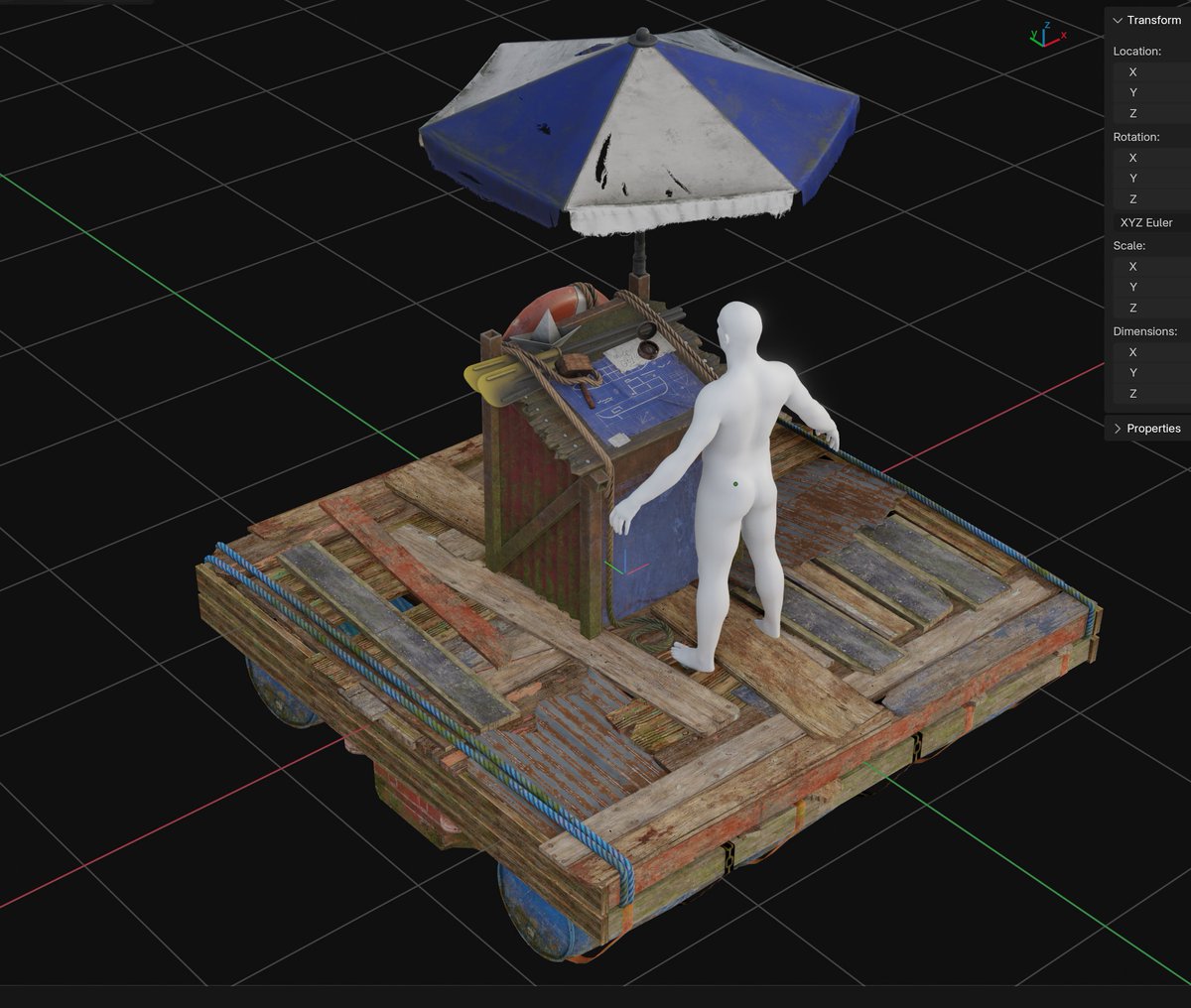
Example of an asset made with fspy to get the proportions inline with the concept
🔗 https://fspy.io/ · https://github.com/stuffmatic/fSpy-Blender
Better FBX Importer & Exporter
An FBX importer/exporter built on the official FBX SDK. Honestly, this is the one time I feel the functionality should be built in by default. Until then, this is what I use - it's pretty much essential for blender <-> Unity workflows.
🔗 https://superhivemarket.com/products/better-fbx-importer--exporter
Honourable mention: Fluent
I use HardOps/Boxcutter more, but Fluent is an absolute beast. Its cable and cloth/fabric features are SO nice. Worth a look if Boxcutter doesn't click for you.
🔗 https://superhivemarket.com/products/fluent/
One tip to protect all of this
Once you've built up your add-on setup, back it up. Upload your whole Blender version folder (on Windows: AppData\Roaming\Blender Foundation\Blender\x.x) to Google Drive. It holds your preferences, keymaps, extensions and add-ons. I did this on a new machine and it just worked: same hotkeys, every add-on installed, like I was on my original desktop.
Wrapping up
None of these replace the fundamentals. Booleans still need support loops, packers still need a tweak. But they take the friction out, and that keeps modelling fun.