I Tried 100+ Claude Repos. These Are the 10 I Use.
文章目录
Build Something a Business Will Pay For
I've tried and actually used more than 100 GitHub repos for Claude. These are the ten picks that have earned a place in my workflow.
Some handle work I used to do manually. Some replace tools I'd otherwise pay for. What makes them useful is the thing I can finish with them, whether that's a batch of edited videos or a booking app for a client.
The first five help with content, research, websites, and copy. The next five help you build, test, and get people to find the finished product.
TL;DR
→ Hyperframes: turn a raw clip or an idea into an edited video.
→ Google Workspace CLI: let your agent work across your Google apps.
→ Apify MCP: collect data from sites Claude struggles to access.
→ Scrollcraft: build websites with better design and scroll behavior.
→ Humanizer: clean up the patterns that make copy sound AI-generated.
→ Addy Osmani's Agent Skills: keep the spec and plan outside the chat.
→ Expo skills: build mobile apps with guidance from Expo itself.
→ Supabase and Stripe skills: handle the database, login, and payments.
→ Playwright CLI and Claude Security: check the app before handing it over.
→ OpenSEO: make SEO decisions using actual search data.
1. Hyperframes: Video Editing From a Prompt
Hyperframes, from HeyGen, has taken over a huge part of my video editing.
You tell Claude what you want in natural language. It builds the video using HTML and animations, and Hyperframes renders a real MP4 on your computer.
That can include captions, motion graphics, title cards, or a product promo. I build skills on top of it for YouTube intros, Instagram Reels, course videos, and ads.
One example is this captioned Instagram Reel from my workflow.
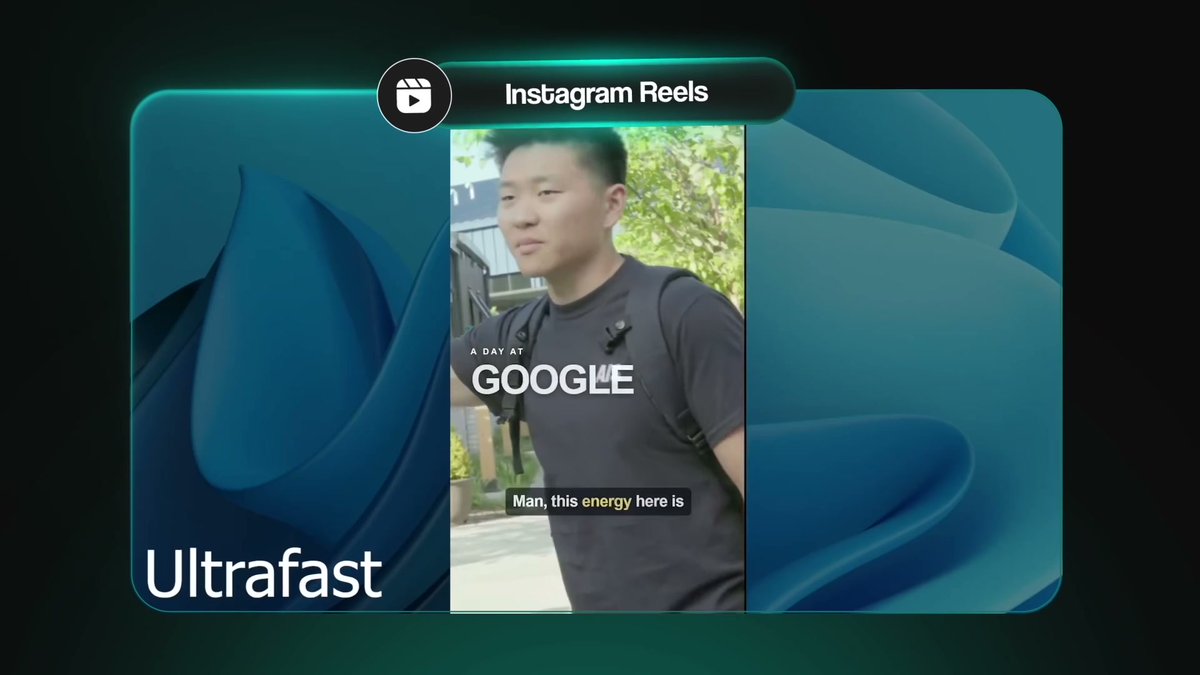
My workflow can be as simple as dropping in a raw clip and asking, "Can you add captions and a title card to this?" Or, "Can you turn this into an Instagram Reel?"
For straightforward edits, I've had a finished file back a few minutes later. Editing is much less of a bottleneck for me and my team now.
Remotion is another option in this space. I've personally had more success with Hyperframes and enjoyed using it. This isn't sponsored.
The tool is open source and has no per-render fee. That's separate from whatever you spend on your AI tools or generated assets.
A gym that wants 20 captioned clips a month is a concrete example of a service you could build around it. You can put together a monthly content package without first learning a traditional video editor.
2. Google Workspace CLI: Work Across Your Google Account
This is one of the tools I use most.
The Google Workspace CLI lets Claude work with Drive, Gmail, Calendar, Docs, Sheets, and Slides. I've also found it useful for getting nicely formatted deliverables into those apps.
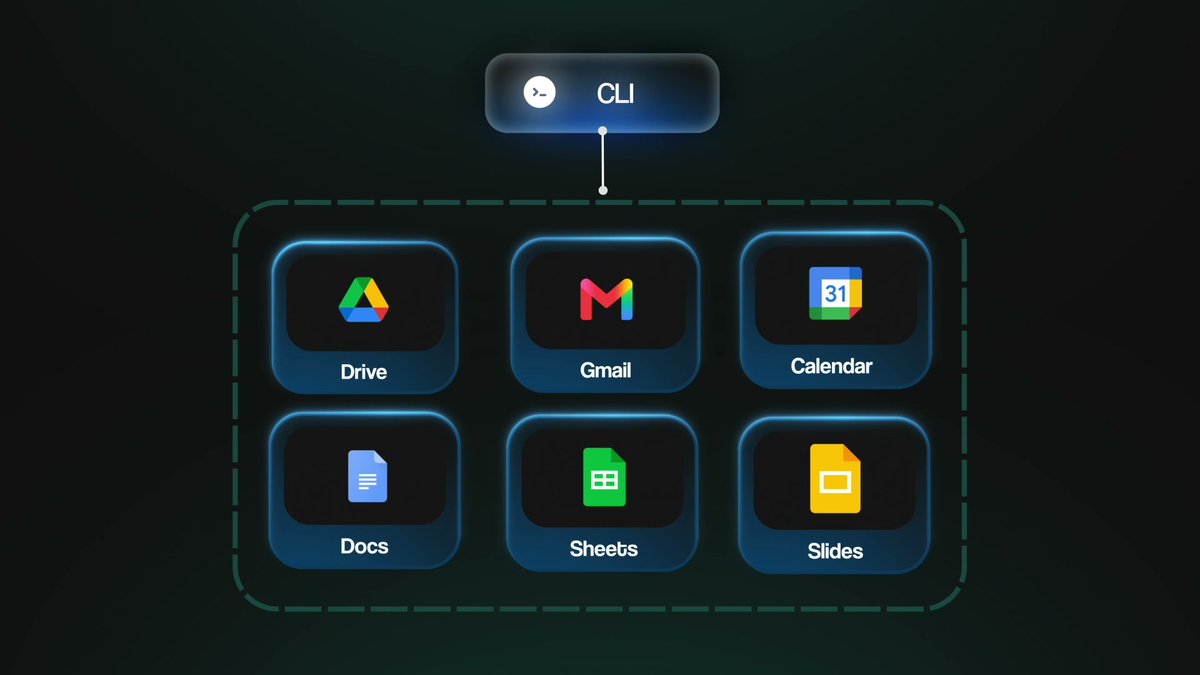
The advantage of a CLI, a command-line tool, is that Claude Code, Codex, or another agent can use it. You aren't limited to a connector inside one desktop app.
The version covered in my walkthrough comes with more than 40 skills, so the agent has instructions for using it.
The annoying part is the initial login setup. You need a Google Cloud project, but Claude can walk you through it step by step. Give it access to the apps you actually want it to use.
For a small business running on Google, weekly reports, invoices, and follow-up emails are practical places to start. Pick a recurring process and get the agent working with the documents and data that process already uses.
3. Apify MCP: Get Data Claude Can't Reach
Claude sometimes gets an empty page when you ask it to read a website. The site might block access, or it might need JavaScript to load the content.
Apify's MCP server connects Claude to ready-made scrapers for sites such as Instagram, TikTok, Amazon, and Reddit.
One example I'd use is finding bakeries in Chicago on Instagram, collecting their follower counts, downloading their videos, and identifying the ones without a website in their bio.
The useful output is a spreadsheet you can work from.
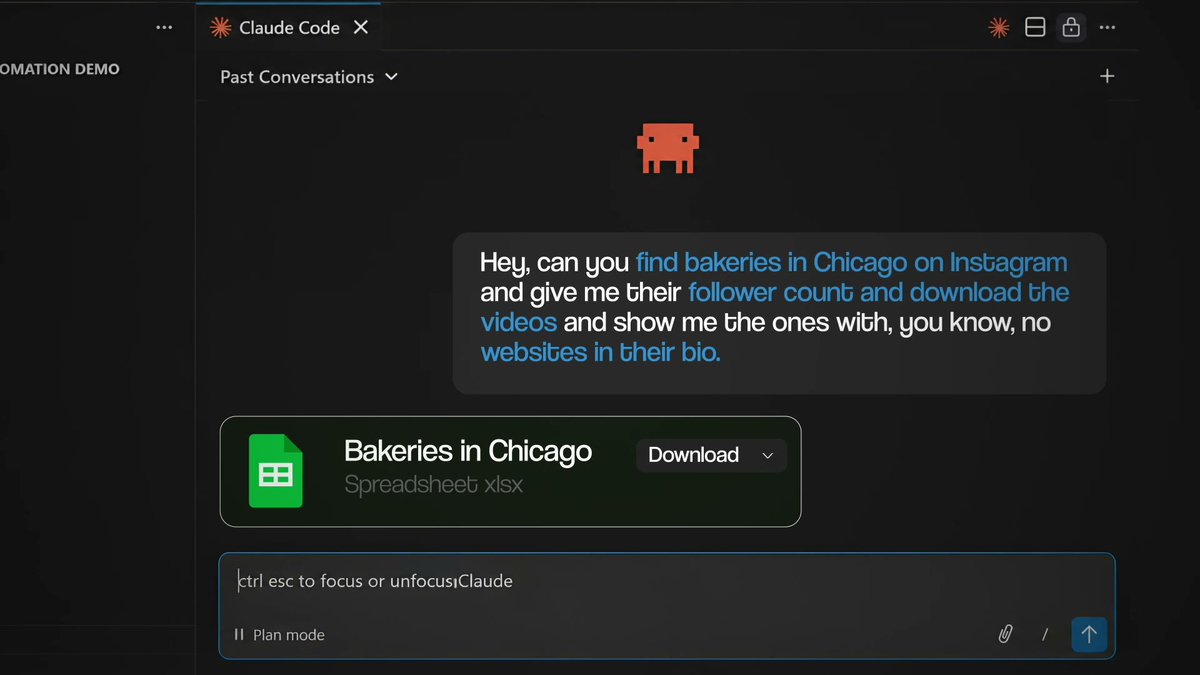
The connector is open source, but the scrapers run on Apify's cloud. At the time of the walkthrough, the free plan included $5 in monthly credit. Depending on the actor, you may pay for usage or per result.
Firecrawl is another option for scraping. Apify has been easy for me to use when I need a scraper for a particular platform.
4. Scrollcraft: Build Websites With More Design Intent
Full disclosure: I built this one.
You've probably seen an Apple-style website where scrolling moves the page almost like a movie. Different layers come into view, and the whole thing feels connected.
Ask Claude for that without much guidance, and you can end up with a generic page and a few awkward text fades.
Scrollcraft gives it a real scroll engine and design rules I've developed while building websites. It also includes a checker that takes screenshots along the scroll and looks at positions, so Claude can catch and fix problems before I have to point them out.
The checker captures scroll screenshots and tracks positions.

We use it for my personal site, AI Automation Society sites, and our event sites.
It doesn't have to produce a heavily animated page. The guidance also covers depth, layers, spacing, typography, and color. The site still needs to feel good and help the visitor take the intended action.
A basic landing page is easy to generate now. A custom experience that fits a brand and works properly takes more care. That's the kind of work I'd focus on offering a client.
5. Humanizer: Clean Up AI Writing Patterns
I found Humanizer almost by accident, and I've used it across projects since.
It's based on a guide Wikipedia editors use to spot AI-generated writing. It looks for patterns such as repetitive contrast sentences, forced groups of three, and over-the-top hype words.
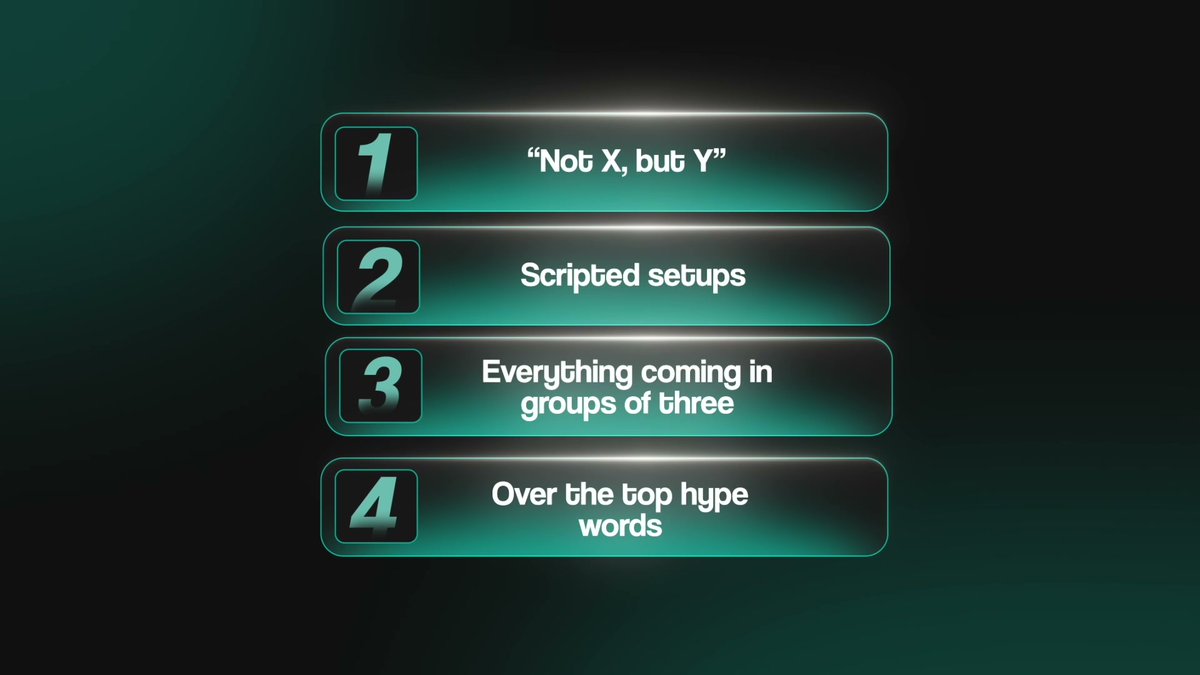
You can give it website copy or a cold email and ask it to humanize the writing. The goal is to preserve what you're saying while removing the phrasing that makes the reader immediately think an AI wrote it.
That matters when you're trying to earn someone's trust. I'd much rather send a clear, normal-sounding email than a polished paragraph full of claims I'd never say out loud.
6. Agent Skills: Keep the Build Plan Out of the Chat
A client asking for a booking app changes the job. Now you need to think through what happens when someone books, pays, cancels, or requests a refund.
Take a cleaning company that wants customers to book online and pay a deposit.
An hour or two into the build, Claude might start answering as if it forgot earlier decisions. Long sessions get compacted, earlier details get summarized, and the context can become less useful.
Addy Osmani's Agent Skills put the spec and plan into files. In the walkthrough, I introduce Addy as someone who spent about 14 years at Google before working on Claude Code at Anthropic.
→ /spec helps you write a real specification.
→ /plan breaks the work into smaller tasks.
→ /build works through those tasks with a check on each one.
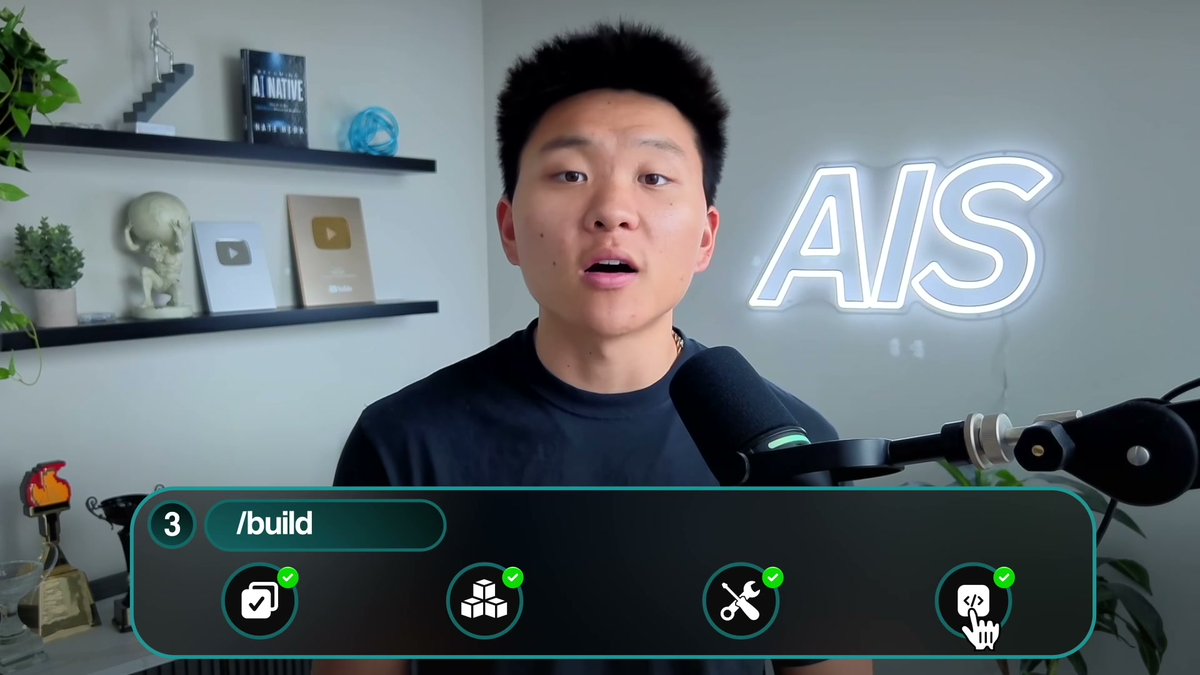
When the session gets messy, a fresh session can pick up from those files.
The spec process also brings up details you might not think to mention: double bookings, refunds, or customers in different time zones.
You can hand that spec to the client before building. It gives both of you something concrete to agree on, which makes it easier to stay aligned.
Superpowers is still a good option. I find Addy's approach easier to follow if you're newer. Matt Pocock's skills are another strong choice if you want to develop better engineering habits, even without a developer background.
7. Expo Skills: Build a Mobile App
Expo's official skills help you go from an idea to an app running on your own phone. Depending on the scope, you can get something onto an iPhone in an afternoon, even if you're working on Windows.
The skills include Expo's list of 20 things that make an app look AI-built, along with guidance for getting it into the App Store.
That includes guidance on submitting an iOS app through TestFlight and App Store Connect.
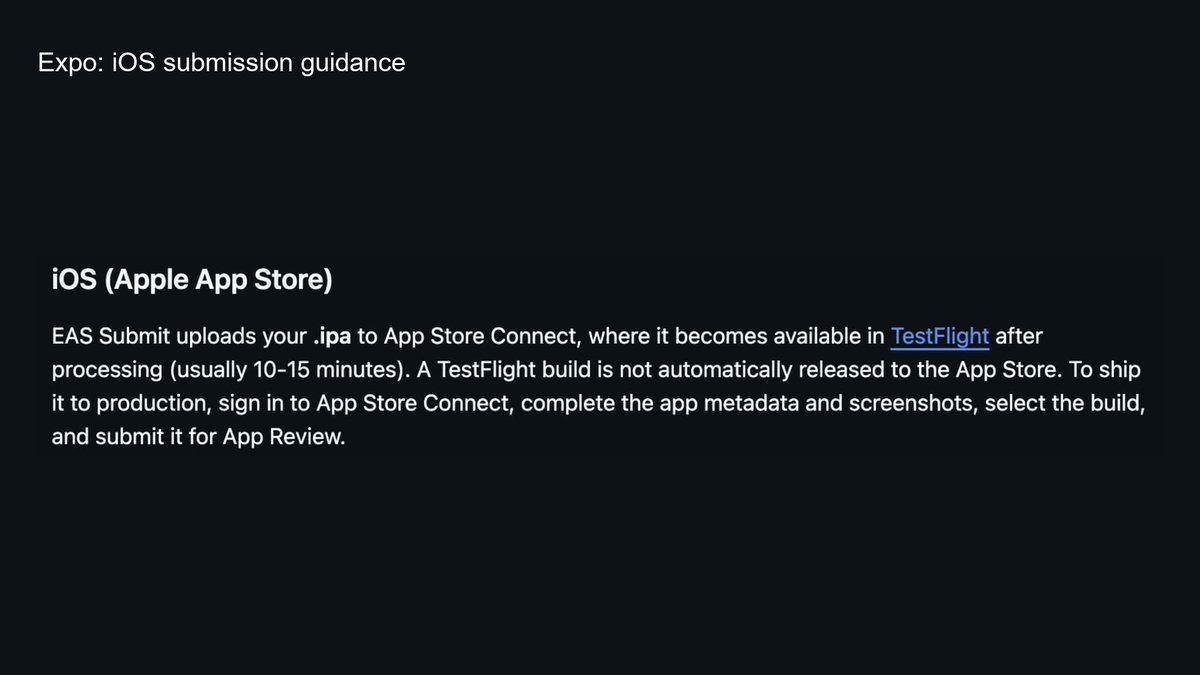
Ask Claude to use the Expo skills by name. They don't always load automatically.
At the time of the walkthrough, Apple Developer Program enrollment was $99 a year for the TestFlight and App Store route I describe.
For client work, remember that many shops already use something like Square. Look for the specific workflow their existing software doesn't handle well before pitching them a whole new app.
8. Supabase and Stripe: Login, Data, and Payments
Most apps need some combination of authentication, a database, and payments. Supabase and Stripe's official skills give Claude guidance for working with those systems.
That includes making sure users only see their own data and checking that a payment notification actually came from Stripe.
Stripe provides the payment piece of that workflow.
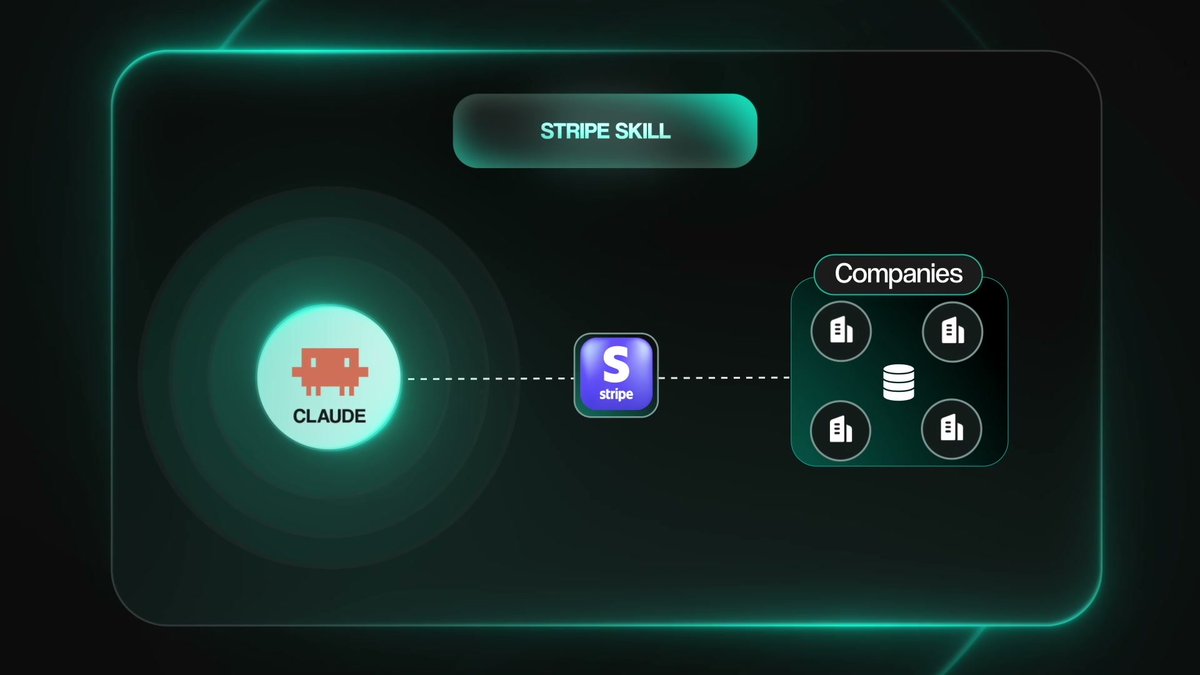
For Stripe, start with the skill named stripe-best-practices. You don't need the entire plugin to begin. In the setup I reviewed, the broader plugin could steer vendor decisions toward Stripe.
You can also set the Supabase connector to read-only while you're inspecting the project.
Before launch, log in as a test user and check that you can't access another user's data. Having the skills installed doesn't replace checking what the app actually does.
The backend and payment pieces can get confusing when you're learning to build. These skills give Claude useful guidance, and you still need to verify the result.
9. Playwright CLI and Claude Security: Check the Work
Claude can tell you an app works without having clicked through it.
Microsoft's Playwright CLI opens a real browser and lets the agent interact with your app like a customer would. It can also write tests you can rerun as the app changes.
I've found the CLI lighter on context and faster to work with than a browser MCP that sends large amounts of page information back to the model.
Use it to test the actual customer journey and look for edge cases. A booking form needs to survive more than the one input you happened to try while building it.
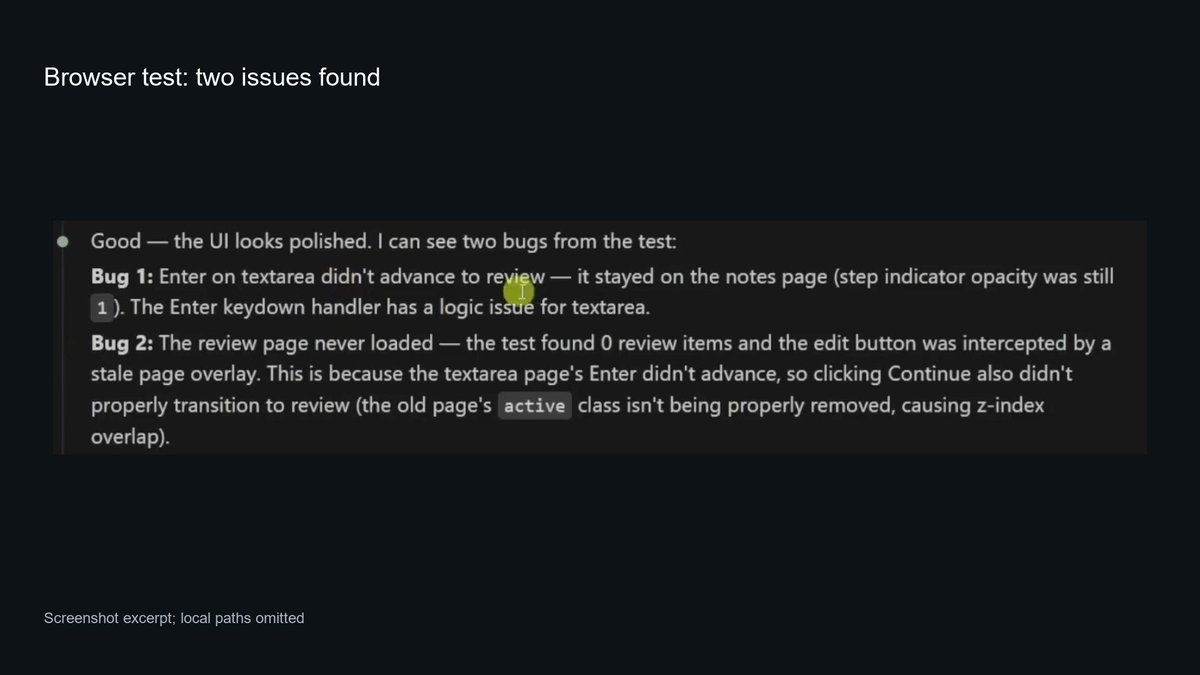
In the example on screen, the browser test found two bugs: Enter didn't advance the form, and the review page never loaded.
Claude Security, Anthropic's security plugin, adds another kind of review. The workflow described in my walkthrough sends agents through the code to look for problems, then has separate agents challenge the findings.
Multiple agents participate in the security review.
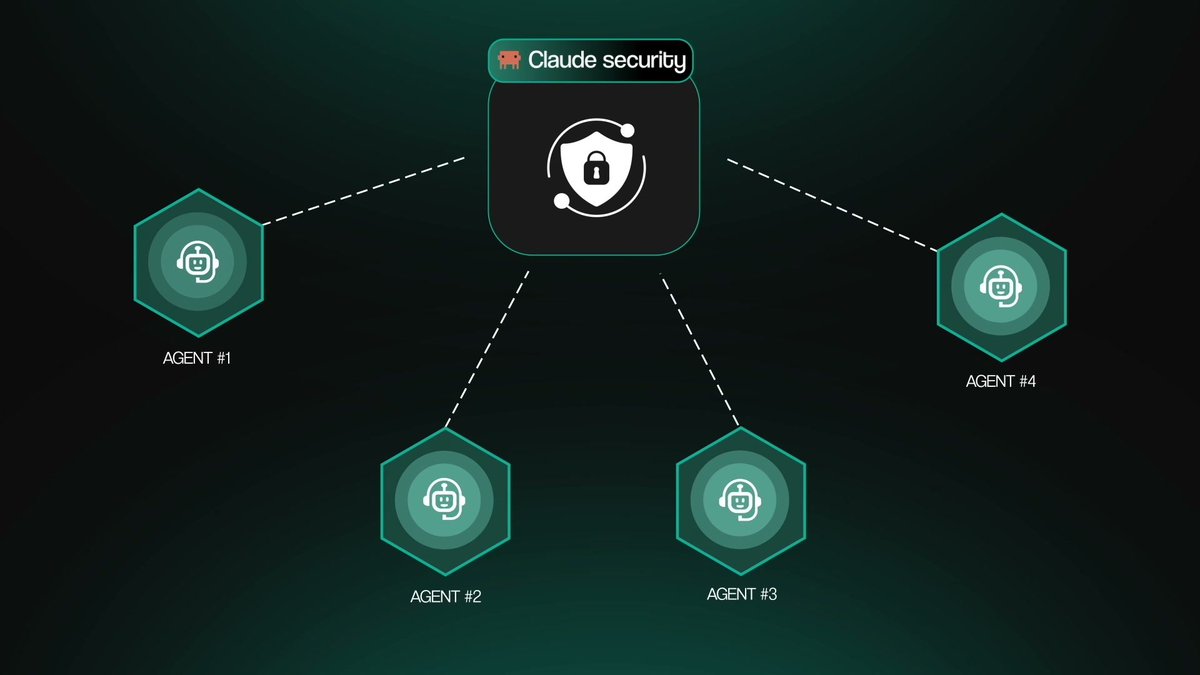
You get a plain-English report of the findings that survive that process, and Claude can work on patches.
A client may never ask how many tests you ran. They will care that their booking form works and their customer data stays private. Make that verification part of the project.
10. OpenSEO: Use Real Search Data
Once the site is live, people need to find it.
OpenSEO connects Claude to keyword, ranking, and backlink data. That gives it something specific to work with, such as the page and keyword you're ranking for, instead of producing generic SEO advice.
The backlink view shows the source domain, target, anchor text, and link flags.
An audit like this can help an agency identify concrete work for a monthly SEO engagement.
In the setup covered in the video, the free trial credits were small, and data was stored on the provider's server by default. Self-hosting was the alternative if you wanted to run it yourself.
Token-Saving Claims Need a Closer Look
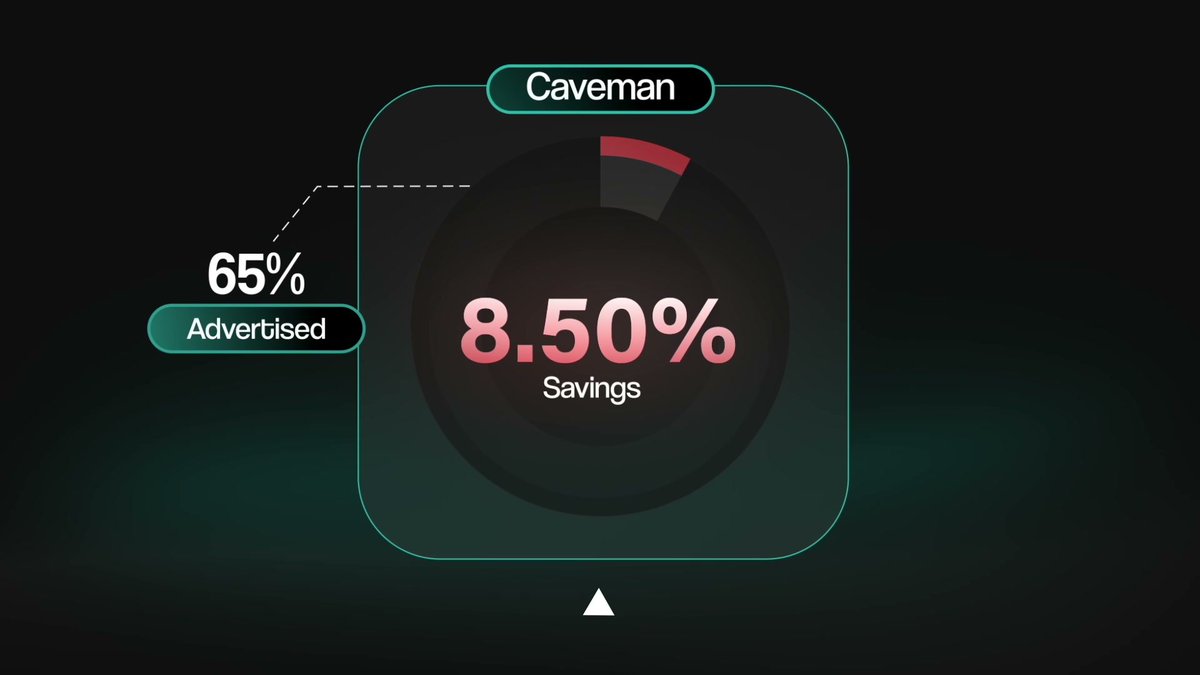
I also looked at Caveman, RTK, and Ponytail. The JetBrains coding-task tests I cite in the video were much less impressive than the advertised savings.
→ Caveman cut output tokens by about 8.5%, compared with a 65% claim.
→ RTK didn't produce meaningful savings in those tests, and at low effort it made tasks more expensive.
→ Ponytail saved about 10% per task, roughly half of its advertised savings.
Those are results from that test, not a guarantee of what will happen in every workflow. Output-token reduction and money saved per task are different measurements, too.
At the time I recorded the video, Ponytail also had an open Windows issue that could stall messages for several seconds.
If you want to understand where your usage goes, Codeburn is a repo worth looking at. It shows spending and flags potential waste, such as an MCP server you never use that still loads on every message.
I also revisited two tools I'd recommended before: claude-mem and Context Mode. My caution at recording time was that claude-mem sent usage data by default, while Context Mode had an open issue that could burn through usage. Those are version-sensitive concerns, so check the current defaults and issue status before installing.
Start With the Problem You Already Have
Installing everything at once makes it harder to work out what caused a problem when something breaks.
Pick the tool that fixes the issue you're running into most often. Google Workspace CLI, Apify, or Scrollcraft would be practical starting points for the workflows covered here. Humanizer is also a simple one to try.
For a concrete first project, find businesses without websites, build a sample page, clean up the copy, and send them the link.
Anyone can install a GitHub repo. What a client pays you for is the finished thing you build around it that solves their problem.
I walk through the tools in the full video. Link in the first reply, with the repos listed in the video description.
Repo Directory
Featured in the Video
→ OpenSEO
Also Mentioned in the Video
→ Remotion
→ Caveman
→ RTK
→ Ponytail
→ Codeburn
Related Connectors
沿着这个主题继续读
从一篇文章,找到相关的教程、经验和阅读路径。