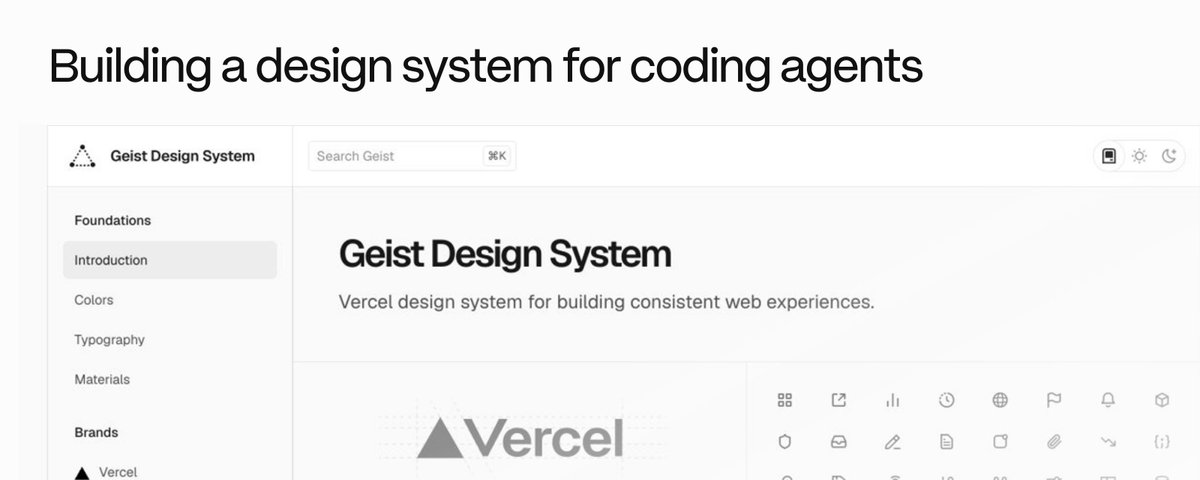
Building a design system for coding agents
文章目录
You ask an agent to build a page. Then you fix the spacing, swap the inputs and explain which button it should use. The next agent makes different choices, so you do it all again.
If your repo has three versions of the same control, agents copy any of them. More agents spread the mess faster.
Teams fixed this years ago with design systems. Agents can't read most of them. The rules live in someone's head or in a docs site that drifted from the code. An agent needs components it can import, rules it can find, and checks that fail when it guesses.
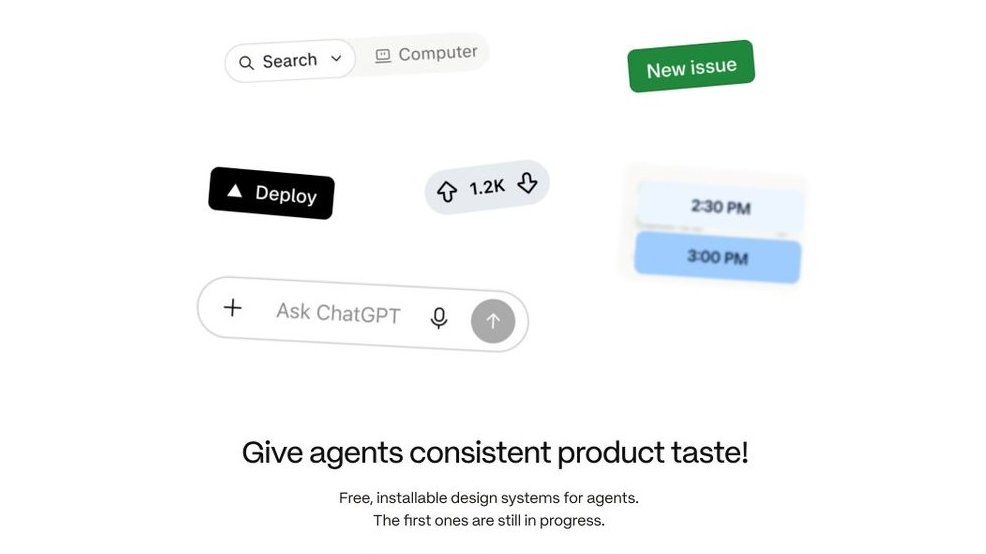
I'm building design.how to fix this. The goal is design systems you can install and hand straight to your agent. Those aren't ready yet.
Today it has six free skills that do the work on your own app, and links to the public systems worth learning from. Get them at design.how, then ask your agent for the job in plain words. design-system-boss reads the request and runs the others in the right order.
design.how
Build the system from the app you have
Use build-design-system when your app ships UI but nothing ties it together. Three button implementations, forty grays, a token file half the code ignores.
It starts from what's already in the repo and doesn't invent a new look. Scripts count the routes, components and raw values, and it screenshots every route before touching anything. Then it builds semantic tokens, one canonical component per family, a docs page for each, and checks that fail on raw values. It proves all of it on one real flow and stops.
Migrate the rest
Moving the whole app is a different job. Do it carelessly and you wake up to a big ass PR and no idea which forms still work.
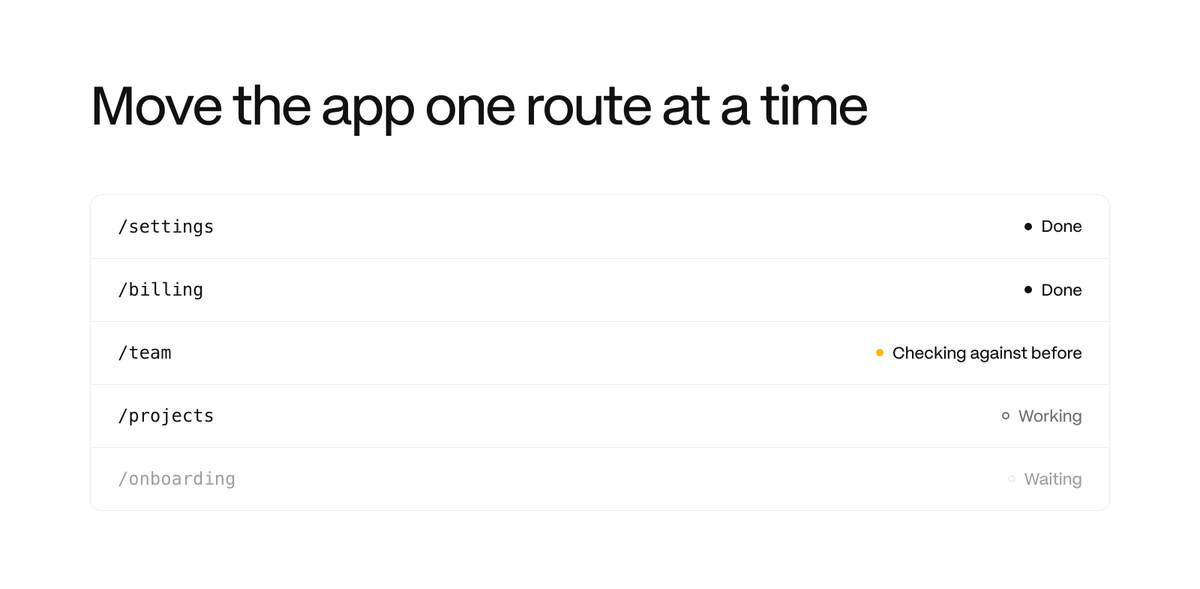
migrate-design-system runs one coordinator and a few workers at first, growing toward ten as the work holds up. Each worker takes one route in its own worktree. A separate agent checks every route against its before screenshot, and old code is deleted once nothing uses it. It spends real money, so no worker edits anything until you set a budget.
Start with audit mode. It writes a plan and changes nothing.
Map values by purpose
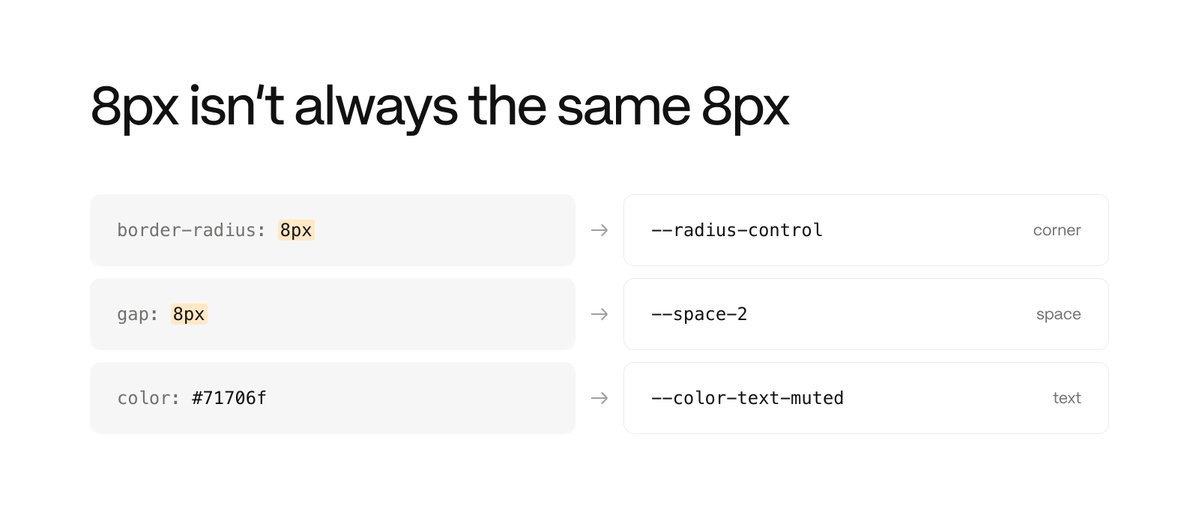
Use token-mapping when a screen is full of hex codes and pixel values. It matches a value by what it does. An 8px radius token is the wrong answer for an 8px gap. Values with no match get flagged instead of a made-up name, and it never edits anything.
Put rules beside examples
Each component page should say how to use it right next to the examples. For a dialog, that's where focus starts, what closes it and where focus goes after. A destructive button says "Delete project", not "Confirm".
Make each rule checkable. A cancel button inside a form needs type="button", or it submits the form. Then give agents a Markdown copy of the same page, so they read the rules instead of guessing from pixels.
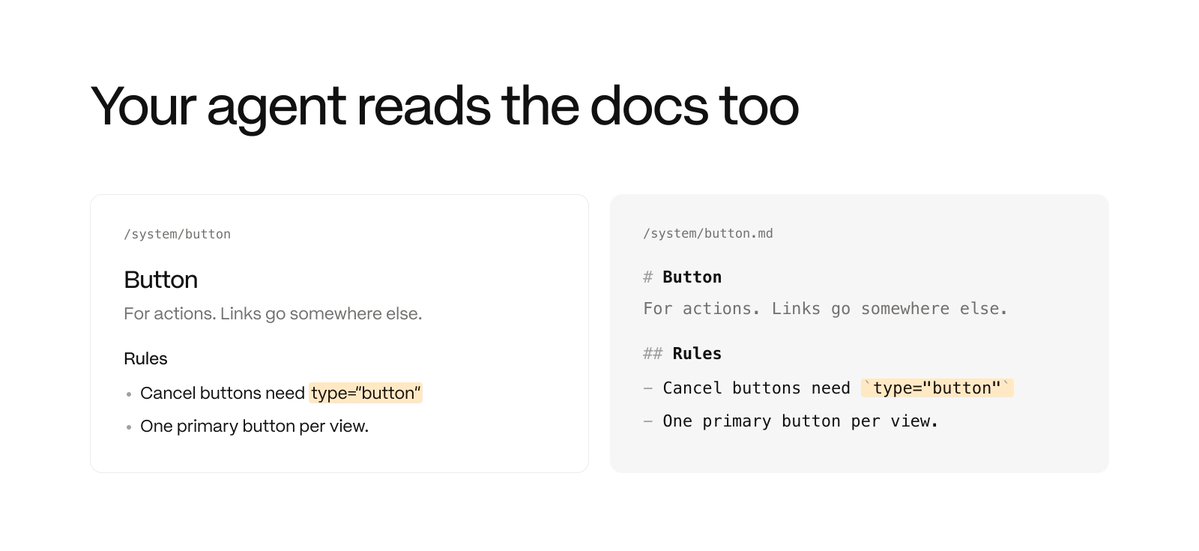
Use component-docs when a component is new or changed. It writes the entry from the code and two real uses in your product. If it finds fewer than two, it marks the rules for review instead of inventing uses.
Check the states the screenshot misses
A screenshot shows the default state. The bugs live in the others.
-
Invalid input should send nothing.
-
Pending should block a second submit.
-
A failed request should keep what the user typed.
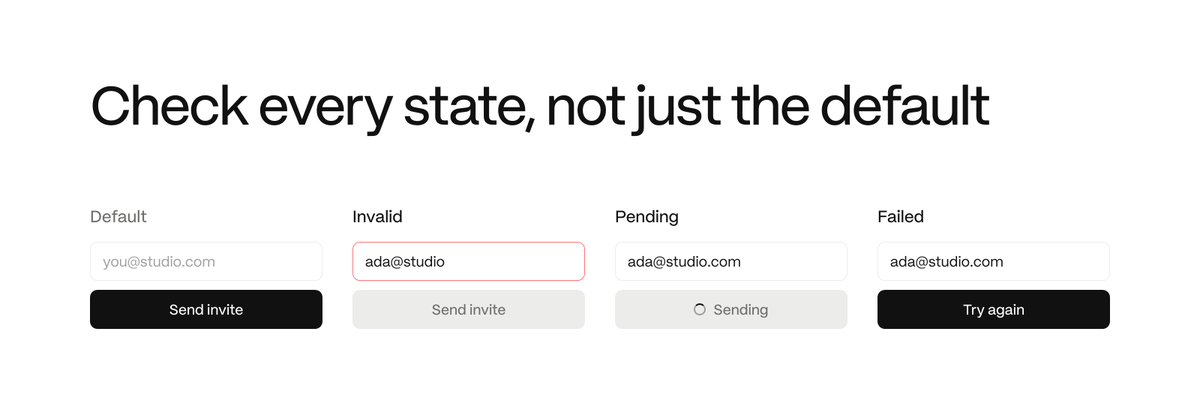
Use design-review before a critique or handoff. It asks what the screen is for, then ranks findings as Blocking, Should fix or Note, each with a location and a viewport. It never signs in or submits anything to reach a state.
Make them yours
Every skill has a TESTS.md. Run the task once without the skill and once with it, on your own screens. Each README also has an adapt prompt that swaps my defaults for your team's rules.
Get the skills at design.how, and follow @arlanoska for more.