The realistic guide to Grok Bot for video creators (no gatekeeping)
文章目录
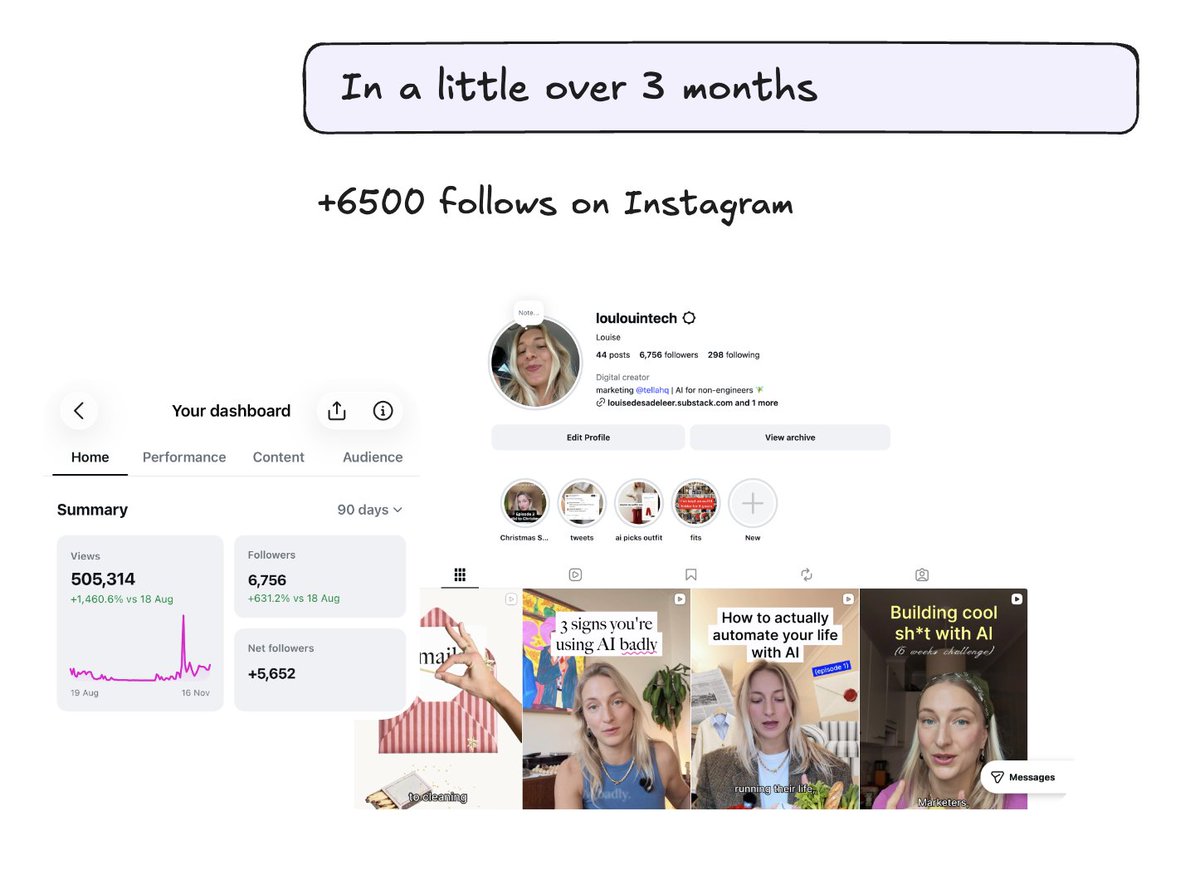
I grew to almost 7k followers on Instagram in 3 months. And I haven't burned out making videos (yet). I attribute this to a few things:
-
my use of @bot routines
-
understanding of what works for short-form (hooks/formats)
-
agentic editing in @tellahq (repeatable edit = save time)
This post will cover why I think Grok Bot is superior. Specifically, for video creators. Quick overview of Grok Bot features. And my entire workflow (incl. routines and skills) used to post multiple videos/week.
From research to publishing, 70% is automated.
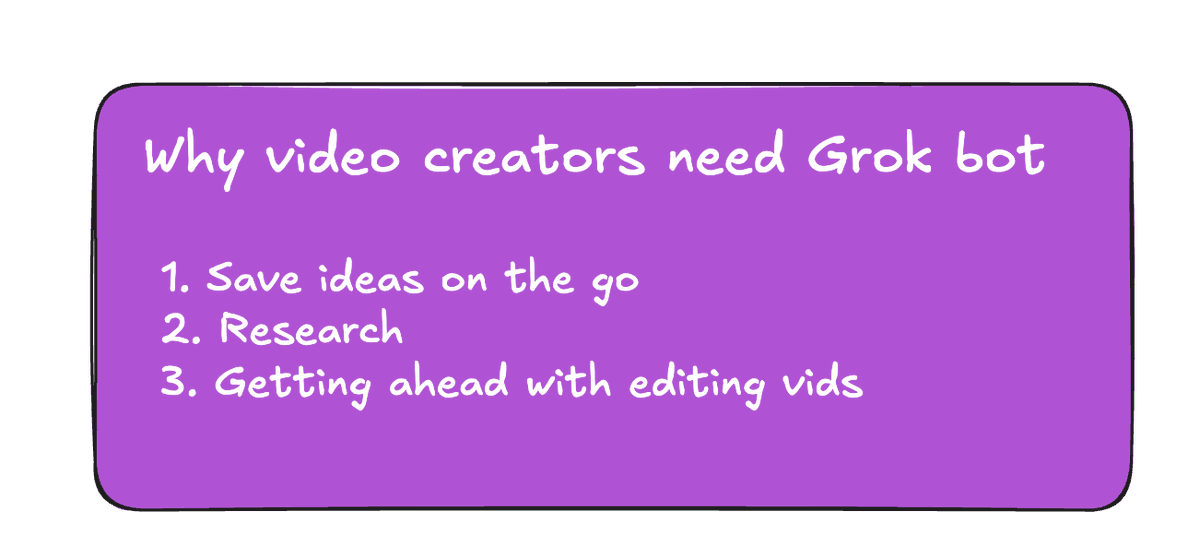
Why video creators need Grok Bot
Creators get their best ideas on the go (i.e. driving, in the shower). Previously, the biggest bottleneck was saving those ideas to use them later.
Complicated folder structures kill creativity.
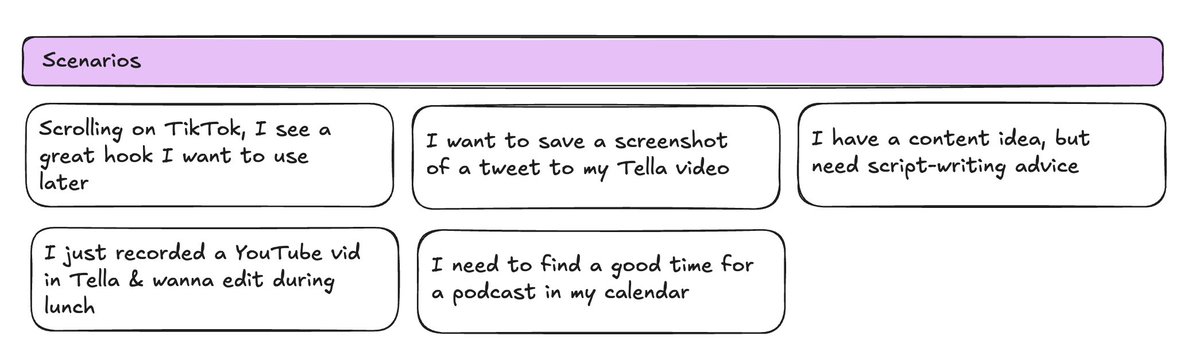
On-the-go scenarios that require Grok Bot:
-
Scrolling on TikTok, I see a great hook I want to use later
-
I want to save a screenshot of a tweet to my Tella video
-
I have a content idea, but need script-writing advice
-
I just recorded a YouTube vid in Tella & wanna edit during lunch
-
I need to find a good time for a podcast in my calendar
I also want much of the filming/scripting prep work to be done on my behalf.
Quick terminology
Bot (agent) - has its own memory and routines (examples):
-
give it one-off tasks (e.g. "save this to my content ideas in Notion")
-
teach it skills (a methodology to repeat, e.g. "publish to YouTube")
-
give it routines (a daily/weekly/monthly task to perform, e.g. "scan my Twitter bookmarks folder for cool stuff")
Integrations (apps) - give access to other apps like Calendar, Gmail, Figma so your Bot can perform tasks in those apps + grab data.
Computer - Bots have a their own computer, so you don’t need to keep your computer on to perform routines or tasks.
Group chats - Ask a Bot to make a group chat with other Bots, so they can each consult each other (e.g. Production Polly talks to Trends Teddy).
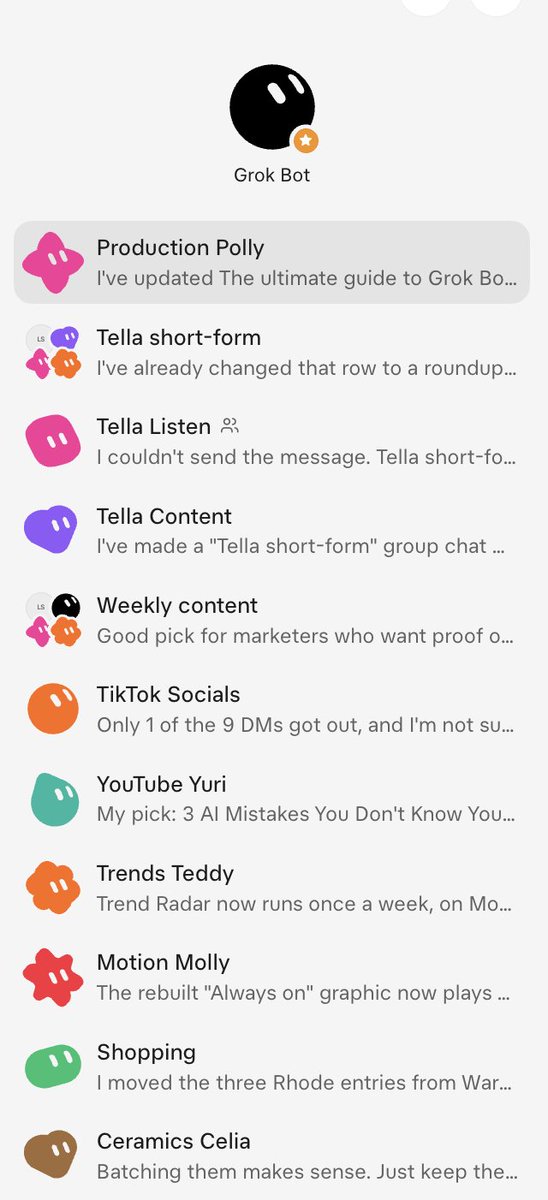
my bots:)
Workflows for video creators
Research
I use Grok to help me reveal trends, hooks and content formats to try out. Do NOT use it to steal people’s content, this will hurt you long-term.
(Weekly routine) Find creators' outlier posts
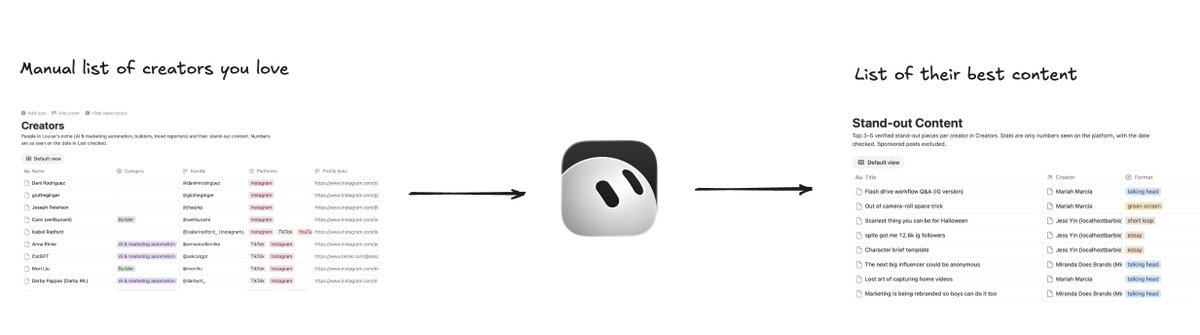
Goes through my list of "favourite creators" that I saved manually and finds outlier posts (2x creator's median across their last 20 organic posts) so I can analyse their framing, structure, hooks.
(Weekly routine) Scan TikTok "Hooks" folder sync
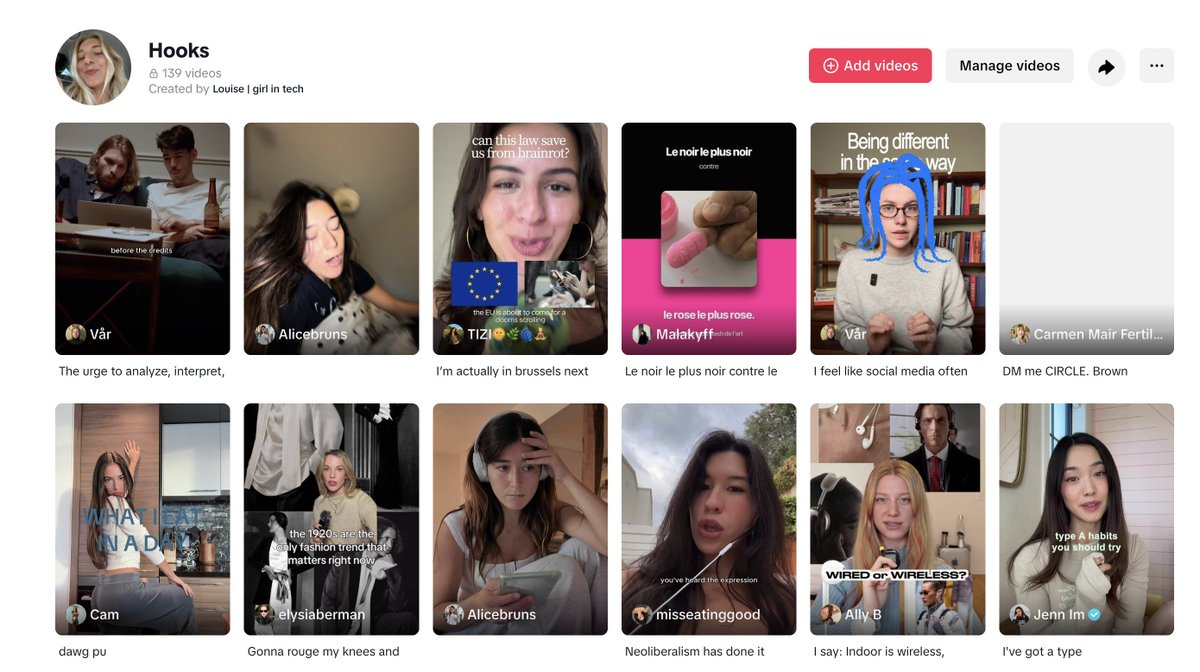
Scans my TikTok hooks folder for videos I have saved through-out the week. Saves them to Notion, now trying @edendotso.
(Weekly routine) Trend digest
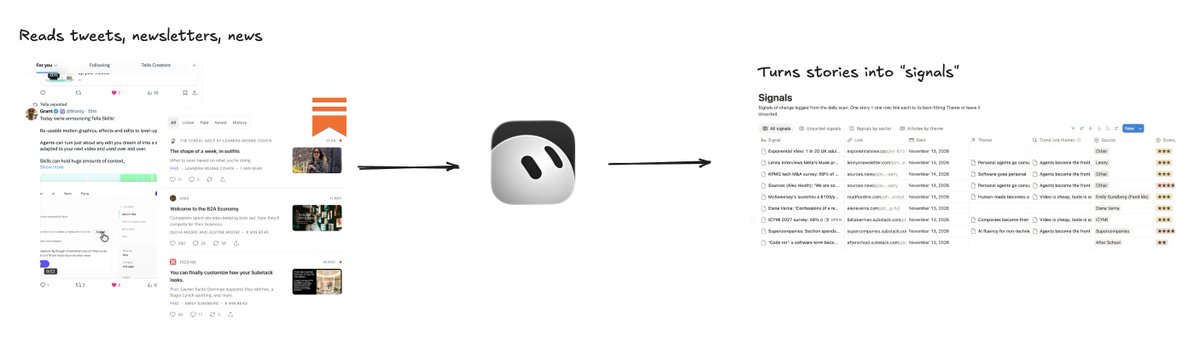
Reads my Substack, newsletters, news, and tweets I saved every week day before I get to work what's rising in Notion. Tweaked this "trend radar" template by Miranda to also include X.
(Weekly routine) Rising keyword on YouTube
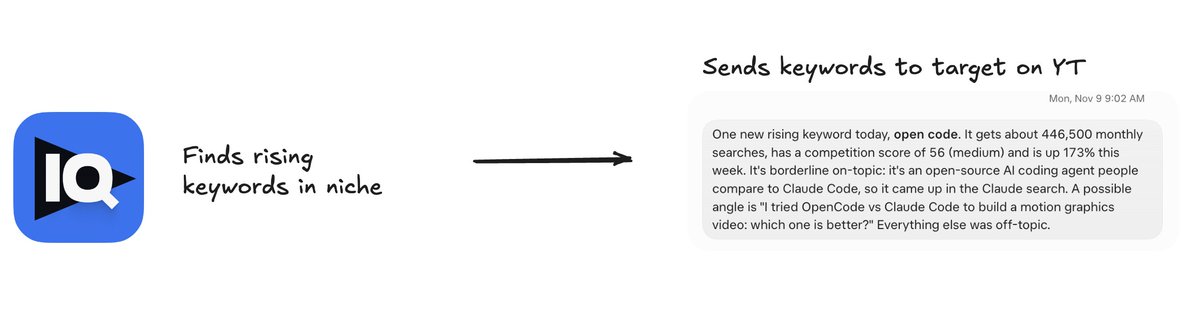
Pulls search volume for keywords in VidIQ. Looks for keywords in my niche, medium to low competition, and have at least 70k searches/month + are rising.
(Skill) /save-to-notion
-
"Save this content idea to Notion"
-
"Save this creators, video ideas, or hook to Notion"
Planning
(Weekly routine) Content planning sesh in group chat
On Monday, I plan content for the week + check what has/hasn't been posted the previous week. I do this in my group chat, with these bots:
-
Production Polly (knows how I write, has access to hooks, content ideas)
-
Trends Teddy (runs weekly trend search)
Changes the status of my content idea in Notion from "idea" to "planned" with a due date:
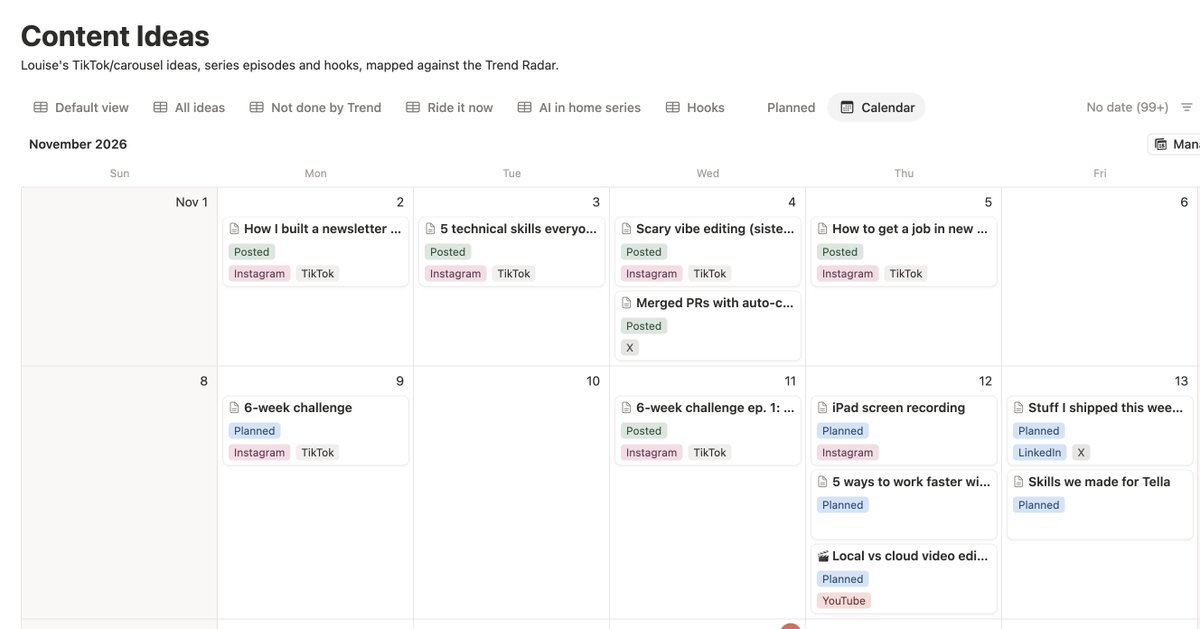
I've also been experimenting getting it to time-block scripting, filming, and editing. So I can bulk efforts (WIP 😅).
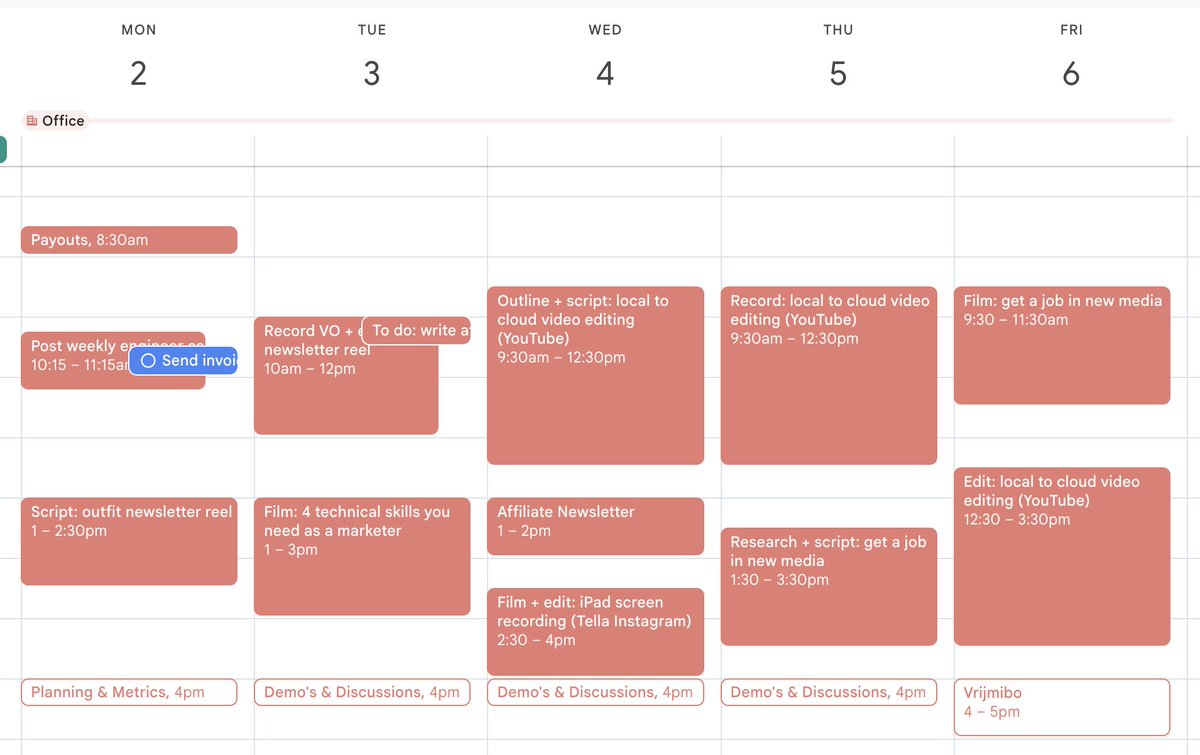
Scripting
I write all of my scripts by hand (sorry!). However, I always use Bots with skills that I keep improving on.
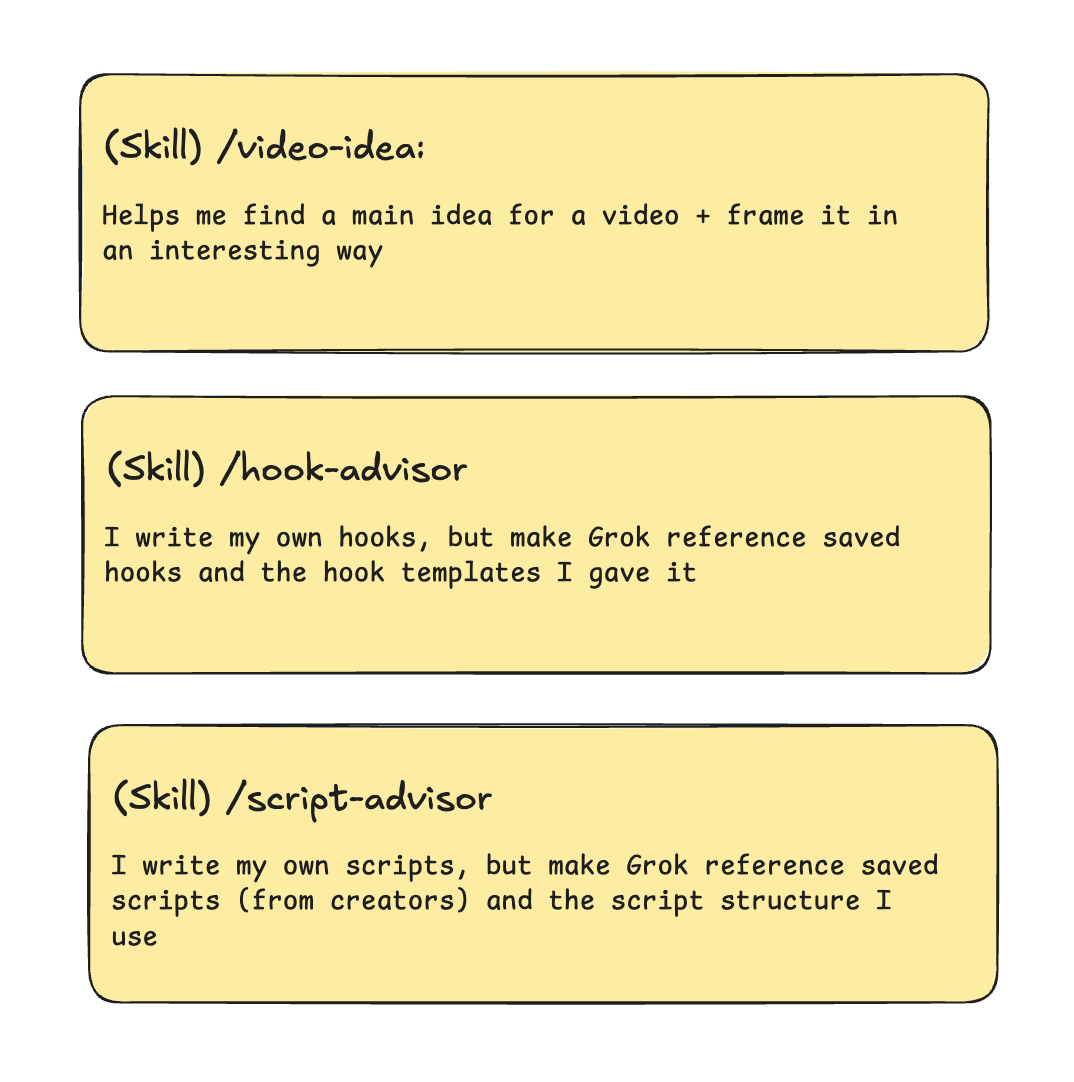
(Skill) /video-idea
Helps me find a main idea for a video + frame it in an interesting way. I am learning that the best content looks at a mainstream idea, from a different angle no one has thought of.
(Skill) /hook-advisor
Gave it access to all TikTok saved hooks (Notion) and hook templates (e.g. "X versus Y", or "hot take").
(Skill) /script-advisor
I make Grok reference my previous scripts and scripts I saved from creators (outlier content, see above).
Video editing
I edit all of my videos using Claude Opus 5.5 in Tella. It's browser-based and the only way not to slow down my computer.
If you want to know more about why I switched, read here 👇
(One-off task) "Create a new Tella project"
When I have an idea on the go, I ask Grok to make a new video project in Tella. That way, it's ready to go when I sit down to record or upload videos.
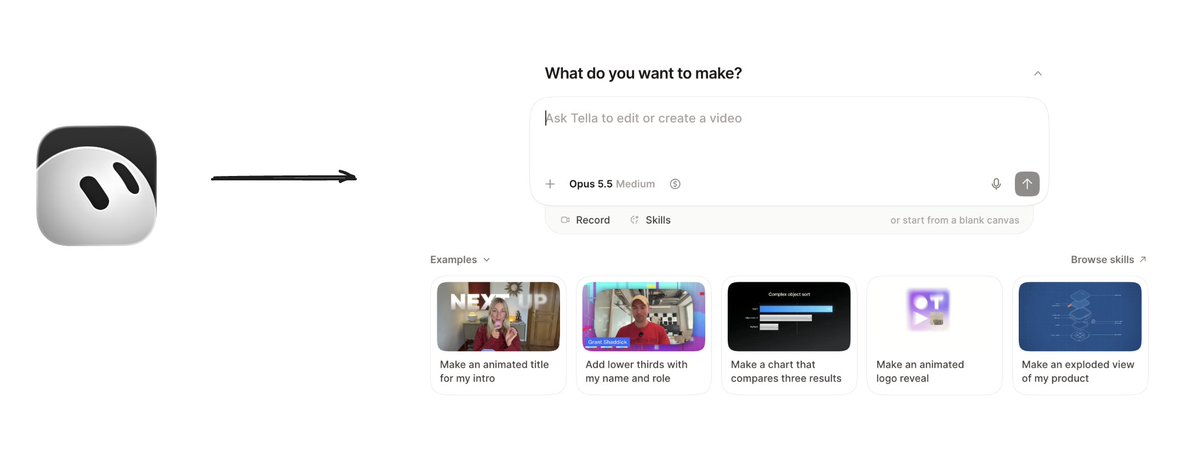
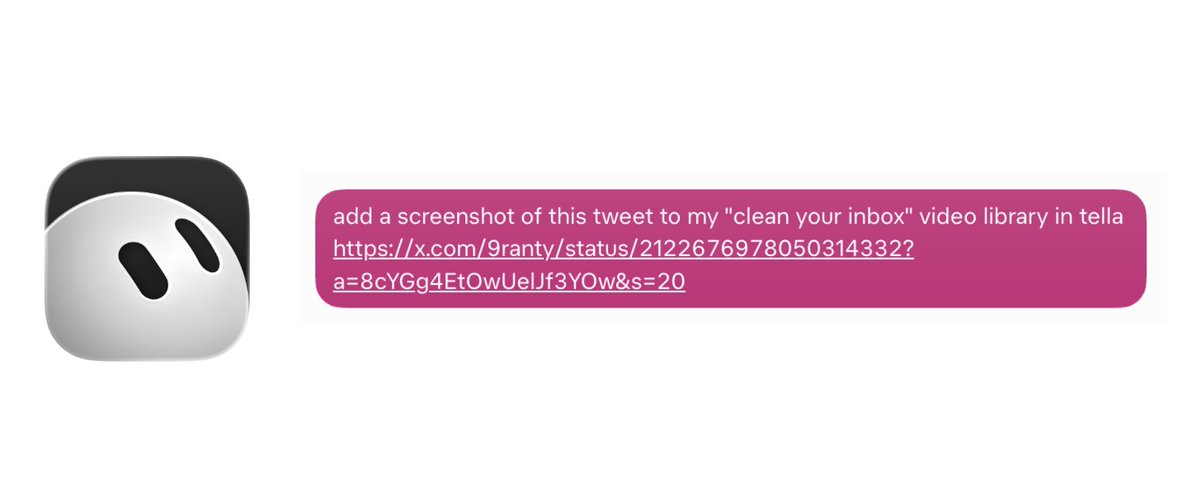
(One-off task) "Save this to Tella video"
When I see a link I want to screenshot and include in a video, send s it to Grok. It screenshots the page and adds it to my Tella media library, so it's there when I edit.
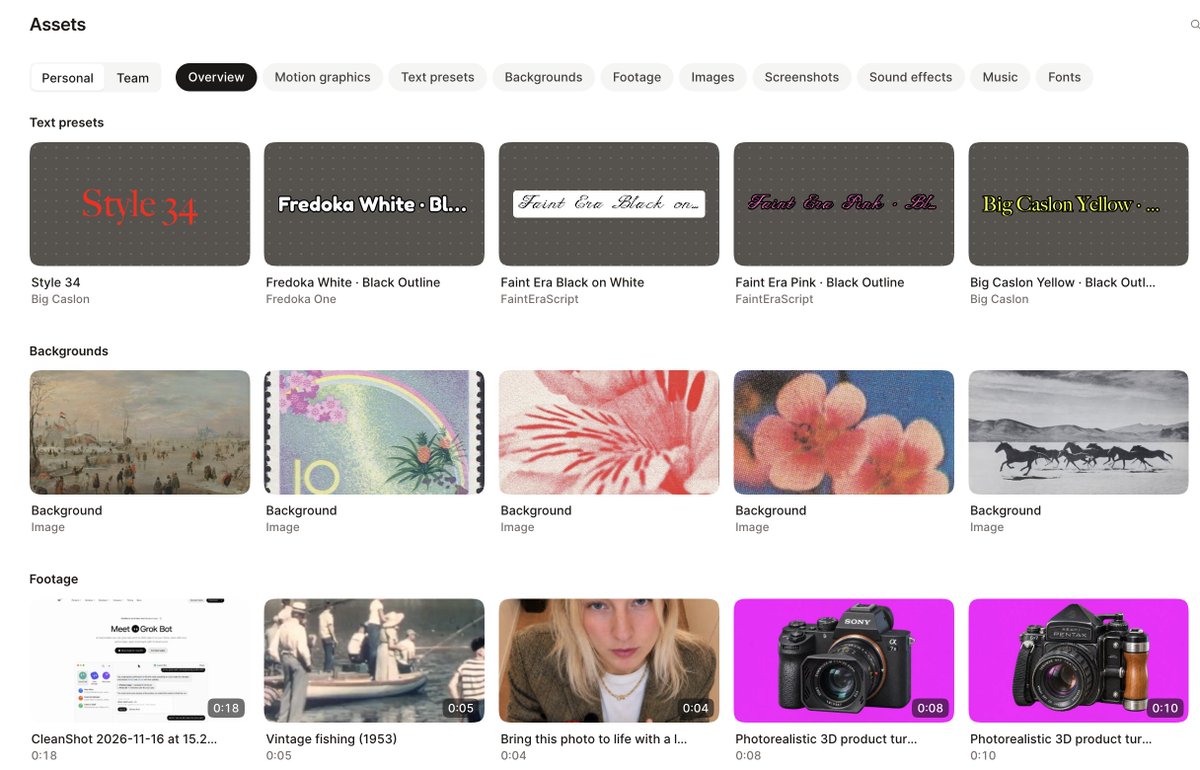
asset library for videos in @TellaHQ
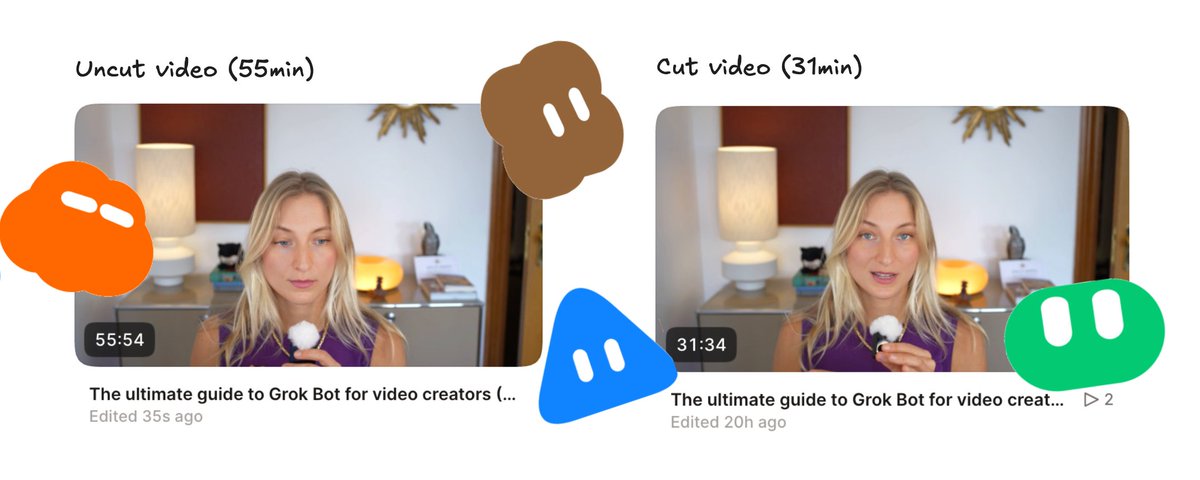
(One-off task) "Cut silences, filler, mistakes"
After I record, I ask Grok to clean up my Tella video. It removes:
-
all silences
-
filler words (um/ahs)
-
repetitions and mistakes
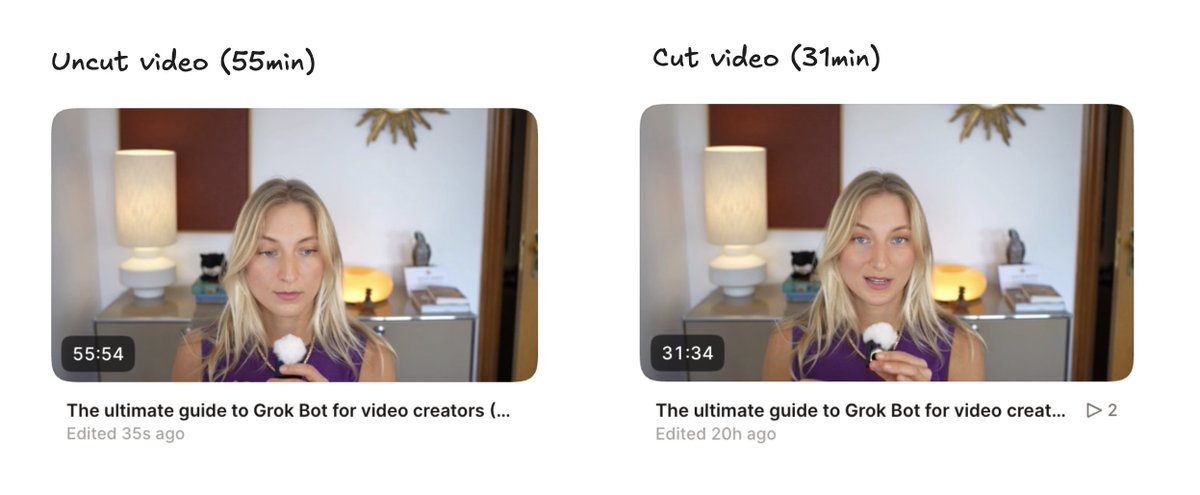
I often do this after recording a tutorial, while I am on my walk, so I can edit when I get home
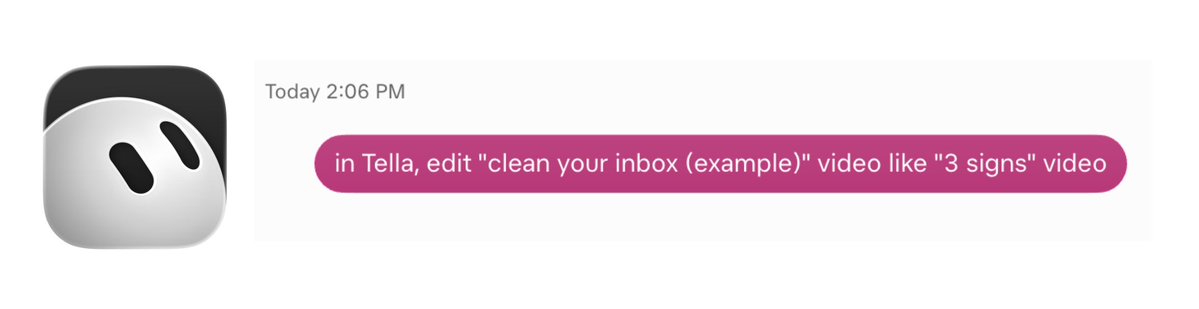
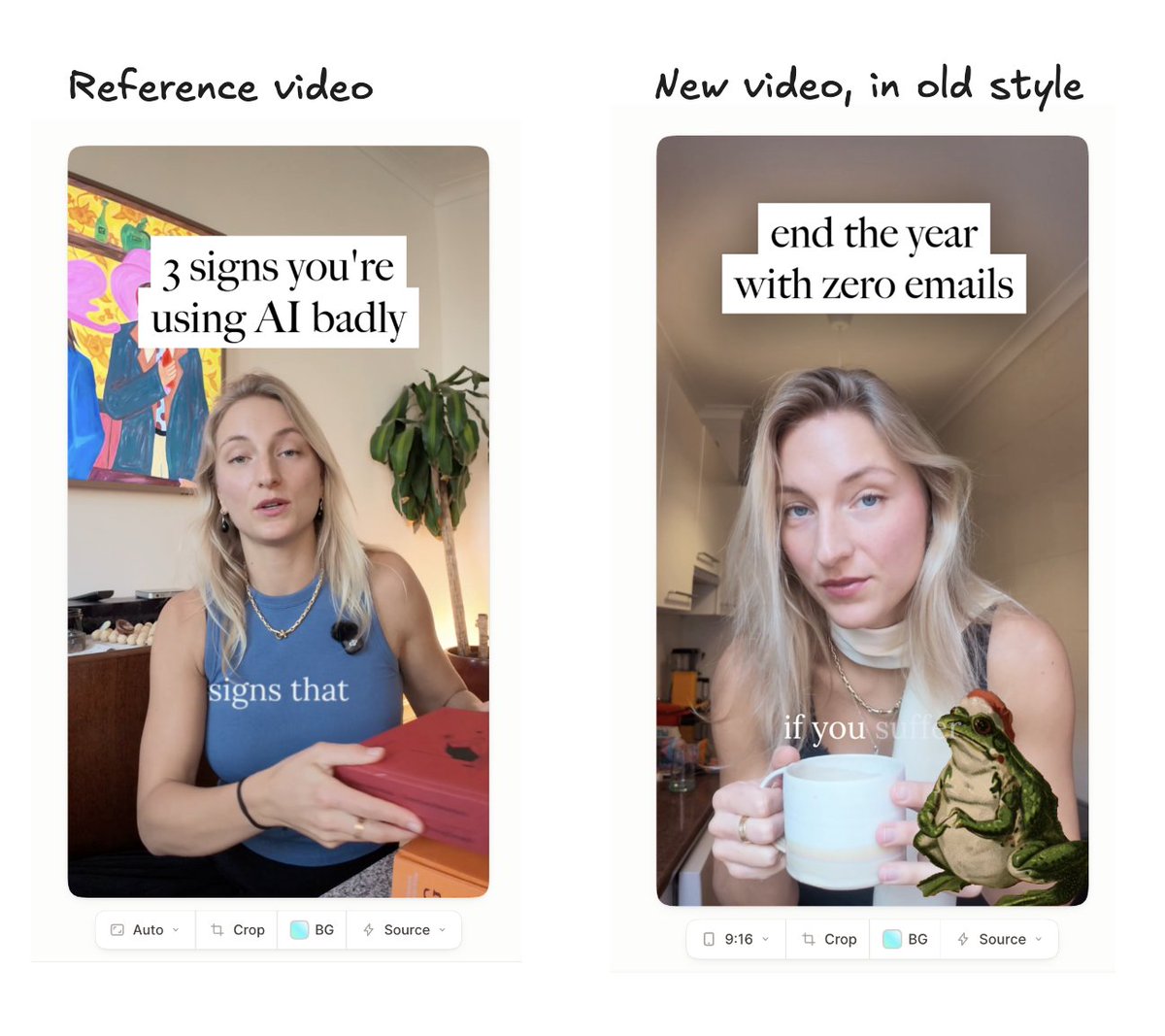
(One-off task) "Edit like last video"
I give Grok a reference video of mine and it edits my recent video in the same style. That way Tella agent can edit while I'm on the go.
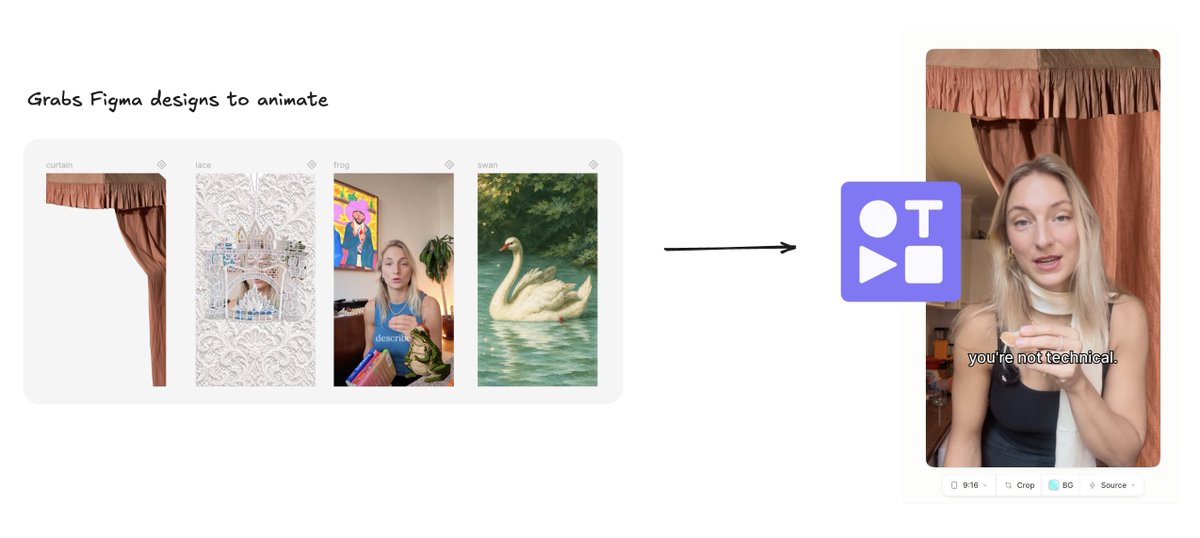
(One-off task) "Turn Figma design into motion graphics in Tella"
Yes, I still use Figma sometims. I give Grok my Figma designs. It looks at the design and renders it in my Tella video using the built-in motion graphic feature.
Publishing
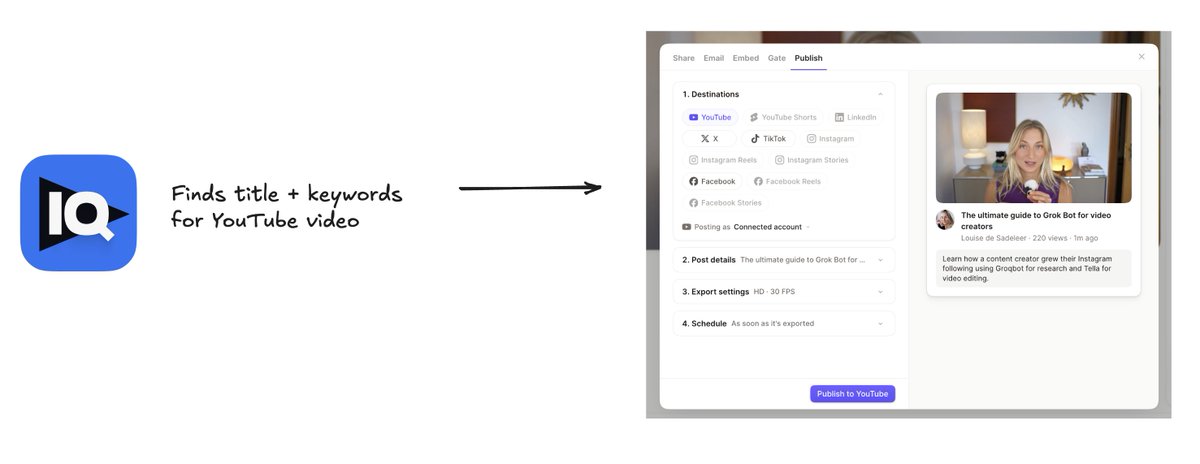
(Skill) /publish-to-youtube
Finds a good keyword/title in VidIQ, writes video description, and publishes my video to YouTube.
--
I tried to make this guide as realistic as possible. For those of us with full-time jobs, no editing team, and no dedicated computers to run agentic video editors.
If you liked this, be sure to subscribe to Tella on YouTube, because I'll be sharing the video version of this guide this week.
沿着这个主题继续读
从一篇文章,找到相关的教程、经验和阅读路径。