Cleaning up Unreal Engine material graphs with AI and Unreal MCP

文章目录
Material graphs in Unreal Engine can get out of hand with crossed wires, missing labels, oddly-named parameters and more. Ahead of MegaJam submission, you may want to keep your metaphorical ducks in a row!
Hi, my name is Philippe Patient, and I’m a Senior Technical FX Artist at Epic Games.
When I'm building a material, I care about getting it in a good spot first, not keeping the graph tidy. It can quickly become hard to read: wires crossing everywhere, parameters with names that don’t make sense, nothing labeled.
Cleaning that up by hand is slow, tedious work, and usually the last thing we have time to do in production.
I wanted to see if an AI agent connected to the Unreal Editor could do that pass for me, without changing what the material actually does.
The Workflow
Connect the agent to the editor
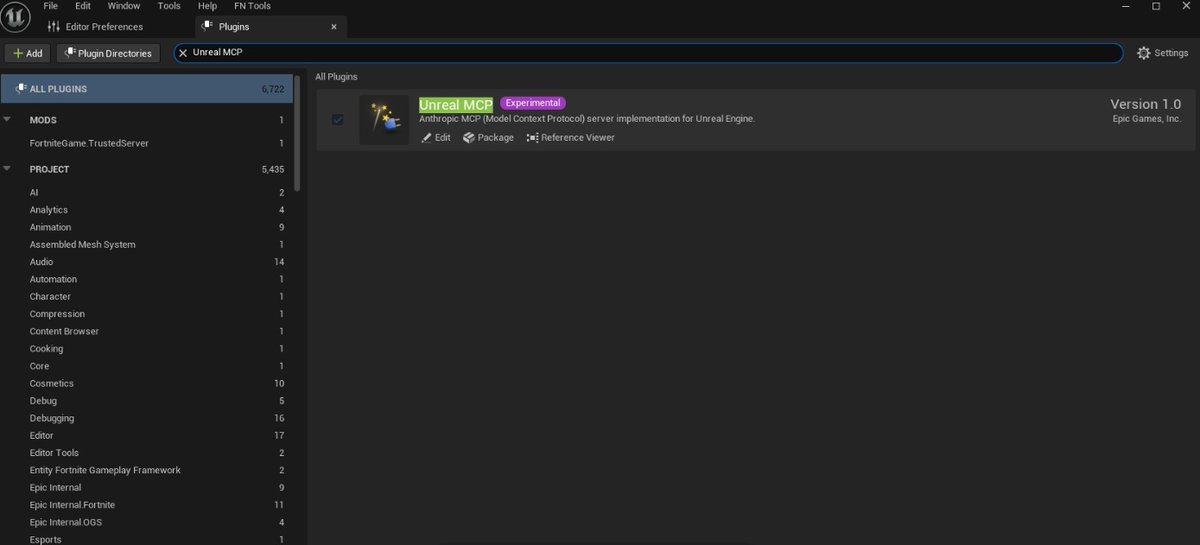
I used Codex running Astra, connected to the Unreal Editor through the Unreal MCP (Experimental).
The MCP lets the agent read the material graph directly and move, connect, and annotate nodes inside the editor.
Start from a real, messy graph
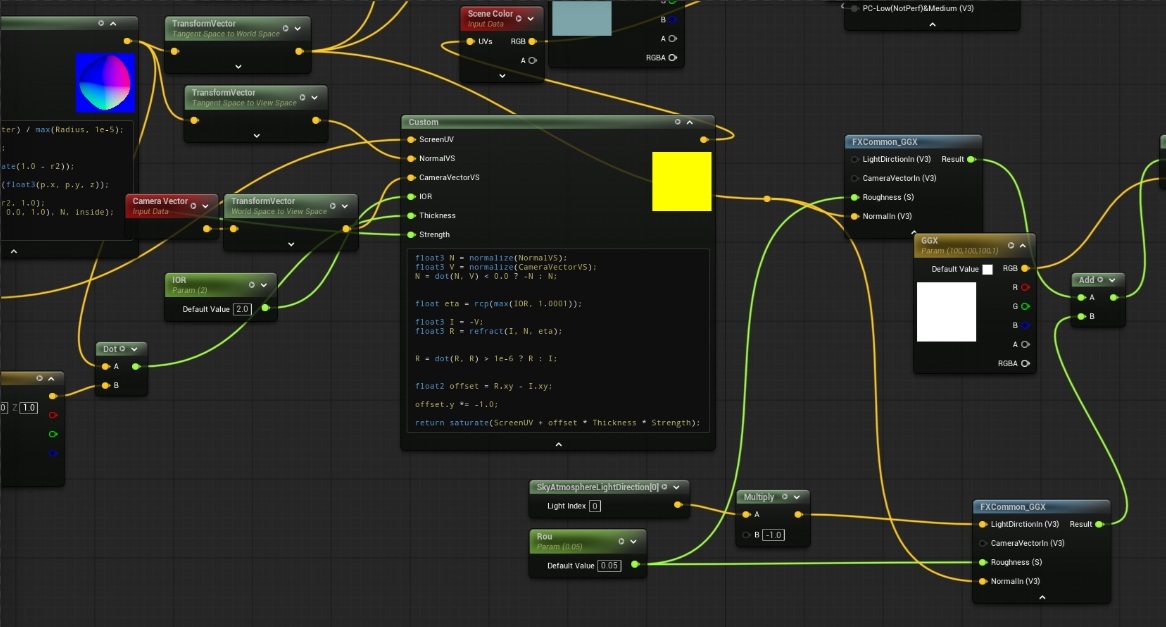
I didn't start from a clean test case. I pointed it at a material I'd been working on for half a day. It worked, but only I could follow it.
Write a specific prompt
How you word the prompt makes a big difference. A vague "clean this up" gets you vague results. This is the prompt I came up with:
Organize this material graph for readability without changing its behavior:
-
Arrange it left-to-right: inputs -> material outputs.
-
Keep the primary data flow on a clear horizontal spine; place supporting branches above or below.
-
Use Named Reroute Declaration/Usage nodes for shared values referenced across multiple sections or long distances. Give them meaningful names.
-
Group related operations in clearly labeled comment boxes.
-
Minimize wire crossings, backward connections, and unnecessary reroutes.
-
Preserve all parameters, calculations, and output connections. This is a layout/readability pass, not an optimization or redesign.
The last line matters most. It tells the agent this is a layout job, so it won't start "improving" your math.
Let it run, then review
I ran it over lunch. When I got back, the graph flowed left to right, related operations were grouped in labeled comment boxes, and values used in several places went through named reroutes instead of long wires across the whole graph. This means I can iterate fast and messy, hand off the cleanup during idle time, and come back to a much more pleasant polish pass.
Whoever opens the material next, whether that's a teammate or me a month later, gets a graph they can actually read.
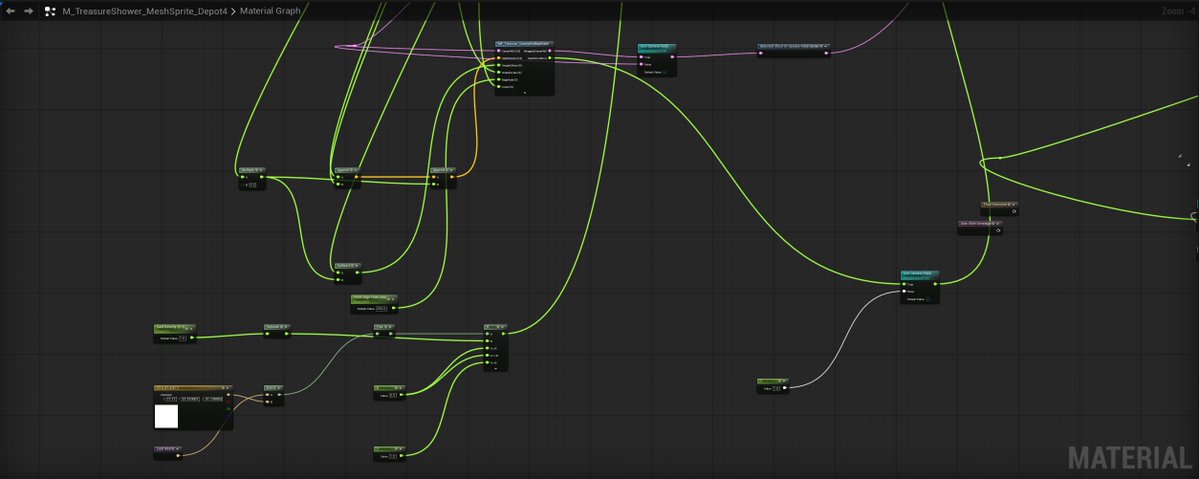
Before
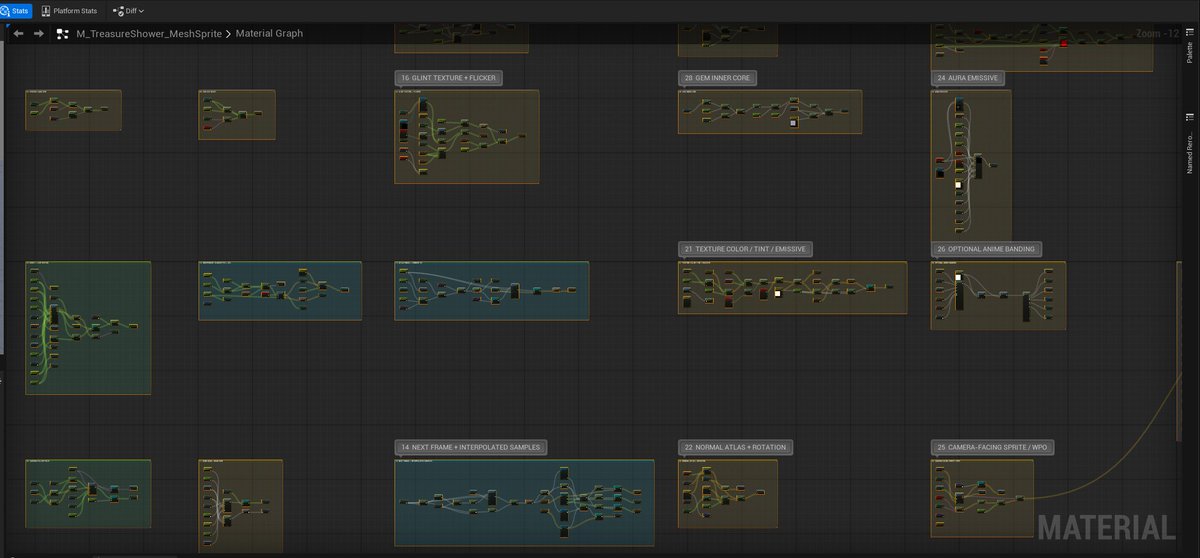
After
Parting Advice
-
Be specific about what not to change. Tell the agent it's a layout pass so it won't touch parameters or calculations.
-
Describe what "clean" means to you. Flow direction, how to use comments, when to use reroutes. The agent follows your conventions if you spell them out. If your team works within UX guidelines, it can replicate that style as well.
-
Once you've got a prompt that works for you, turn it into a skill. That way you never have to type it again.
You can find out more about Epic AI MegaJam 2026 here: https://epic.gm/epic-ai-megajam-2026