How I Design with AI. (pt 2)
文章目录
部分视频或图片暂未收录,已在正文保留提示;需要时可查看原文。查看原文 ↗
I hate slop. You hate slop. Agents love sneaking slop into our designs.
In Part 1, I explained my AI design process for individual surfaces. The reality is that today we build complex features touching many surfaces in a single prompt, which gives agents a lot of opportunity to wreak havoc.
Here's how I approach designing complex features with lots of agents and minimal slop.
With complex features, each screen is an opportunity for your agent to add slop to your design.
1. Understand how it works.
"Good design makes a product understandable." —Dieter Rams
Corollary: You cannot create good design without first understanding the product.
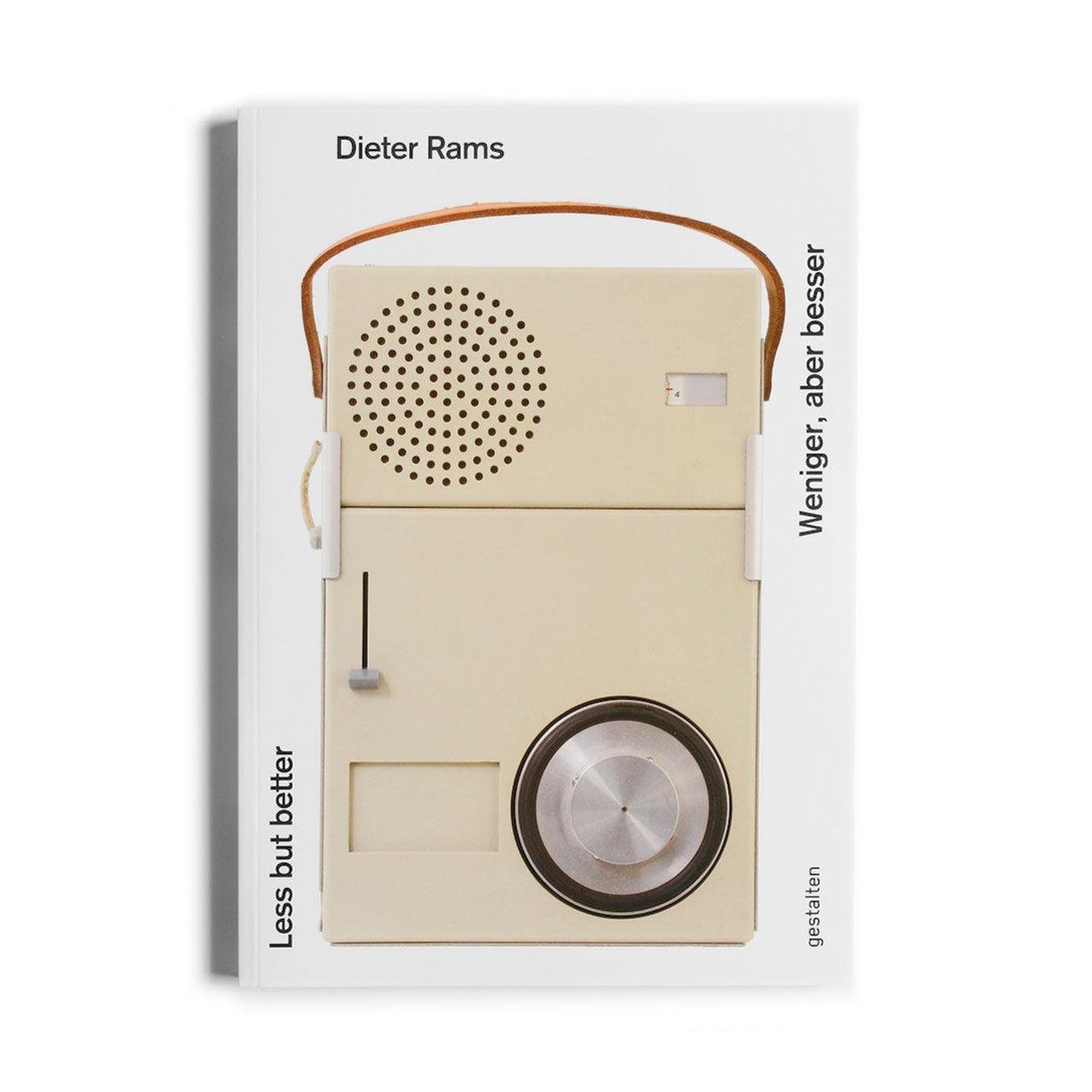
Wow, quoting Dieter Rams? This guy must know what he's talking about!
I spend a lot of time at the research and planning stage. I do not want to be surprised by technical or product decisions agents make while implementing a complex feature.
Does that mean I read every line of code? Absolutely not.
At this stage I'm building a mental map of the landscape I'm asking agents to navigate. I want to understand the product surfaces they'll touch and the technical constraints they'll face so I can equip them to make good choices.
For example, we recently added support for ACP so Ref users can control remote agents on laptops and cloud machines from the browser. I needed an understanding of ACP, the states we expect users to navigate, and the constraints on our design space. I wrote (by hand!) the flows I want to enable, then asked a lot of questions about how it will work. Building a real understanding is time consuming and requires curiosity.
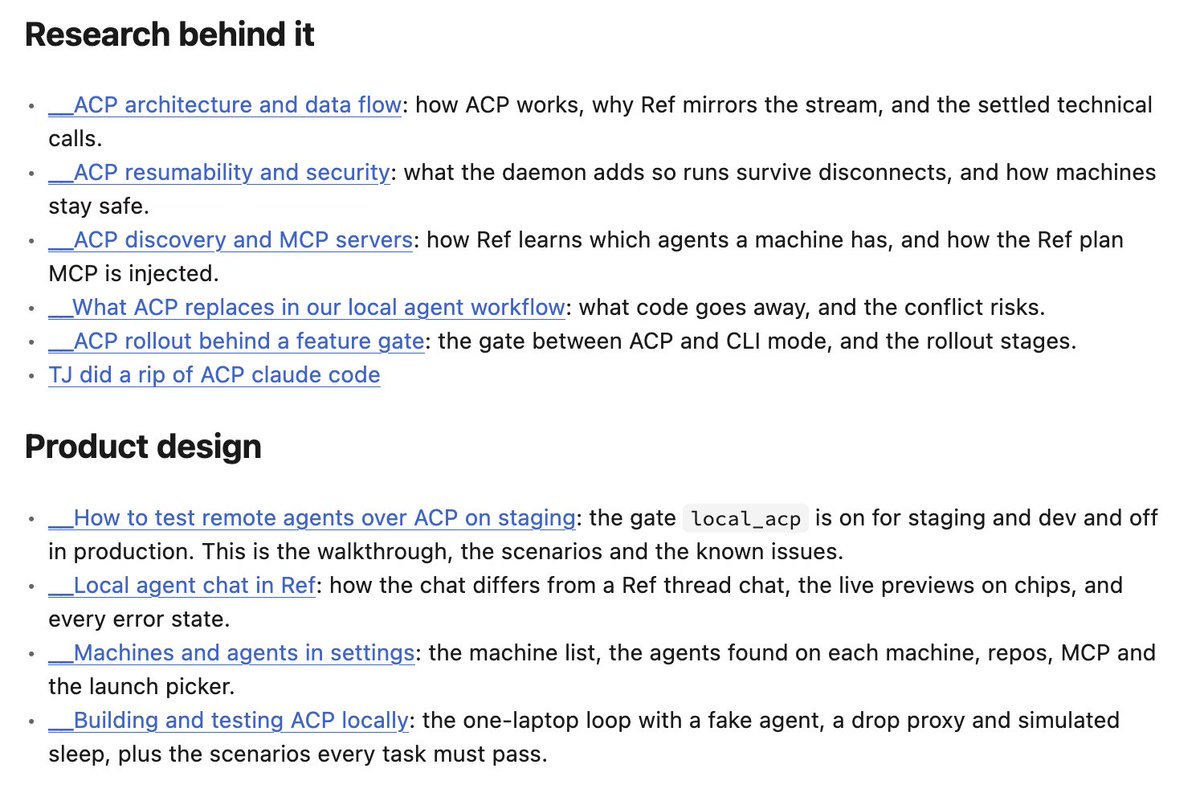
Research on enabling ACP to manage remote agents.
2. Trace the agent's trajectory.
Give the agent the plan and go play with the kids in the yard. I want to come back to a roughed-in, functional, probably poorly designed version of the feature. This is our clay to sculpt.
The trace is our first opportunity to catch any slop surprises. When the agent finishes, I'll skim all the artifacts it produced to look for any anomalies in the route the agent took through implementation. If there are any major divergences from my expectation, I'm still on Step 1 and need to better understand the feature.
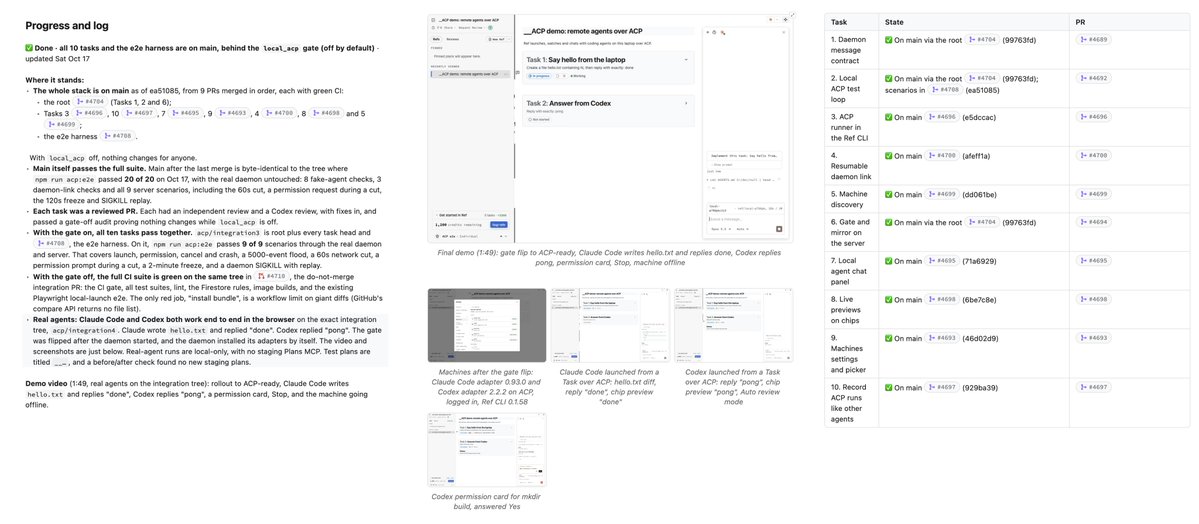
Artifacts that might indicate surprises: progress logs, demo videos, screenshots and PRs.
3. Zoom out and look at everything.
Once it's built, my personal rule is to look at every single state a user might encounter. It can be stub data, the design can be bad, but I must have at least put eyes on each state before shipping.
This used to be super annoying to do as a human, but agents are happy to oblige. I ask the agent to click through every single state on every single surface and output two things:
-
A set of screenshots of all states of the feature grouped by surface.
-
A set of bugs it encountered on the way. (This is a pretty nice bonus that's basically free!)
🧹 Here's the skill I use: /ui-sweep
Screenshots for all of the ACP-related surfaces in Ref.
I start with a quick skim for surprises. I'm not looking at details, just confirming the screens I'm seeing are the ones I expect and that there's nothing new. This is another opportunity to find out I don't yet understand the feature and need to return to Step 1.
If we're still surprise-free at this point, I start scrolling through and marking up small and obvious fixes. We don't yet have a perfect design system or DESIGN.md, so there are always a lot of small tweaks to triage.
This is the part of the process where I say "remove this" a lot. Agents love adding every extraneous piece of metadata into the UI if you let them. Don't let them! Removing stuff is Rule #2 from Part 1.
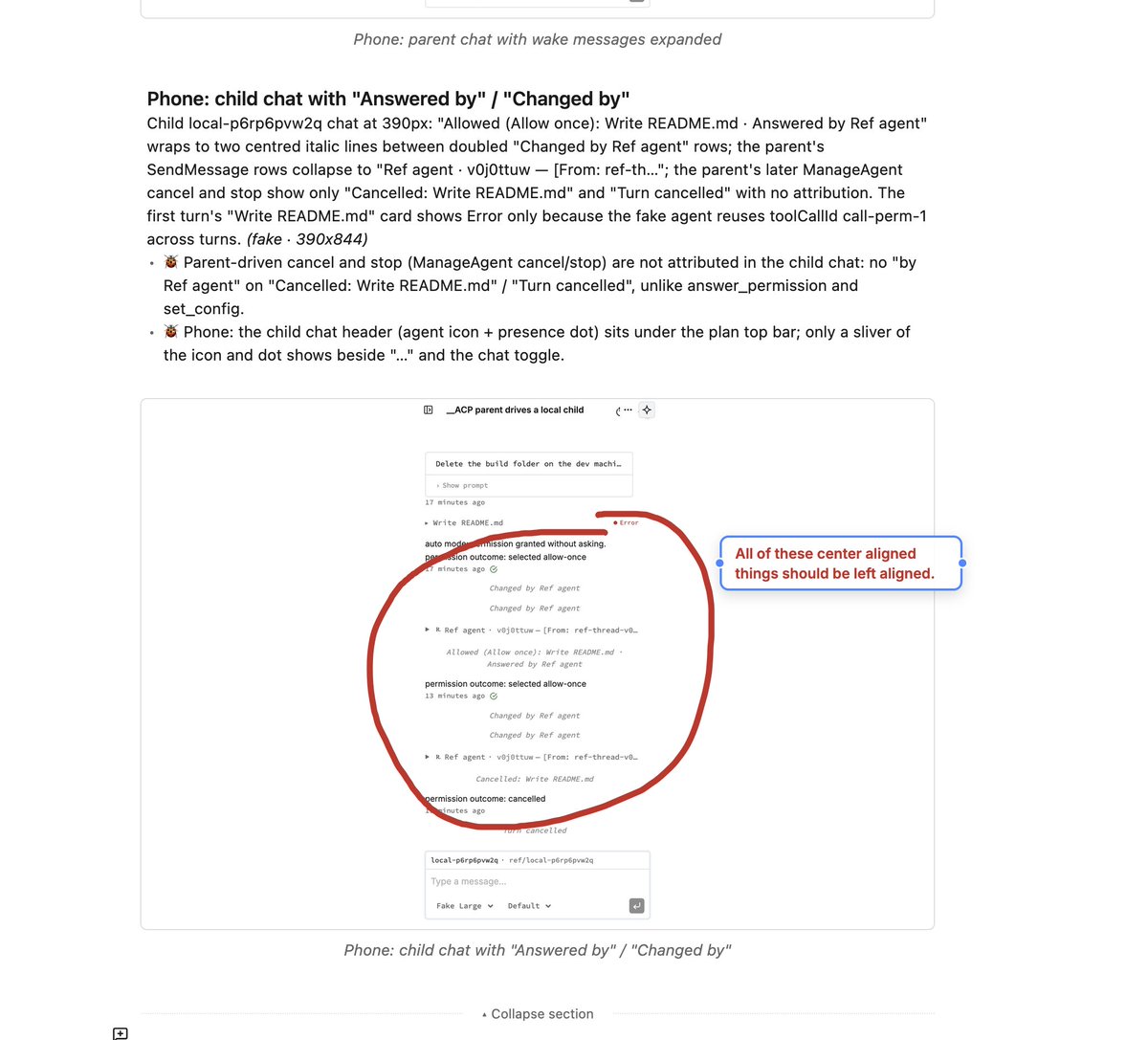
Scrolling through my long list of screenshots and marking up obvious quick fixes.
4. Zoom in on the crux surfaces.
Some surfaces or interactions need more attention. These are the crux of the design process: I need to get them right for the feature to work. The art in building complex features is choosing those surfaces well.
Crux surfaces are situational. The most important surface for one feature might not matter for another. It could be the most time-consuming step, or the onboarding, or the hotkeys, or the focus state, or really anything. If I've done Step 1 properly and truly understand the feature, I'll know.
Once I've identified the crux surfaces, I pull them out to Figma or an HTML prototype. Then it gets fun.
I give myself permission to relax and focus on the details. In AI-world, I'm doing ten things at once and constantly asking the tokenmaxxing question: "Why am I doing this when an agent could do it for me?" And sometimes that kind of sucks. Zooming in on a key feature is when I get to shut the world out and make something good.
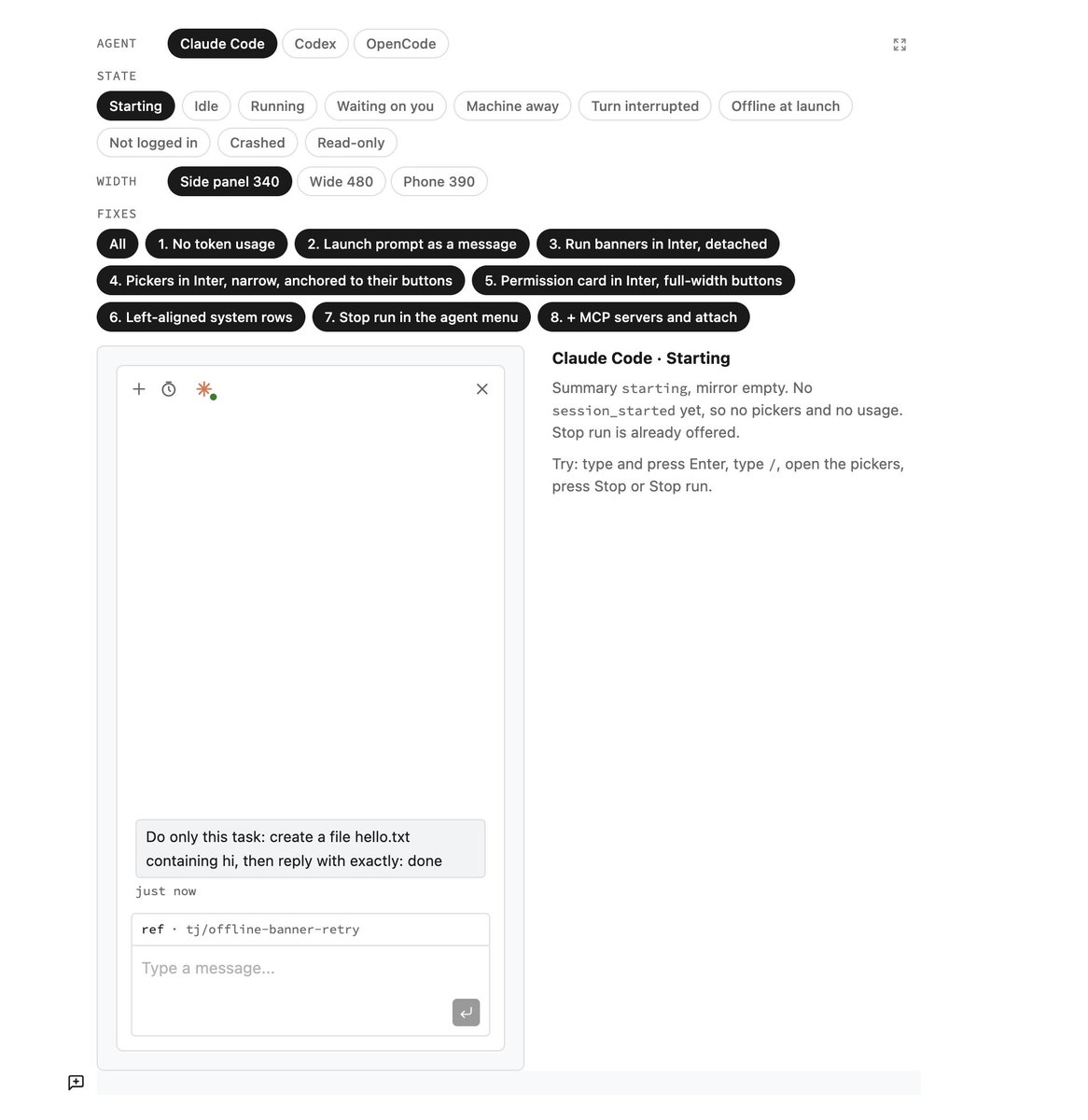
For ACP, the chat view is a crux surface and needed the most TLC.
And one more because this is the fun part.
Building a custom tool to explore the timing of our onboarding.
5. Get out of the silo and refine with the team.
There is no replacement for human feedback. And, unfortunately, today it's harder than ever to get.
These days I build massive features by myself. Feature implementation that once would have been shared by a team of engineers is now done by one person. The problem with that efficiency gain is that we've lost a team's worth of opinions that would have refined the feature.
As much as I would love to think I have impeccable taste, that's simply wrong. I love dense, text-heavy UI. It turns out that thing I love makes people's eyes bleed, so I rely on my team to save our users' retinas.
Our process is to ship to staging, dogfood the product, and share the work of cleaning up imperfections. We use a Slack channel called #design-adjustments, where anyone can jump in with a design tweak to fix an issue they've found. The only rule is that they post an explainer with before-and-after screenshots.
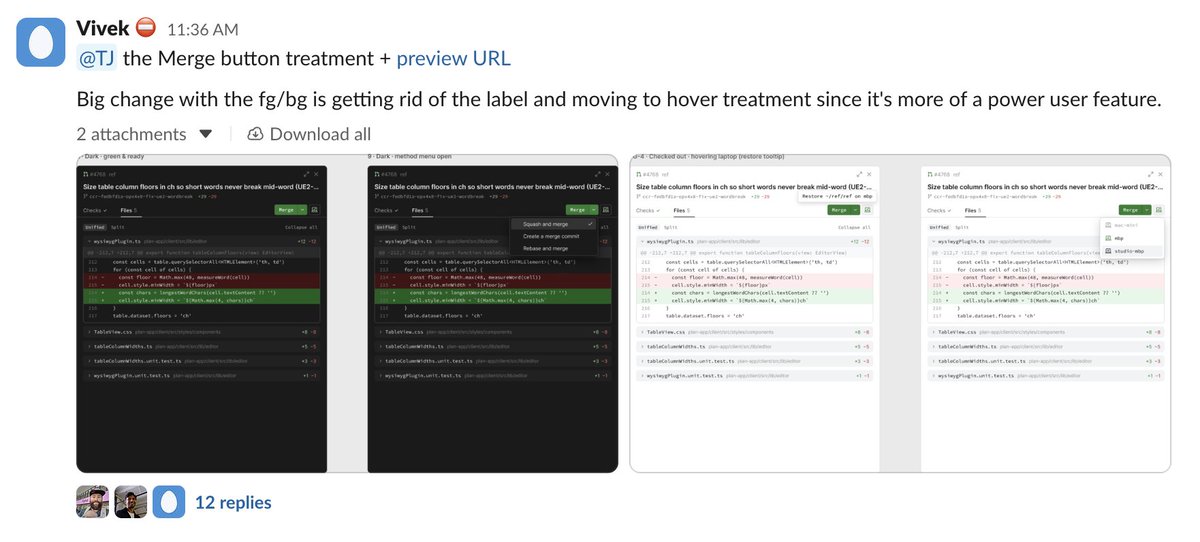
Sharing in #design-adjustments to keep the team aligned without blocking.
6. Ship, learn, and expect surprises.
This is always true and always bears repeating. At the end of the day, nothing will ever be perfect. But if you're building something genuinely valuable, and you've zoomed in and refined the critical interactions, your users will still thank you...and surprise you.
For complex features, there is always an interaction you didn't expect, and you can be damn sure your users will find it. You just have to put it in their hands and find out.
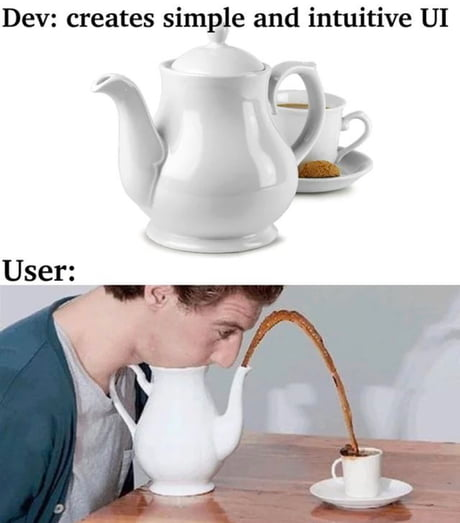
We love users for their creativity.
GLHF!