How to make launch videos if you are a web designer (try storyboarding)
文章目录
AI is crazy, and it will replace you soon if you are a web designer, product designer, or logo designer.
Or will it actually? No one knows.
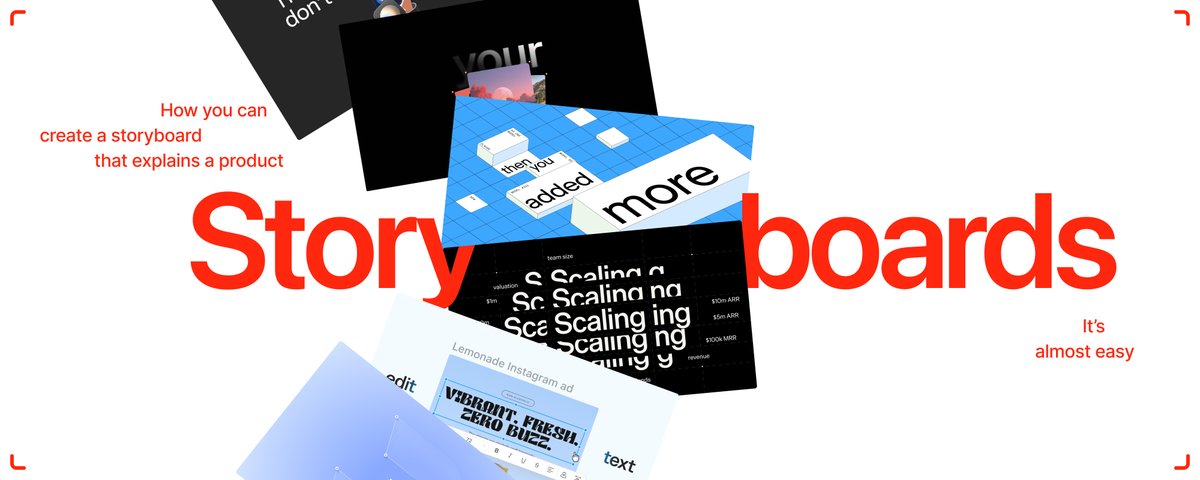
All I know is… launch videos are cool. And I’m here to tell you how to make them. If you’ve made a dozen websites before, you are halfway into storyboarding a launch video.
My ‘no-I-don’t-sell-a-course’ list for this article: – How to start? – Skills you might need – Hooks and retention – Types of storyboards – The making process – Creative direction – Opus 5.5 in storyboarding
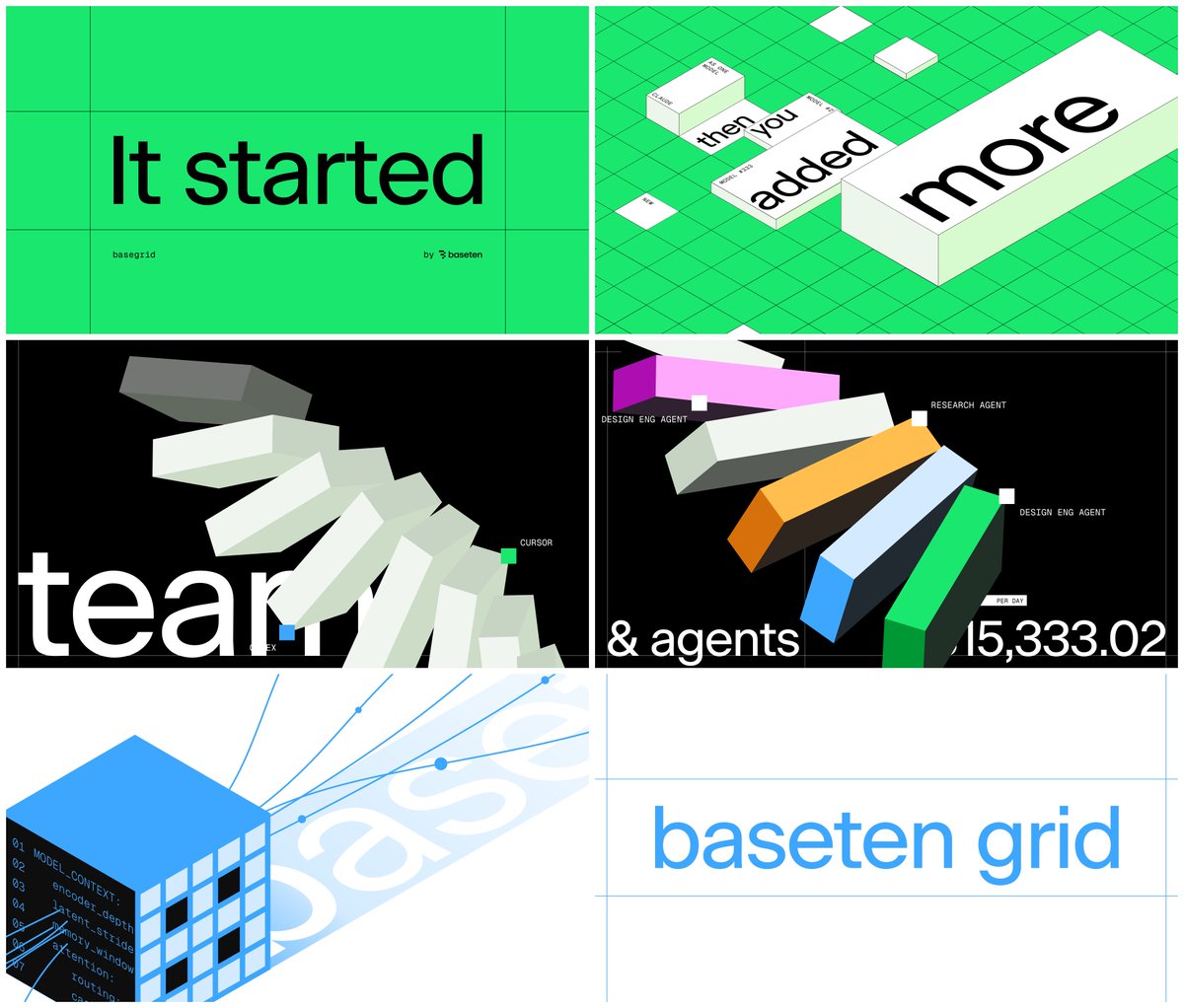
The last storyboard I've made
How to start with storyboarding as a web designer?
When I made the first storyboard for Skale, I didn’t know I had enough skills. I've done websites and brand identities, but never a launch video.
Heck, I thought the storyboard I made wouldn't make it.
It did… 700k views in 24 hours, organically.
It was Buds:
This video set me up to work alongside the team on Cognition, Airwallex, Contra, and other launches. So, as it turns out, web design is enough to get started.
Why web design, though?
Websites should've given you the feel for typography, composition, contrast, and colors. What you might lack is a sense of timing. But if you’ve done micro-interactions in the past, that won’t be an issue.
So, how do you start?
Take an internship with us. jk.
Take any product you love and use. Or make up your own. Put a short story around it, just like you do with websites. Make 4 to 6 “artsy” 1920x1080 website sections.
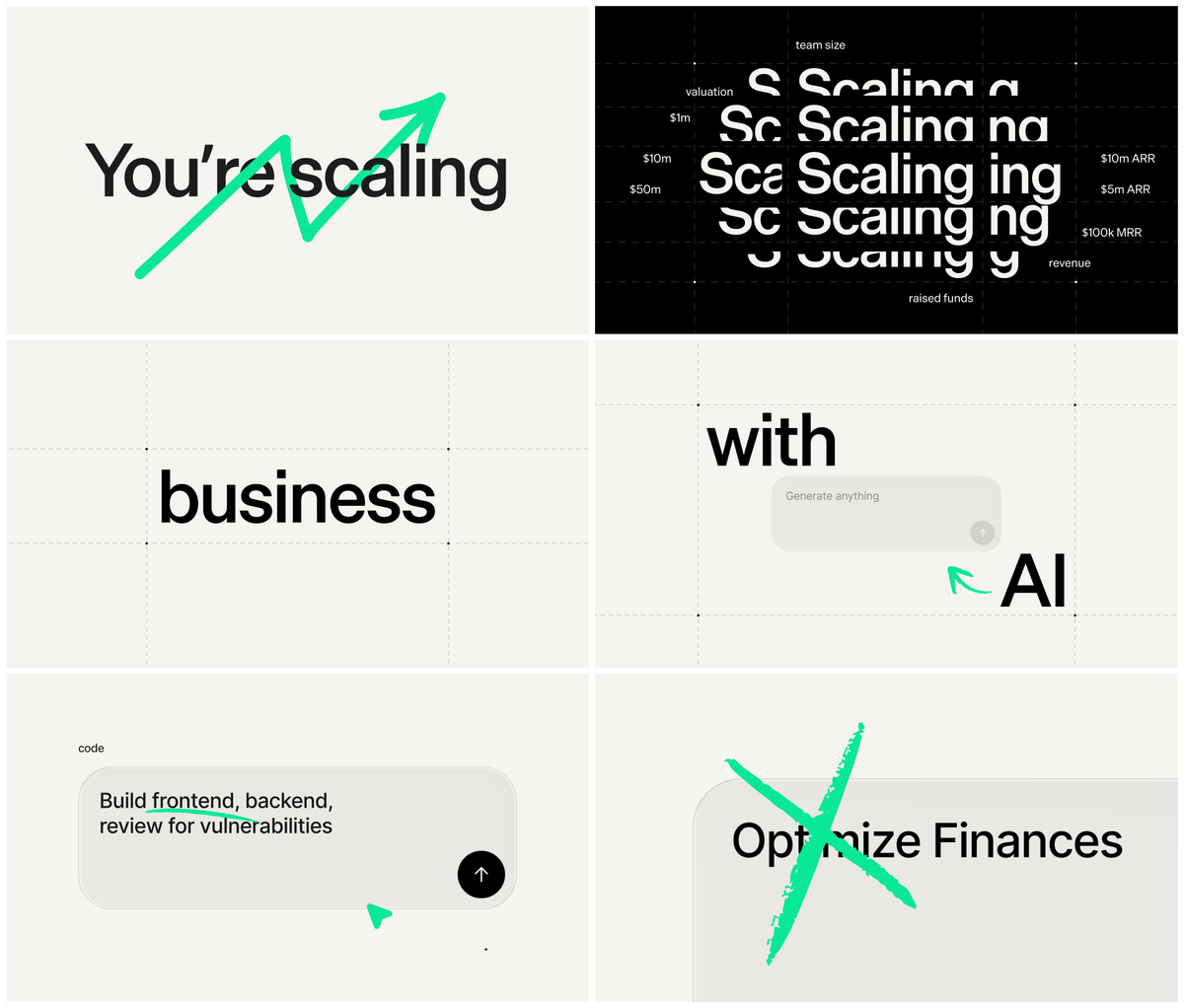
Explorations for T0 storyboard for Airwallex
And that’s your storyboard... You might even try animating it.
Easy enough?
Considering you’re reading this article, you might need a deeper explanation than that. So let’s get into the weeds.
What are the necessary skills?
We can separate them into two: storytelling and visual design.
Oh, and there’s ‘creative direction’ that connects the two. I’ll tell you more later.
Storytelling skills – Research and ICP knowledge (your launch’s cornerstone) – Product knowledge (don’t even try if you don’t know anything about the product) – Narration (you don’t have to be the best copywriter, but you have to put a decent story together)
Visual design skills – Poster design (to make unconventional colorful layouts) – UI design (will give you clarity on how you can chop up the whole dashboard into bite-sized, understandable pieces) – Web design (something that helps you understand the cohesiveness and flow)
These will be enough to get you going.
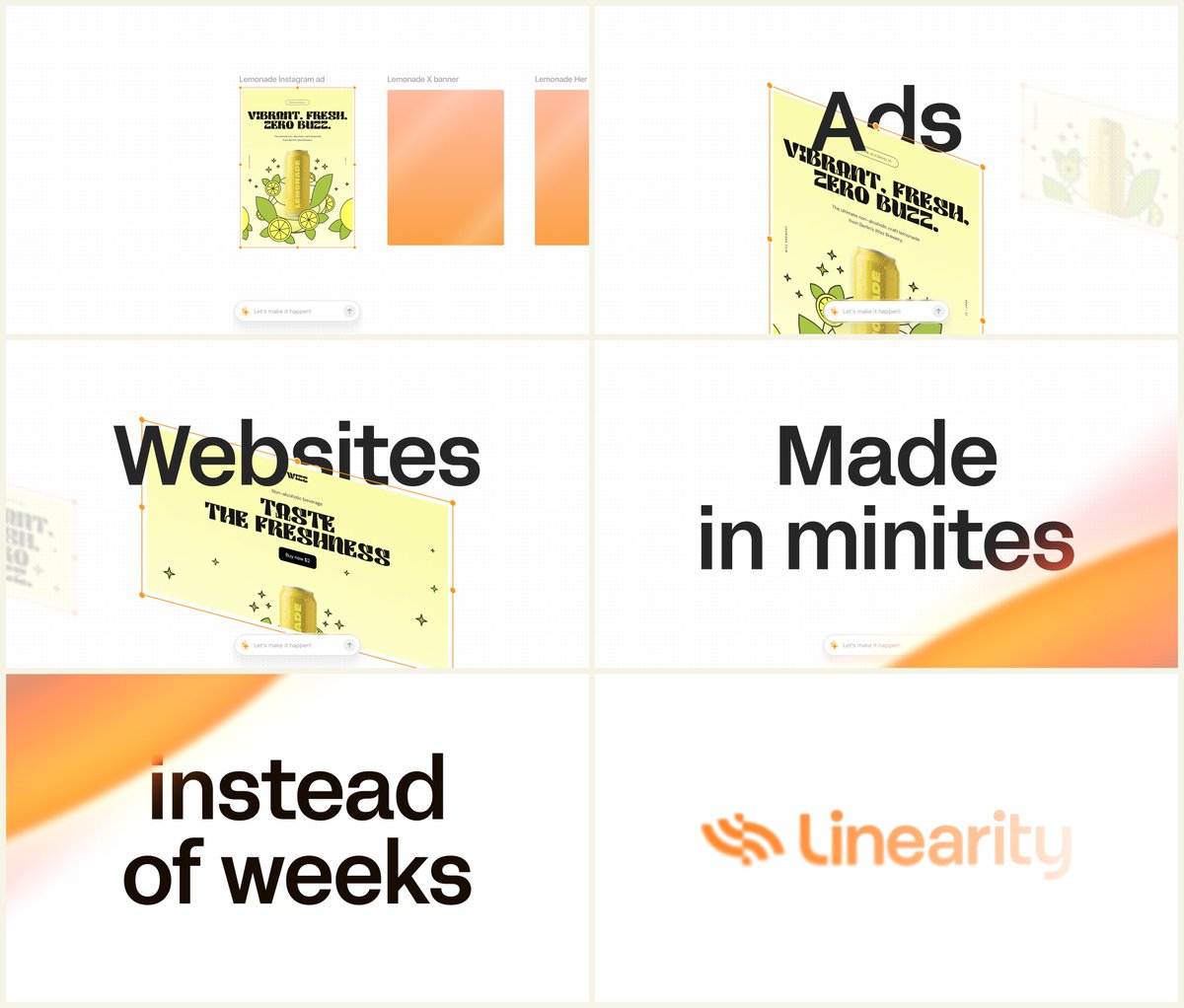
One of the simpler parts of Linearty storyboard
Making a storyboard is pretty much similar to making a good website:
-
Draft the wireframe (flow, main goal, CTA, sections);
-
Say about the most important “section” in detail;
-
Find visual references, analyze their application;
-
Put the type, colors, and basic layouts in place;
-
Keep ‘contrast’ between the sections for engagement.
Engagement?
What is engagement and retention? How can you make a viewer watch your video?
By engagement, I mean a viewer watching past the first few seconds and not dropping off.
To spark interest, find and push an “interest” button inside the viewer’s brain.
Ways to spark interest
-
Create controversy
-
Make a bold promise about the product
-
Tell an inspirational story as if you’re a director from Hollywood
I can't explain the last one, @JordanPAnderson is the man who does it. But I can give you a glimpse into the first two.
1. Create controversy: easy one (no, it’s not).
Name of the game: "Piss everyone off but your client’s ICP!"** **(credit to @thatguybg for saying it)
This is what we’ve said with Aside Browser: “All the AI browsers suck. We killed them.” But then, we had to prove it, and that was the retention part.
The visuals? We threw all the AI browsers in a bin. The rest was just bite-sized UI elements.
Please, never put one whole dashboard on one screen, ok?
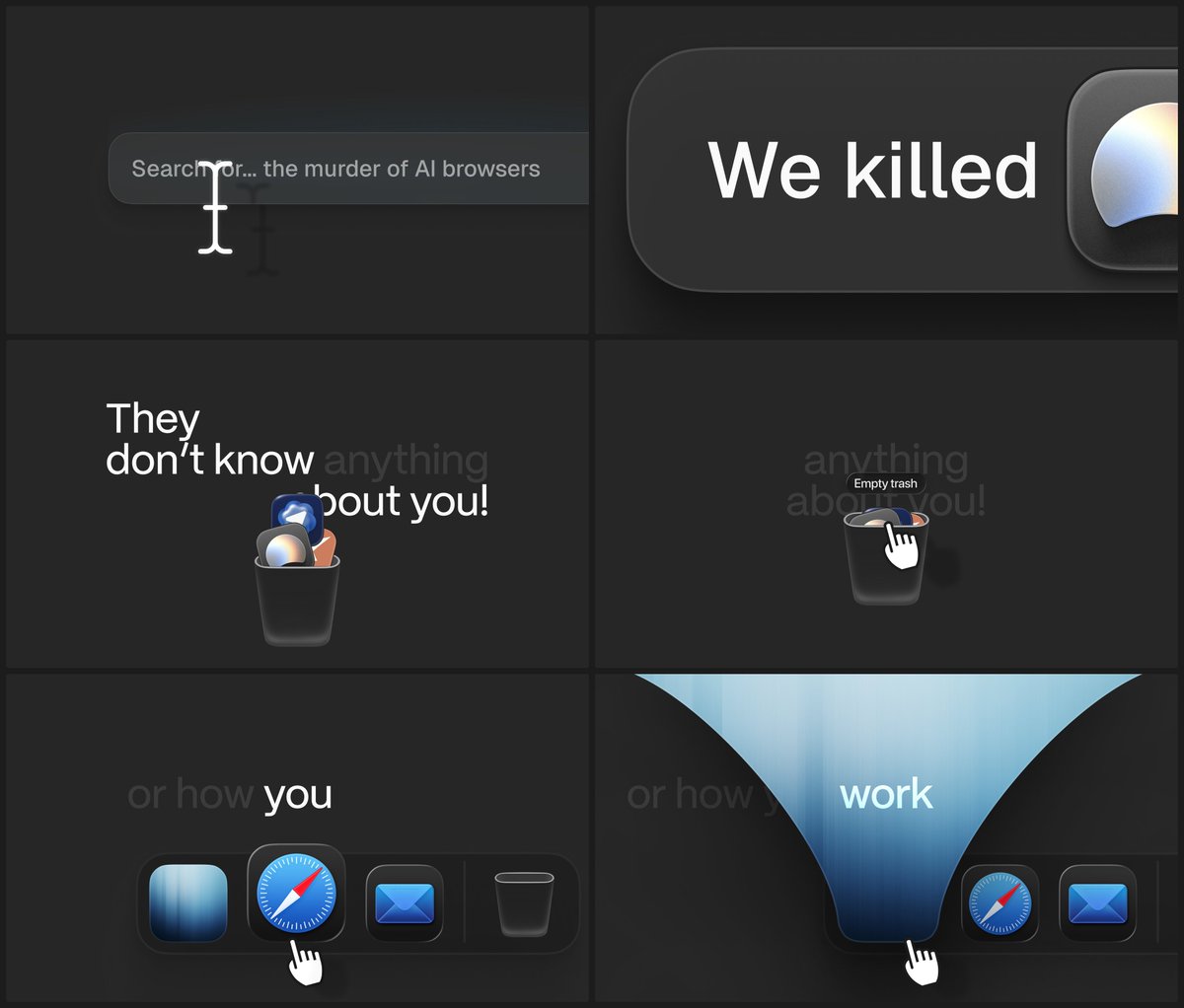
An intro of the Aside video
2. Making a bold promise about the product.
Here you can't say, “Company X sucks; that’s why we built Y,” if the company is established. It would hurt the brand.
So here we've worked differently.
The claim was, “Are existing models AGI? They are not. We built a new model that is not AGI either, but it is as intelligent as other frontier models, and 20-200x faster and 40-400x cheaper.”
Now, we only needed to explain the mechanics and the utility.
@MiladmoHQ made this storyboard.
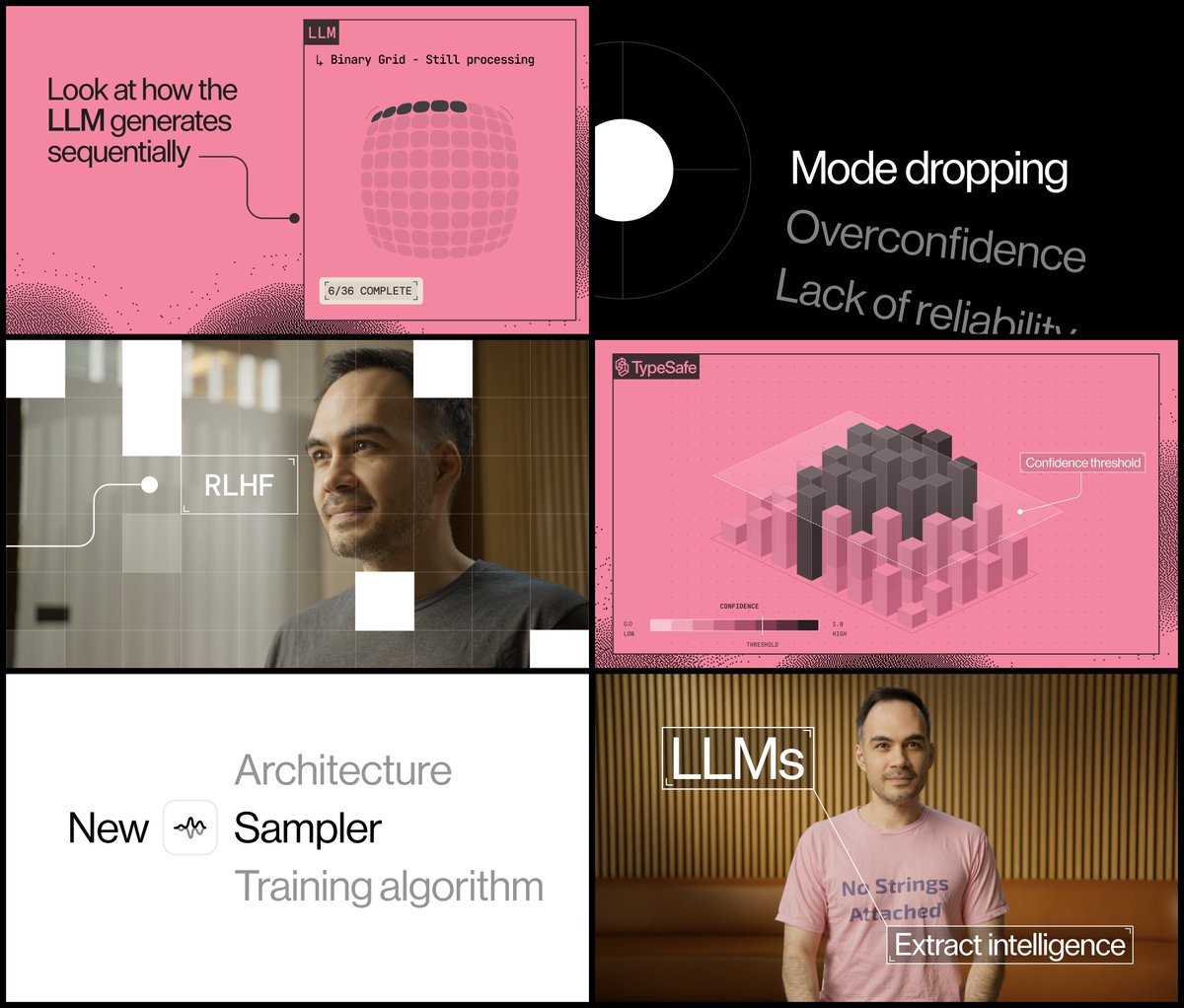
A storyboard for Jev
Now, let’s retain people.
Both times, we achieved retention by explaining the topic in detail.
When showing Aside, we explained that the browser is proactive, agentic, and can refund money for you. "Refunding the money" part pissed people off, but made them watch even further.
The flow that got people watching → Controversial hook (AI browsers promised to do the work) → Problem (they bury you in “connect” buttons and don’t do the work for you) → Solution (we’ve made a beautiful proactive browser) → Payoff (it can literally refund your money from other services) → Security (all the data is stored locally)
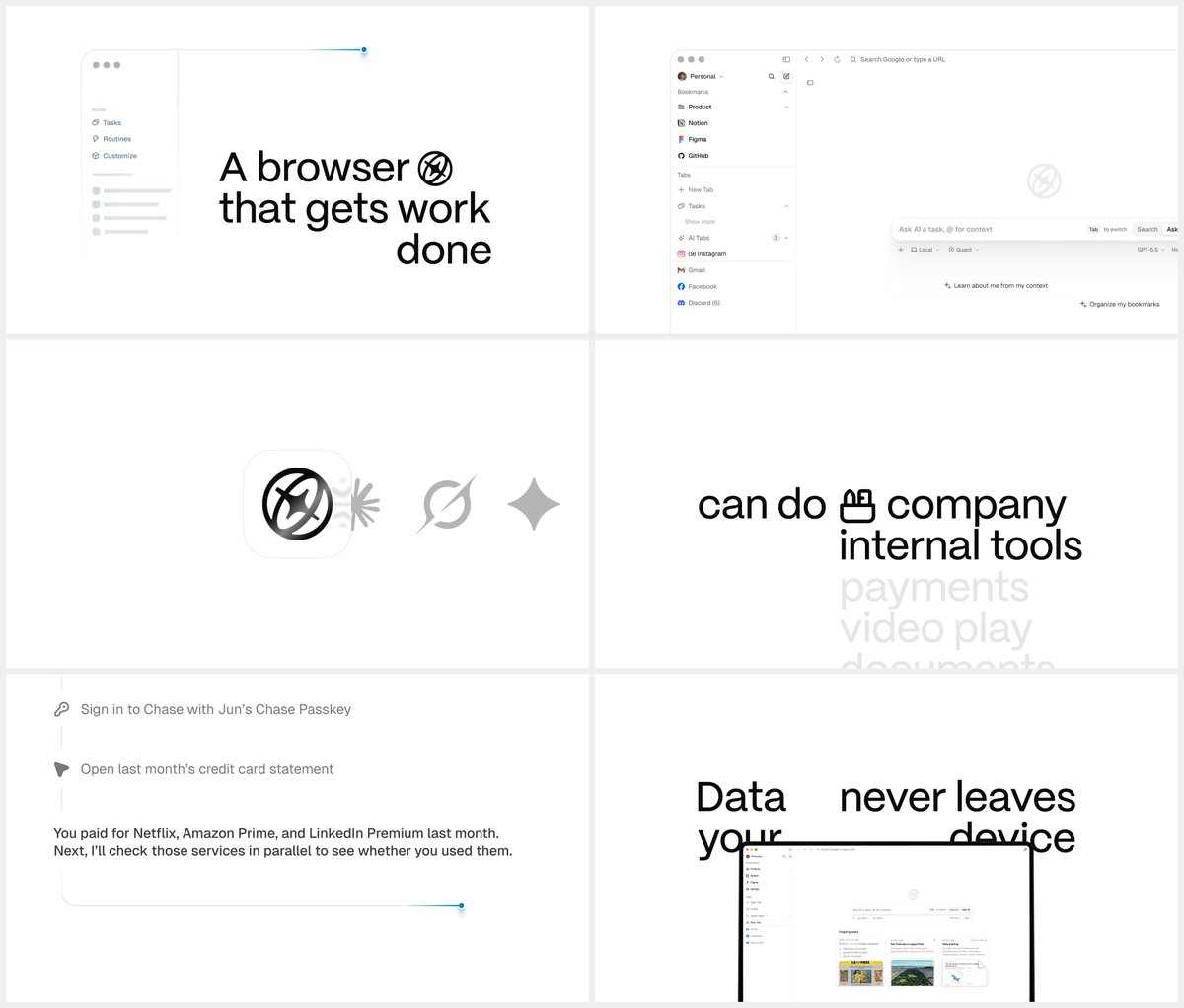
Snippets of Aside storyboard
When showing Typesafe, Diogo, the founder, explained how Jev is different from other foundational models and how it transforms your workflow as a programmer.
Let me explain when to choose which.
Types of storyboards
So far, we reviewed two:
-
2D storyboard without the footage. Aside example.
-
Founder-led explainer with the footage. Typesafe example.
These are the only two you can make without the film crew's intervention. That covers most storyboard gigs in video production agencies.
No matter the type, I used to follow the same process to make storyboards.
The making process: Map. Cut. Colorize.
Map out one main flow of your client's product. Ask them why it helps, who it's for, and ask for a walkthrough of this particular feature.
Now, ask for a UI library. With the right setup, it's a goldmine.
Cut this library into bite-sized UIs. These UIs must represent the most interesting parts of your client's app. Show them:
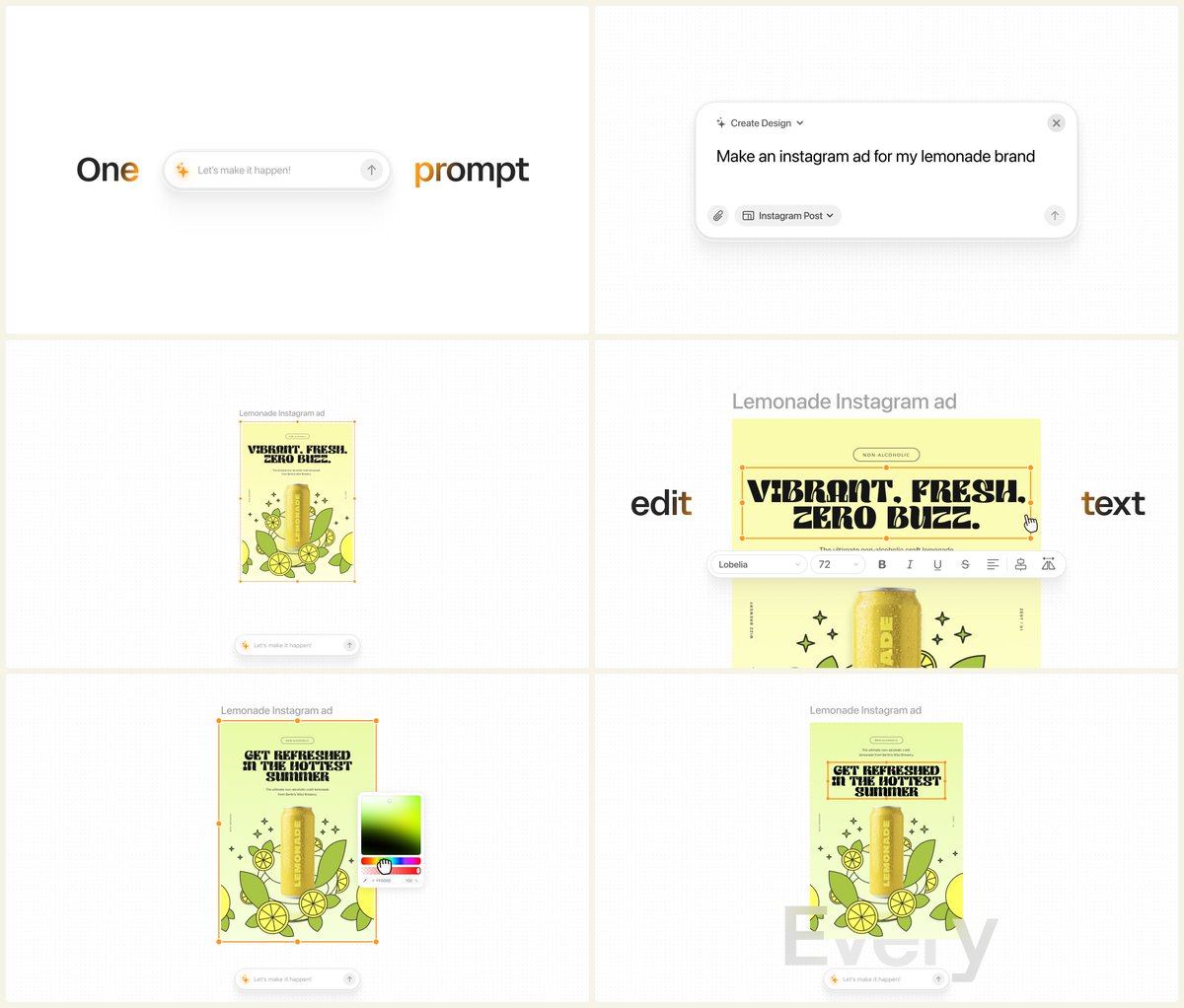
Linearty UIs
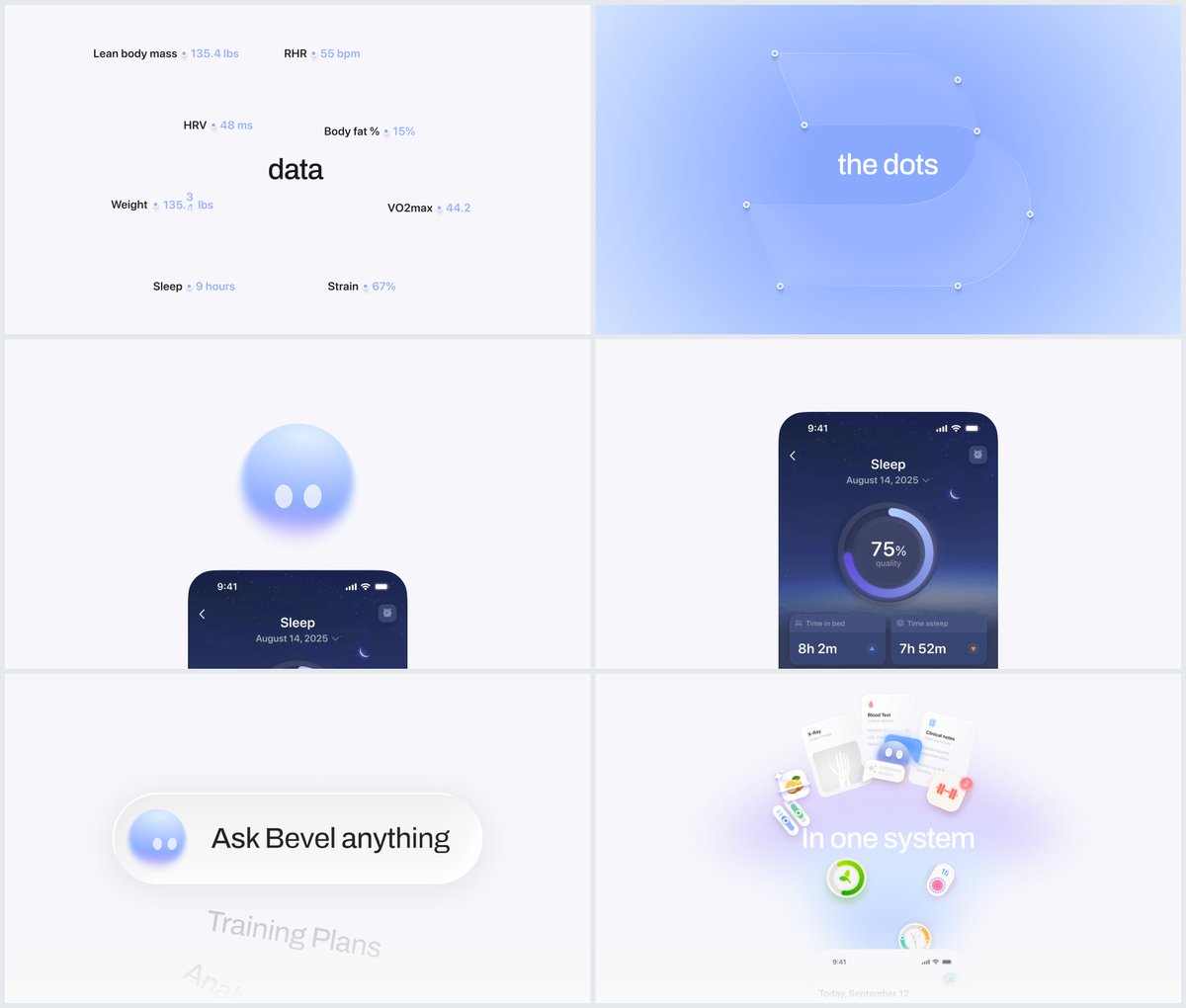
Bevel Health UIs
Colorize by adding gradients, zooms, and transitions. Can't say a lot here; it depends on your feeling of movement. But play around, and take inspo from award-winning websites.
Opus 5.5 in storyboarding
You can maybe use it. But we never did that at @skalesolutions. And never will.
Hope you enjoyed this read, username. I retired from storyboarding at Skale Solutions, so feel free to take my spot by having an internship with us.
My DMs are always open. Cheers!
Andrey, Head of Operations, Skale
沿着这个主题继续读
从一篇文章,找到相关的教程、经验和阅读路径。