Inside Mentha, Mintlify's new design system
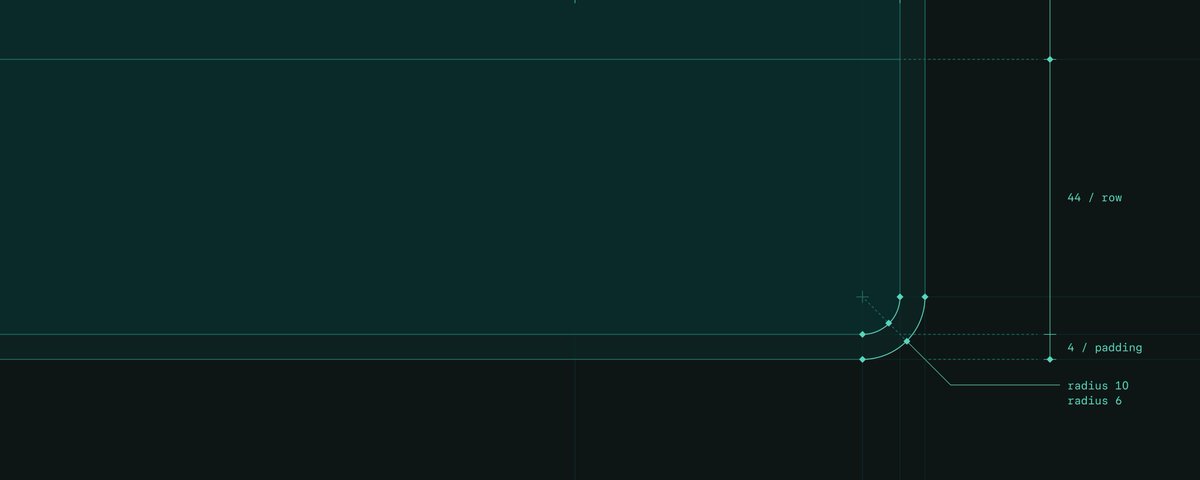
Everyone at Mintlify builds with agents now. We built Mentha (Latin for mint, and our new design system) to make sure everyone has a good starting point.
We built it on deliberate decisions, our own sense of what good design is, and baked our design judgment into its components.
Design and design engineering still have to make final calls, but having the system means less of them get made from scratch. Design judgment is now basically in the room even when we aren't.
Here are the choices we made, and why.
Constraints as freedom
The old system had too many variants so every extra option became a decision someone has to make and might make differently. Inconsistency came from (funny enough) lots of reasonable decisions. For example, in one instance you pick the 20px icon, in another you pick 16px or 14px, and both look fine on their own. But put the screens side by side and the big picture feels stitched together.
We cut size and variant options down to what we actually need. Nothing is added before there's a true, repeating use case for it. Otherwise it's not a component, it's an override. I started by designing the interface itself before component-izing anything. That process gave me enough freedom to explore best suiting patterns that would later become our guiding constraints.
Baked in decisions and patterns
We designed patterns for things that come up again and again. We think they help us as designers think and work within constraints. I enjoy blank canvases but they are time consuming. If a problem is not new, we start from what already works and spend our energy on what's actually new. If a problem is new, we design it carefully and add it to the system. Something our team is learning is that patterns help agents too. If an established pattern already answers the questions, then an agent doesn’t make any decisions for us, there's less to guess and less for the agent to get wrong. Patterns also help users learn something once, it works the same way everywhere and helps make a product familiar.
We’ve also included interaction rules as part of the system. For example, we think hover is for showing interactivity not functionality, so we don’t use hover to reveal any actions because it’s much more difficult to find for touch screens and keyboard users. For the sake of accessibility, nothing hides behind hover or disappears with a button in it. It's such an easy pattern to get wrong, so we avoid it. Similarly, we now only use pointer cursor on links. Not taking questions, we'll die on this hill.
Expanding the brand palette without compromising recognition
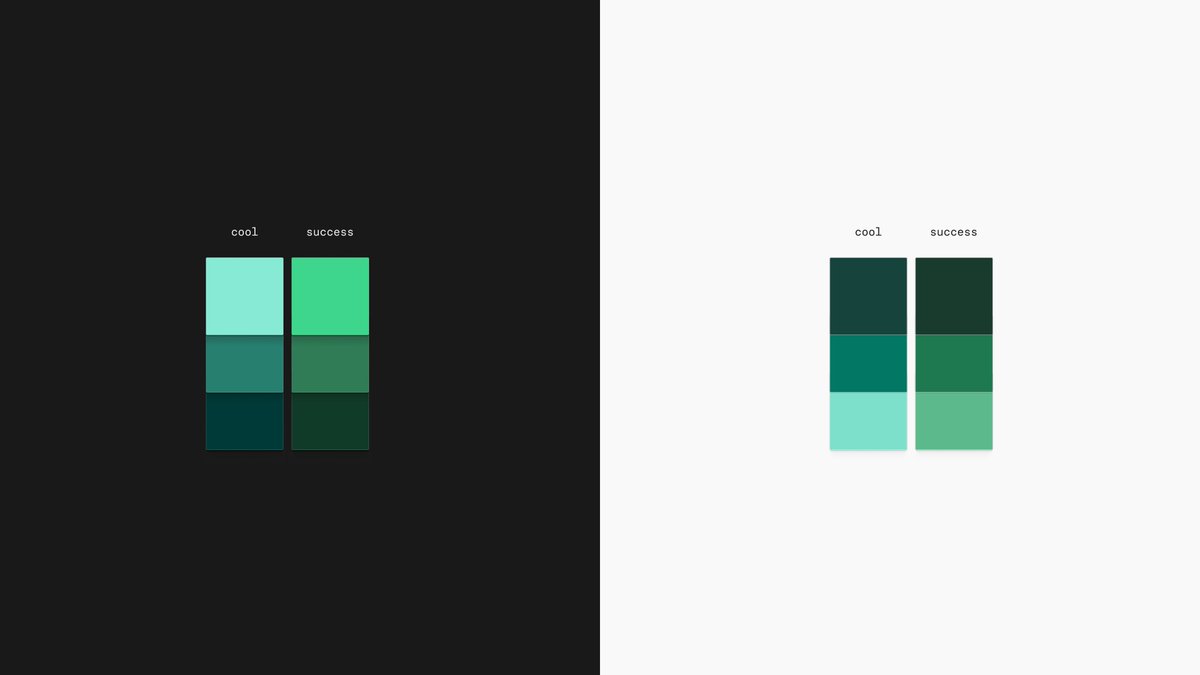
The previous color scales used brand green for things like link hovers which ended up looking like a success state because it sat too close to a true green.
We made a slight (but brave) change and added cooler mint tones to our brand green palette so that it has a wider range of cooler greens we can use in product.
Brand assets still use the whole palette with the original greens and the new cooler shades. In product anything brand uses only cool shades so it doesn’t get mistaken for a success state.
Shadows
Previously we used no shadows, our founder (Han Wang) has had opinions against them, it has been quite the battle, but for the sake of adding depth where needed, we have finally reached shadow harmony.
We've added four shadow levels, and they get stronger based on where an element sits. Something resting on the page gets a lighter shadow than something floating above it. Shadows aren't always on the outside either. Sometimes they sit on an inner component instead of the usual outer box shadow.
Built with agents in mind
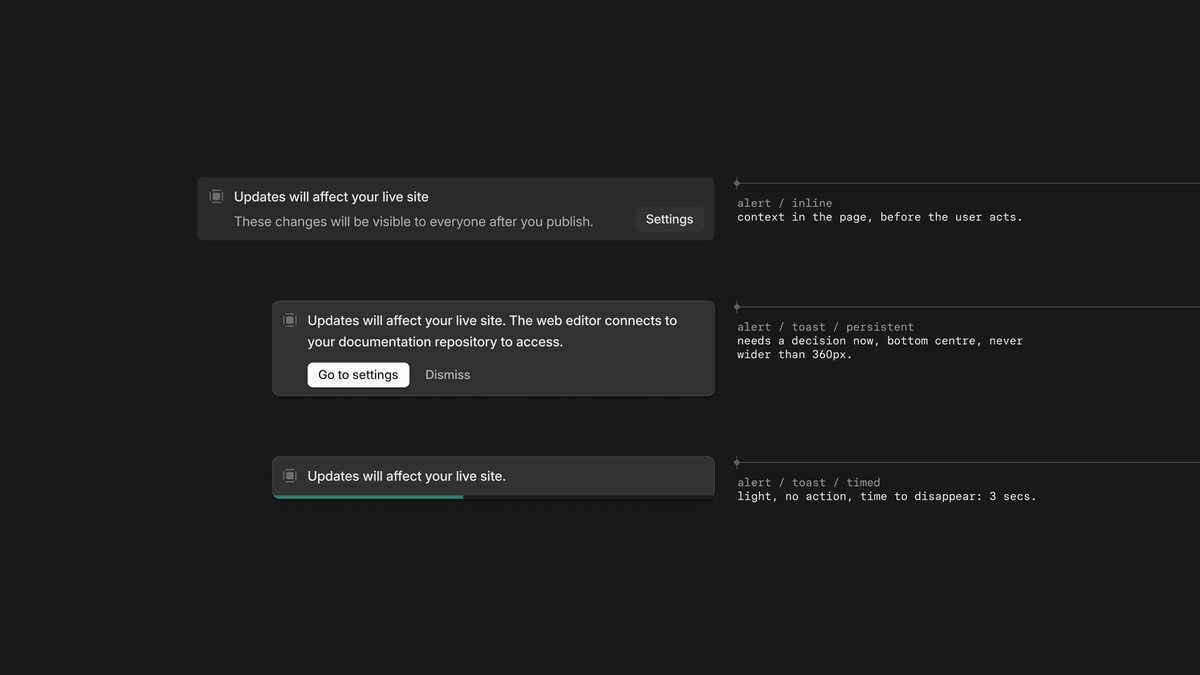
Agents are a part of how we build now. The thing with agents is that they build fast with the tradeoff that don't create anything novel or nuanced. It's trying to get to the fastest conclusions in the most generic way possible. Humans don't work the same way. They have sound judgment and a sense of the craft and those are the things we need to keep the product's soul.
What we've noticed is that the more instructions, skills and component embedded constraints we feed an agent, the more accurate its first direction is. It's still by no means worthy of going to production but it's just a better start than default agent output with no constraints at all.
Our decisions can be baked in the system and its components but someone has to know what problem we're solving, whether the result actually solves it tastefully, and keep iterating on it based off of user feedback.
What’s next
A design system is always growing and evolving, so Mentha isn't finished, and it won't ever really be. It's live in the dashboard now, and next, we're bringing it to the docs you publish as components.