How to Create an Animated Mascot for Your App
文章目录
部分视频或图片暂未收录,已在正文保留提示;需要时可查看原文。查看原文 ↗
Most apps in the App Store look like every other app. You open it, use it, close it and a week later you can't remember its name.
And it's getting worse. With AI, anyone can ship a working app in a weekend. Which means anyone can ship your app in a weekend. You launch something good and two weeks later there are five clones with the same features, the same layout and even the same texts. Features get copied overnight now. The UI gets copied overnight. Even your copy and your pricing page get copied overnight.
What's hard to clone is a feeling. Nobody can copy the fact that people already love your little guy.
That's the real reason I think every app should have a mascot in 2026. Not because it's cute (it is) but because it's one of the last things in your product that's genuinely yours.
Then there's the apps you do remember (for example: Duolingo's bird or Yazio's Yettie). And almost every time, is thanks to the little character involved.
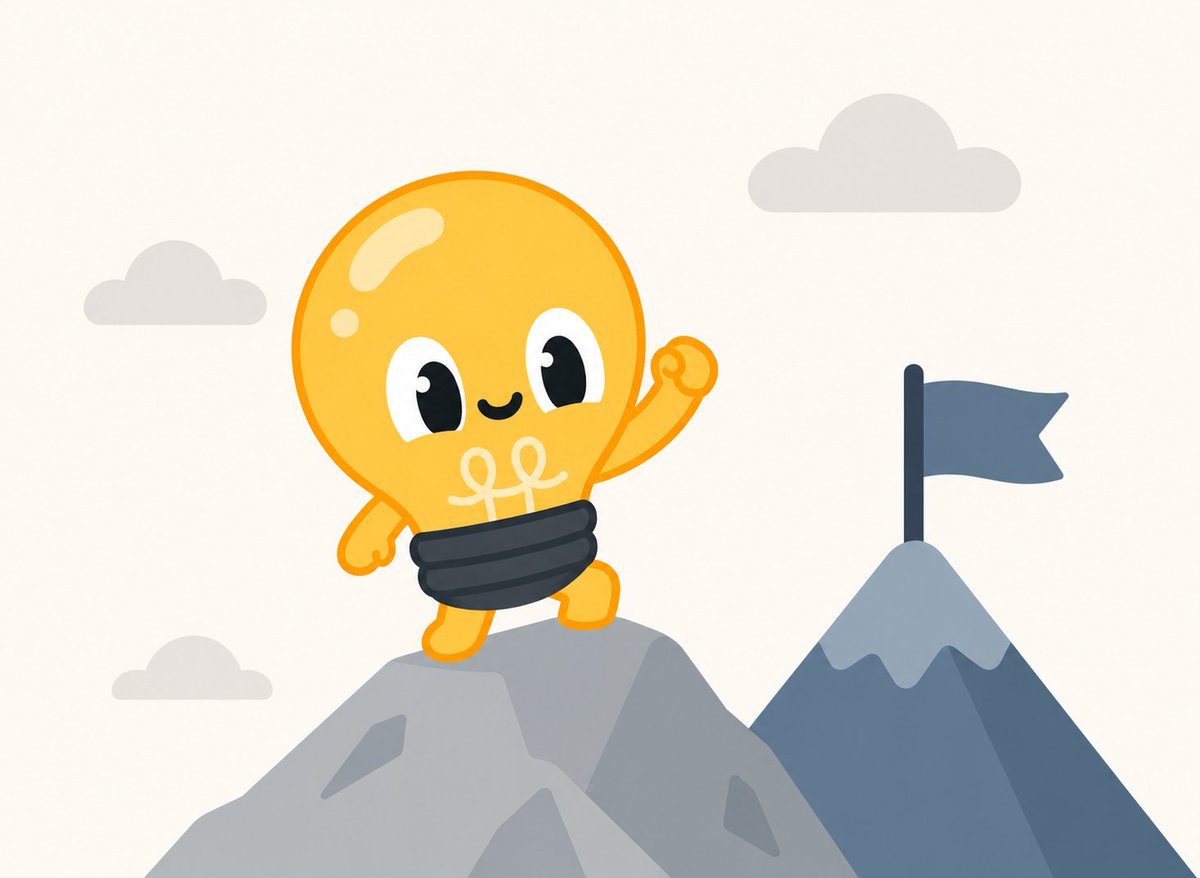
I recently created a new app and I decided to create a mascot for it. His name is Spark, he's a lightbulb and he has changed how the whole app feels.
In this article I'll walk you through how I came up with him, how I generated him with ChatGPT and how I brought him to life with Claude Opus 5.5. You don't need to be a designer or an animator. I'm not either.
Why your app needs a mascot
A logo tells people who you are. A mascot makes them feel something about it.
That's the whole point. A character gives your product a personality and people form attachments to personalities in a way they never will with a button or a color palette. It also gives you a face for everything: onboarding, empty states, notifications, error screens, social posts, the App Store page. Instead of a generic "Something went wrong", you get a little guy who looks guilty about it.
Four things a mascot does for you:
-
It makes you harder to clone. A competitor can copy your features in a day. They can't copy the attachment people have to a character. Even if they make their own, it's the knockoff and everyone can tell.
-
It makes you memorable. Nobody remembers "the habit tracker with the blue icon". People remember "the one with the owl".
-
It makes you brandable. You get a recognizable asset you can put anywhere, for free, forever.
-
It makes boring moments less boring. Loading, errors, empty lists, reminders. Those are exactly the moments where a character earns its keep.
The ones doing it right
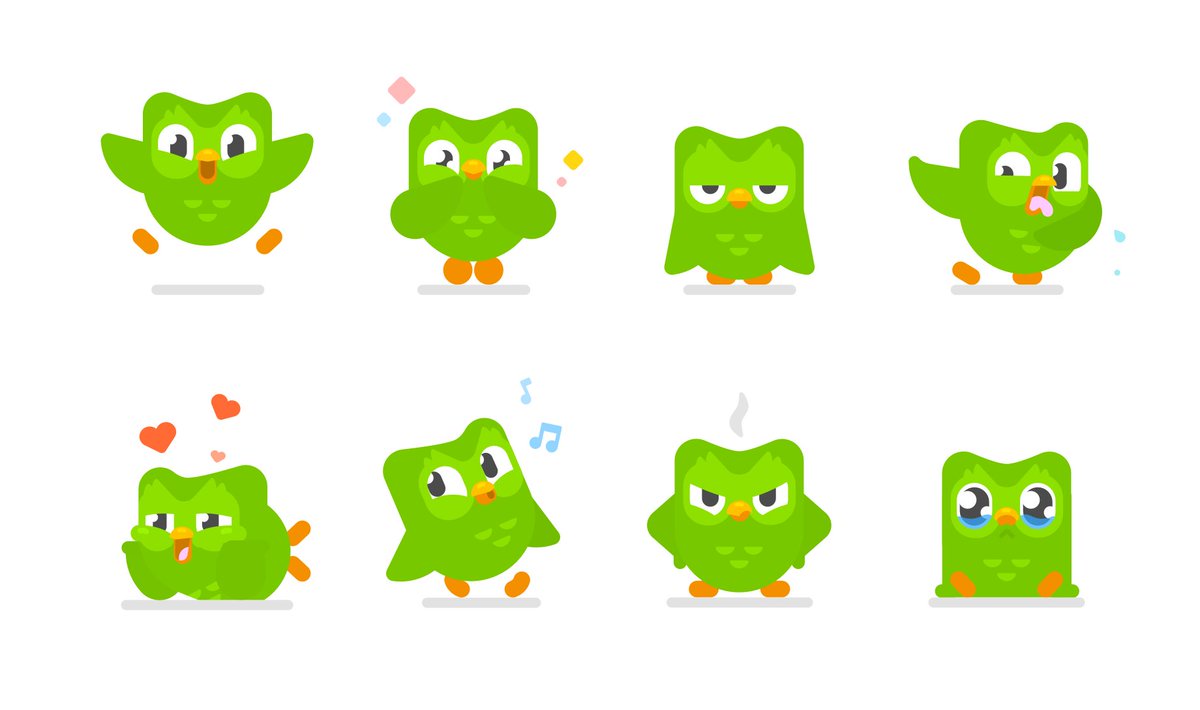
Duolingo is the obvious one. Duo isn't decoration, he's basically the strategy.
There's nothing inherently funny about learning a language and yet the brand built an unhinged, meme friendly personality around a green owl.
They even "killed" him in a stunt last year and brought him back and it became one of the biggest cultural moments in the company's history according to their own head of communications.
Yazio is my favorite example for the clone problem. Calorie tracking is one of the most crowded categories in the App Store, with dozens of apps that do almost the same thing.
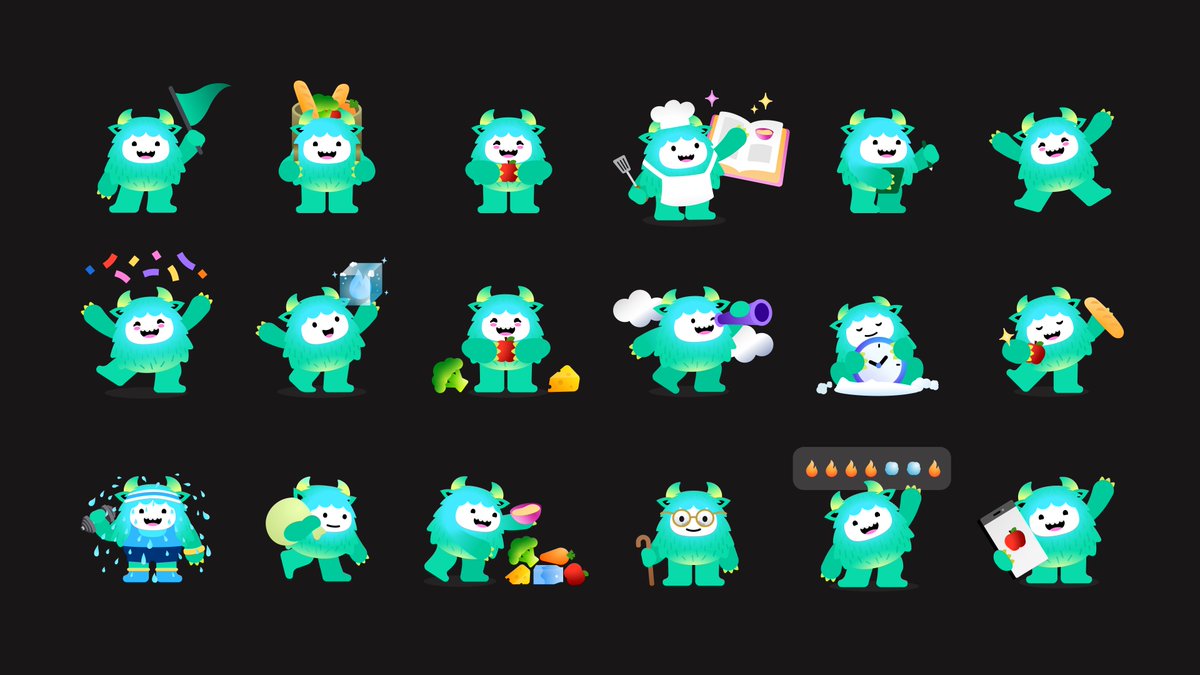
Instead of just polishing the UI, Yazio's brand refresh (done with the studio Koto) introduced a character to stand out: a big, friendly yeti called Yettie. It's a weird choice for a nutrition app and that's exactly why it works.
Nobody else has it. They also made different versions of him for different kinds of users and he shows up right on the homepage waving at you.
Finch is a great example for smaller teams. It's a self-care app where you look after a little virtual bird and the bird only grows when you actually do something for yourself: complete a goal, reflect on your day, do a breathing exercise.
The two founders have said they both struggled with anxiety and depression and found self care hard to stick with, so they built something where you care for a pet by caring for yourself.
Most wellness apps feel like homework, with charts and checklists everywhere. Finch swapped that for a character who needs you. It got an App Store Editors' Choice feature and has picked up millions of downloads.
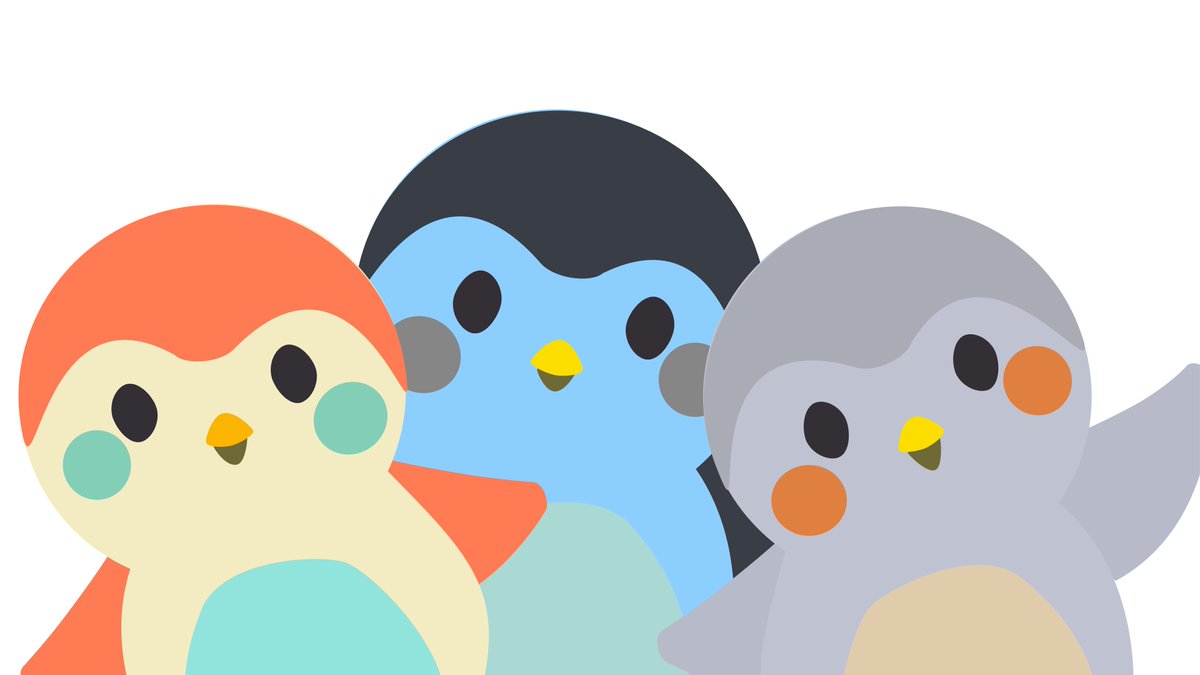
What they share: the mascot isn't stuck in the logo. It does things. It reacts, nags, celebrates, sulks. That's the difference between a logo with eyes and an actual character.
Step 1: Come up with the character (before you open any AI tool)
This is the step most people skip and it's why most mascots feel generic. Don't start with "make me a cute mascot". Start with 3 questions:
-
What does your app do, in one object? My app is about productivity, so a lightbulb was almost too obvious. But obvious is good here. People get it in half a second.
-
What's the personality? Spark is enthusiastic, slightly impatient and gets a little dim when you ignore him. A mascot with a mood you can read is a mascot you can animate.
-
What's the emotional job? Is it there to cheer you on, to guilt you, to make you laugh? Pick one. Mine is "your excited friend who always has one more idea".
Write those three answers down. You'll paste them into your prompts later, and they'll keep the character consistent.
Step 2: Generate the mascot with ChatGPT
Now the fun part. A few things that made a big difference for me:
-
Describe personality, not just looks. "A [object/animal] mascot, [type of body], tiny arms and legs, big expressive eyes, always looks like [signature attitude]" works way better than "cute [object/animal]".
-
Ask for a simple, flat style. Thick clean shapes, limited colors. This matters later, because simple characters are far easier to animate and they stay readable at small sizes (think notification icon).
TIP: ****include other cartoons or mascots as reference *
-
Ask for a transparent or plain background. You'll thank yourself when you drop him into the app.
-
Generate a few expressions. Happy, sleepy, surprised, sad. Keep the same character description in every prompt so he stays recognizable.
-
Iterate on one thing at a time. "Make the eyes bigger", "make the base more metallic". Changing five things at once gives you a different character each time.
I went through maybe 15 versions before Spark clicked. When you find the one, you'll know. You'll smile at it.
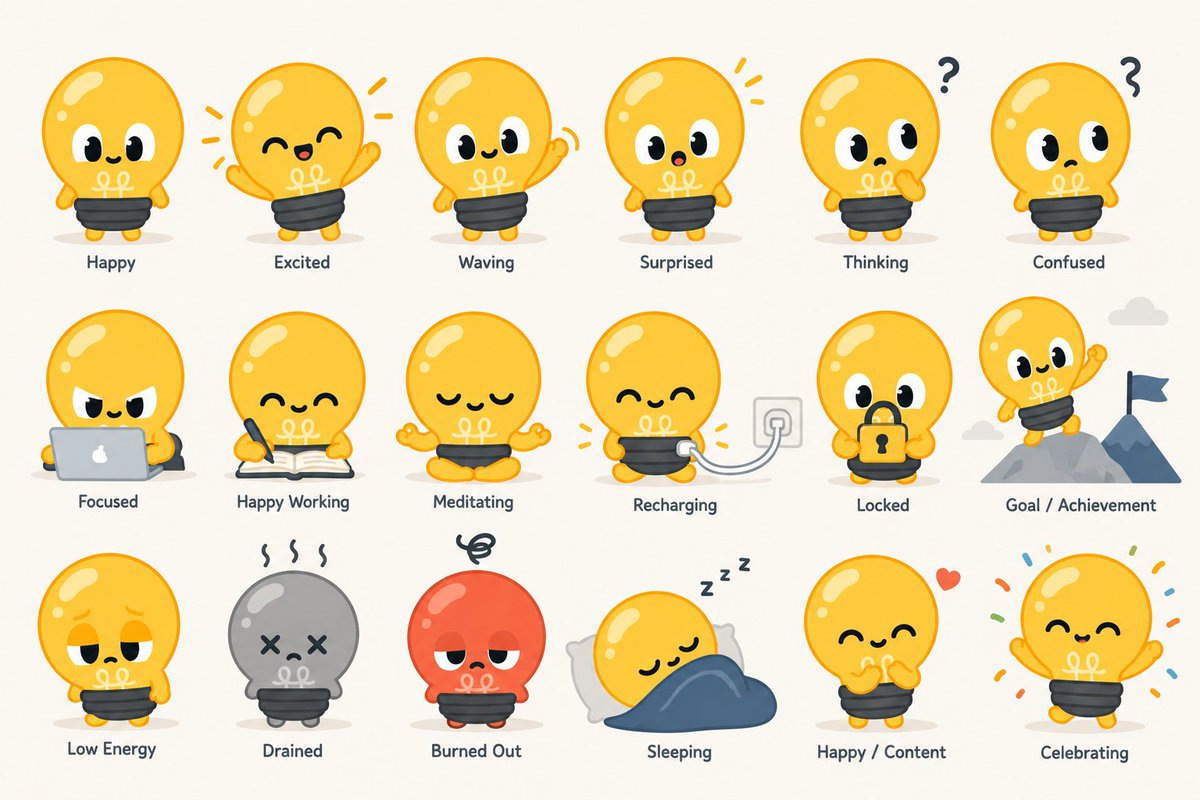
Step 3: Animate him with Claude Opus 5.5
This is where a static picture becomes a character. And this is the part that used to need an animator or a lot of time in After Effects.
My approach: give Claude the mascot image and describe the animation like you'd brief a human animator. Not "animate this" but what the character is doing and feeling.
For example:
-
Idle: a gentle breathing motion, a slow blink every few seconds, the filament glowing softly.
-
Happy: a small bounce, the glow gets brighter, a little squash and stretch on landing.
-
Waiting for you: the glow dims, he looks around, taps his foot.
Then I let Claude build it as code I can actually ship in the app, instead of a video file. That gives me animations that are lightweight, scale to any screen, and can react to what's happening in the app.
What worked best:
-
Brief it on timing and feel. "Snappy and bouncy" and "slow and sleepy" produce completely different results. Use the words you'd use with a person.
-
Animate states, not clips. Idle, happy, thinking, error, celebrating. Each one maps to a moment in your app.
-
Iterate by watching. Run it, tell Claude what feels off ("the bounce is too floaty, make it land harder"), repeat. That loop is fast, and it's honestly the fun part.
-
Keep it subtle in the idle state. If the mascot is always moving a lot, it becomes annoying. Save the big energy for the moments that earn it.
Step 4: Put him to work
A mascot nobody sees is just a nice folder on your laptop. Where Spark lives in my app:
-
Onboarding: he's the one explaining things, so it feels like a conversation and not a tutorial.
-
Empty states: instead of a blank screen, he's there asking you to give him something to work with.
-
Success moments: finish something and he lights up.
Look at this example that makes the onboarding more engaging:
JUST ADD A MASCOT
Don't overthink it. You don't need a perfect design on day one. Duolingo's owl wasn't born as the cultural phenomenon he is now, he grew into it by being used consistently and given a real personality.
Start with a simple character, give him a clear mood, animate two or three states and put him where people already look. Then watch what happens when someone says "I love your little guy" in a review.
If you try this, show me your mascot :)
If you want to follow my journey building in public and learn more about what I learn about apps, I share everything at @cesaralvarezll