Obsidian 新手抄作业指南:不用自己配置,照着这份清单搭就行
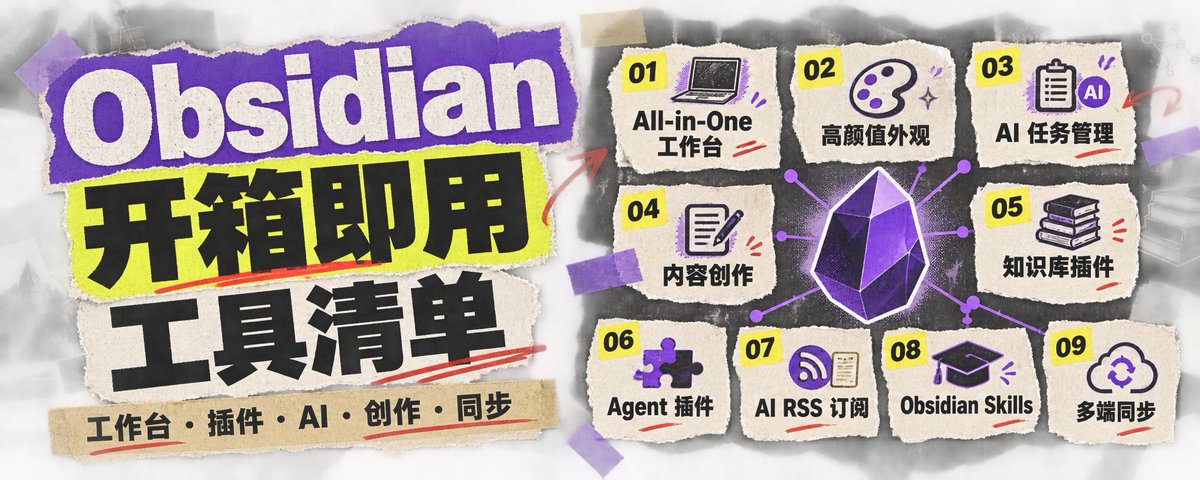
不用学《Obsidian从0到1教程》也能快速上手Obsidian做你“第二大脑”的【帖子大合集】来了!!!都是我过去两个月分享过的 Obsidian 用法,看完你将远超90%用过 Obsidian 的人!!十一假期得空,再也没借口不折腾啦!
一、All-in-One 个人工作台
- Life OS
一个外国人做的“人生操作系统” 大而全,目标、任务、人际、复盘都给你安排上了; 可视化的大脑知识图谱是一大亮点!
英文版介绍:
汉化版介绍:
2. 向阳乔木个人工作台
乔木大佬的最新力作。阅读、收听电台、看电影、听歌、全盘查资料,都能在这个工作台里完成!
https://x.com/Sunkeke_AI/status/2104871552840044544
3. FLO.W Obsidian(付费)
这是“二一老师”精心打磨的产品,不愧是研究知识管理和效率工具 7 年的专业人士!
https://x.com/Sunkeke_AI/status/2103759910416809999
4. IvyChim/Obsidian-Template
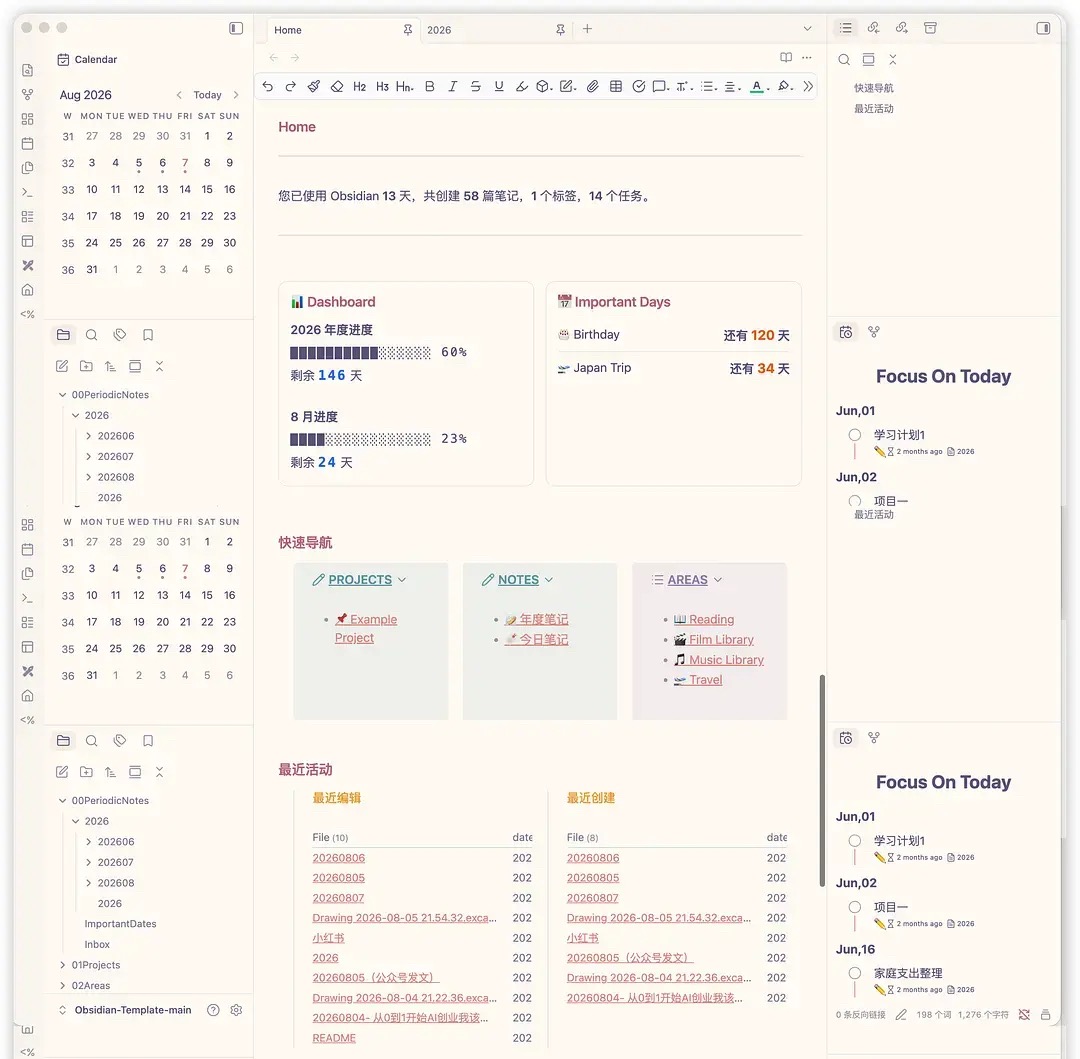
这是我入坑 Obsidian 时使用的第一个模板:颜值高、对新手友好,插件也不用自己挑选,一键即可配置,开箱即用!
https://github.com/IvyChim/Obsidian-Template
5. Apex Dashboard
包含 Todo、项目管理、日历、Memo、读书记录、番茄钟等功能;提供 14 种主题风格,主页图片和文字也可以自定义。
https://x.com/Sunkeke_AI/status/2090773188720685366
二、高颜值外观与模板推荐
IvyChim/Obsidian-Template:Vault 模板
Retroma:复古风皮肤
Soft Paper:Vault 模板
https://x.com/Sunkeke_AI/status/2095680043804692901
三、AI 驱动的任务管理
- FlowNote 插件
如果你觉得 Obsidian 生态还缺少任务与项目管理工具,可以试试这款更轻量、由 AI 驱动的插件,让 AI 自动帮你整理,使用起来更省心。
https://x.com/Sunkeke_AI/status/2102249926541590681
2. 手机同步与快捷输入
如果你使用 iPhone 和 Mac,长按手机静音键,就能把突如其来的灵感一键录入 Obsidian 的特定文件夹,并自动附上时间戳。
https://x.com/Sunkeke_AI/status/2103061518938173576
四、内容创作插件
- 微信读书插件
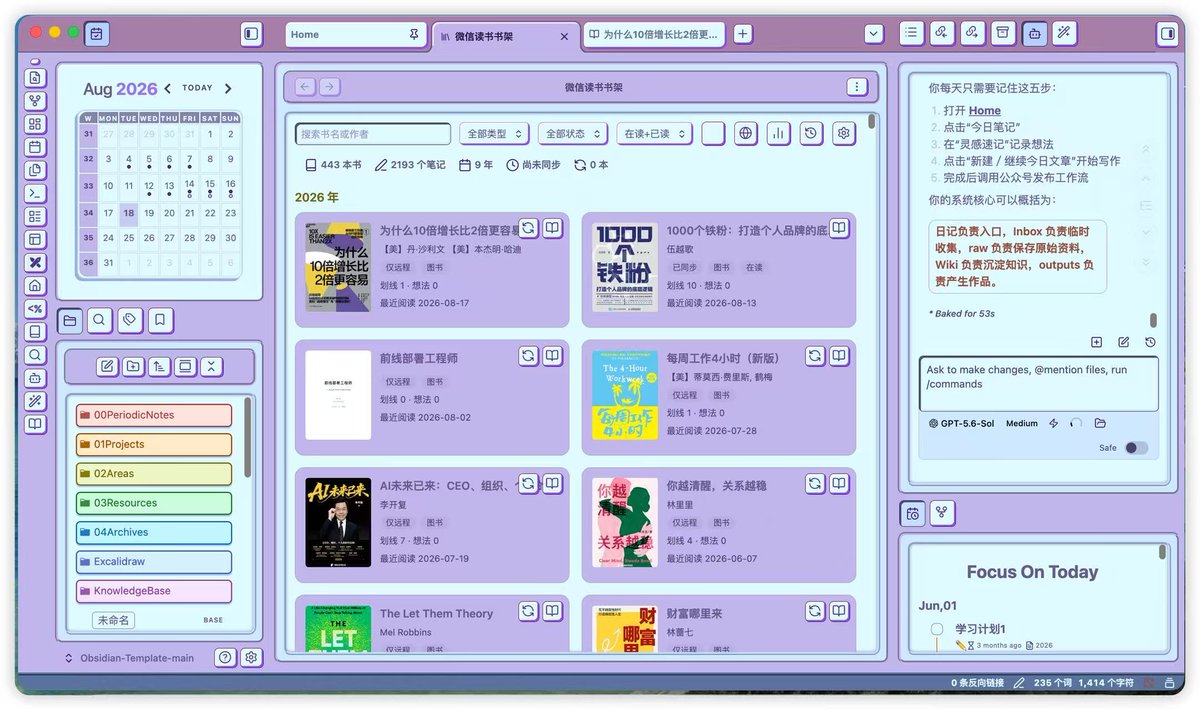
不用打开微信读书网页版,就能在 Obsidian 中看到自己的划线和笔记,以及其他读者的热门划线与书评。用它写读书心得非常方便!
https://github.com/zhaohongxuan/obsidian-weread-plugin
2. 多平台发布助手
目前我发布公众号文章一直在使用的插件。它最大的优势是可以提前预览,发现问题后能够直接修改。
https://x.com/Sunkeke_AI/status/2099459270702174334
五、基于 Karpathy LLM 理念的知识库插件
支持 Markdown、PDF、图片等多种文件格式,同时支持 11 种语言和 16+ 大模型接入,可以直接在对话中提问。
https://x.com/Sunkeke_AI/status/2093914951752802792
六、Agent 插件-Claudian
Obsidian 里有没有 Agent,使用体验完全不同。我能下定决心从 Notion 搬到 Obsidian,就是因为 AI 与 Obsidian 更适配。
https://community.obsidian.md/plugins/realclaudian
七、AI RSS 订阅
- 向阳乔木 AI 信息订阅
学 AI 的必装插件之一,能订阅 1,000+ 独立博客、377 个微信公众号和海量 YouTube 播客。
https://x.com/vista8/status/2102300075309342961
2. 张咋啦 AI Builder 订阅
X 上的一手信息源很重要, 这篇内容介绍了如何把张咋啦关注的信息,每天自动同步到 Obsidian 中。
https://x.com/Sunkeke_AI/status/2094965922624913863
3. YouTube RSS 插件
这是我自己开发的插件:YouTube RSS 每天自动同步到 Obsidian,还能一键提取视频中的 Takeaways,让学习 YouTube 视频的效率提升 10 倍!
https://x.com/Sunkeke_AI/status/2098247019265679405
八、Kepano Obsidian Skills
Kepano是Obsidian的CEO。这个 SKill 能帮助 Claude Code、Codex CLI 等兼容该规范的 AI 智能体,更准确地理解并生成符合 Obsidian 格式的内容。
https://github.com/kepano/obsidian-skills
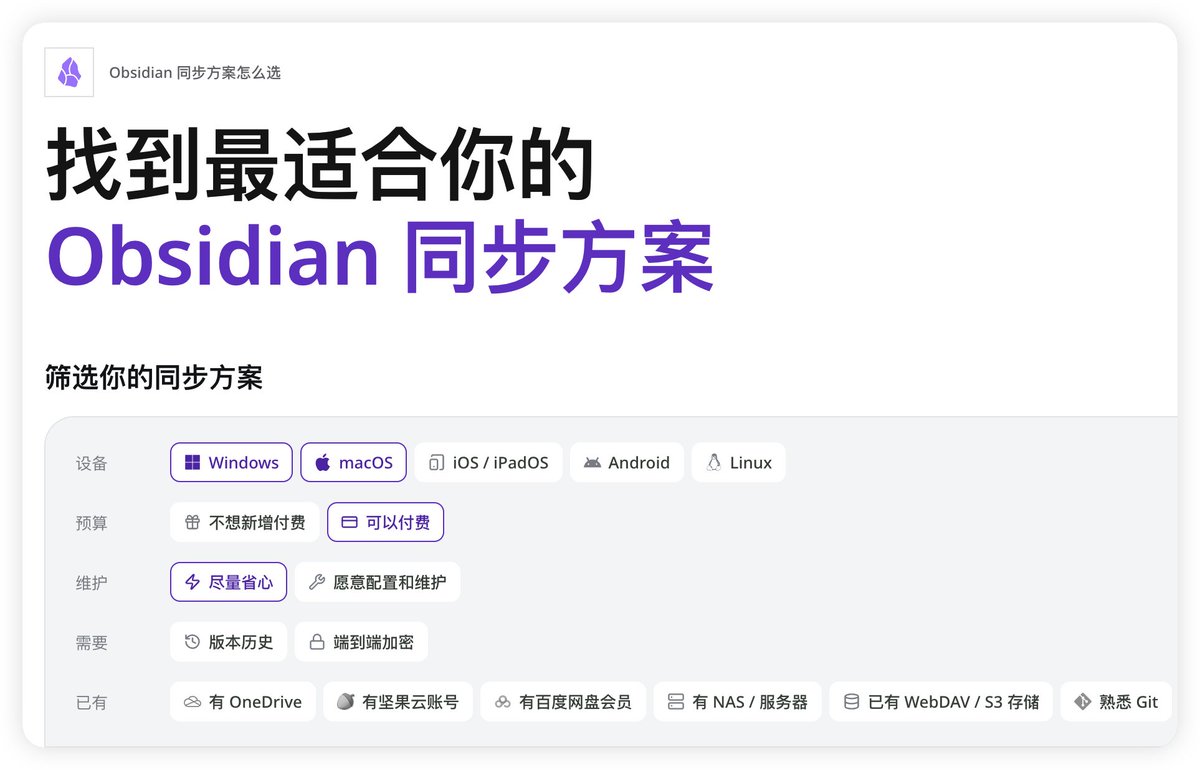
九、多端同步方案
这是我在全网看过最全面的同步方案之一,可以根据自己的设备和预算进行选择。
十、附录清单
本帖中提到的 GitHub 或 Obsidian Community 地址清单:
1、英文版 Life Os https://github.com/AgriciDaniel/compass 2、汉化版 Life Os https://github.com/sunkeke-ai/Life-Compass-Obsidian-CN 3、Qiaomu Home https://community.obsidian.md/plugins/qiaomu-home 4、FLO.W Obsidian https://21obsidian.com/ 5、IvyChim 模板 https://github.com/IvyChim/Obsidian-Template 6、Apex-dashboard https://github.com/PandoraReads/apex-dashboard/tree/5e1cd34a5fe1710433c6570795ad962dbaf5f6ad 7、Retroma 复古皮肤 https://github.com/emarpiee/Retroma 8、Soft Paper 模版 https://github.com/nickmilo/soft-paper 9、FLOWnote 插件 https://community.obsidian.md/plugins/flownote 10、Weread 插件 https://github.com/zhaohongxuan/obsidian-weread-plugin 11、Wechat Converter 插件 https://community.obsidian.md/plugins/wechat-converter 12、Karpathy LLM Wiki 插件 https://community.obsidian.md/plugins/karpathywiki 13、Claudian 插件 https://community.obsidian.md/plugins/realclaudian 14、Qiaomu-ai-rss https://github.com/joeseesun/qiaomu-ai-rss 15、张咋啦 follow-builders https://github.com/zarazhangrui/follow-builders/tree/main 16、Obsidian Skills https://github.com/kepano/obsidian-skills 17、多端同步方案 https://21obsidian.com/sync
沿着这个主题继续读
从一篇文章,找到相关的教程、经验和阅读路径。